FreeJoy- Dramas & Stories Hub

FreeJoy- Dramas & Stories Hub

Entertainment

| HK IReader Technology Limited

Play on PC with BlueStacks or from our cloud

  • Overview
  • How to Download

Page Modified On: August 18, 2026

Run FreeJoy- Dramas & Stories Hub on PC or Mac

Get freedom from your phone’s obvious limitations. Use FreeJoy- Dramas & Stories Hub, made by HK IReader Technology Limited, a Entertainment app on your PC or Mac with BlueStacks, and level up your experience.

About the App

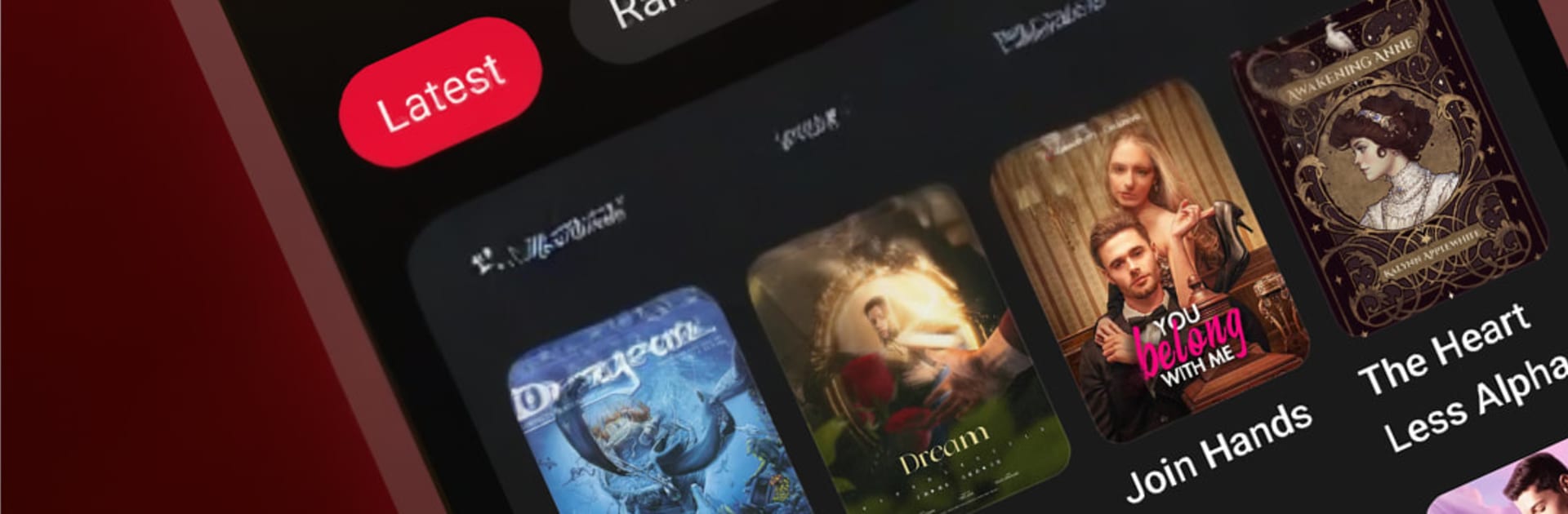
FreeJoy- Dramas & Stories Hub brings two storytelling worlds together: bite-size video dramas and binge-ready web novels, all in one comfy place. Pick what fits your mood—sweet romances, savage revenge plots, office politics, fantasy quests, even mafia twists—and keep going with fresh episodes and chapters rolling in daily. It’s an Entertainment app that feels easy to use wherever you are, and if you like a bigger screen, it plays nicely with BlueStacks too.

App Features

  • Two formats, one home: Watch fast, addictive short dramas or switch to immersive novels—no juggling separate apps.
  • Ever-growing library: Browse thousands of original titles with new chapters and episodes added every day across romance, fantasy, mystery, and more.
  • Smart picks for you: Get a curated feed that learns from what you read and watch, surfacing stories you’re likely to love next.
  • Save and resume instantly: Bookmark your place in both dramas and novels, then jump back in right where you stopped—no hunting around.
  • Night Mode that’s easy on eyes: Flip on darker tones for late-night reading and viewing without the glare.
  • Smooth, no-fuss experience: Expect quick page turns, clean navigation, and seamless video playback so the story—not the interface—takes the spotlight.

BlueStacks gives you the much-needed freedom to experience your favorite apps on a bigger screen. Get it now.


How to Download and Run FreeJoy- Dramas & Stories Hub on PC or Mac

  • Download and install BlueStacks on your PC or Mac

  • Complete Google sign-in to access the Play Store, or do it later

  • Look for FreeJoy- Dramas & Stories Hub in the search bar at the top right corner

  • Click to install FreeJoy- Dramas & Stories Hub from the search results

  • Complete Google sign-in (if you skipped step 2) to install FreeJoy- Dramas & Stories Hub

  • Click the FreeJoy- Dramas & Stories Hub icon on the home screen to start playing

video
Watch Video

Minimum System Requirements

With BlueStacks 5, you can get started on a PC that fulfills the following requirements.

  • Operating System

    Microsoft Windows 7 or above, macOS 11 (Big Sur) or above

  • Processor

    Intel, AMD or Apple Silicon Processor

  • RAM

    at least 4GB

  • HDD

    10GB Free Disk Space

Note:

* You must be an Administrator on your PC. Up to date graphics drivers from Microsoft or the chipset vendor.

FreeJoy- Dramas & Stories Hub - FAQs

  • How to Run FreeJoy- Dramas & Stories Hub on Windows PC & Mac?

    Run FreeJoy- Dramas & Stories Hub on your PC or Mac by following these simple steps.

    • Click on ‘Download FreeJoy- Dramas & Stories Hub on PC’ to download BlueStacks
    • Install it and log-in to Google Play Store
    • Launch and run the app.
  • Why is BlueStacks the fastest and safest platform to play games on PC?

    BlueStacks respects your privacy and is always safe and secure to use. It does not carry any malware, spyware, or any sort of additional software that could harm your PC.

    It is engineered to optimize speed and performance for a seamless gaming experience.

  • What are FreeJoy- Dramas & Stories Hub PC requirements?

    Minimum requirement to run FreeJoy- Dramas & Stories Hub on your PC

    • OS: Microsoft Windows 7 and above:
    • Processor: Intel or AMD Processor:
    • RAM: Your PC must have at least 2GB of RAM. (Note that having 2GB or more disk space is not a substitute for RAM):
    • HDD: 5GB Free Disk Space.
    • You must be an Administrator on your PC.