
Go3
Go3

Go3

Entertainment

| AS Go3 Baltics

Play on PC with BlueStacks or from our cloud

  • Overview
  • How to Download

Page Modified On: January 02, 2026

Run Go3 on PC or Mac

Why limit yourself to your small screen on the phone? Run Go3, an app by AS Go3 Baltics, best experienced on your PC or Mac with BlueStacks, the world’s #1 Android emulator.

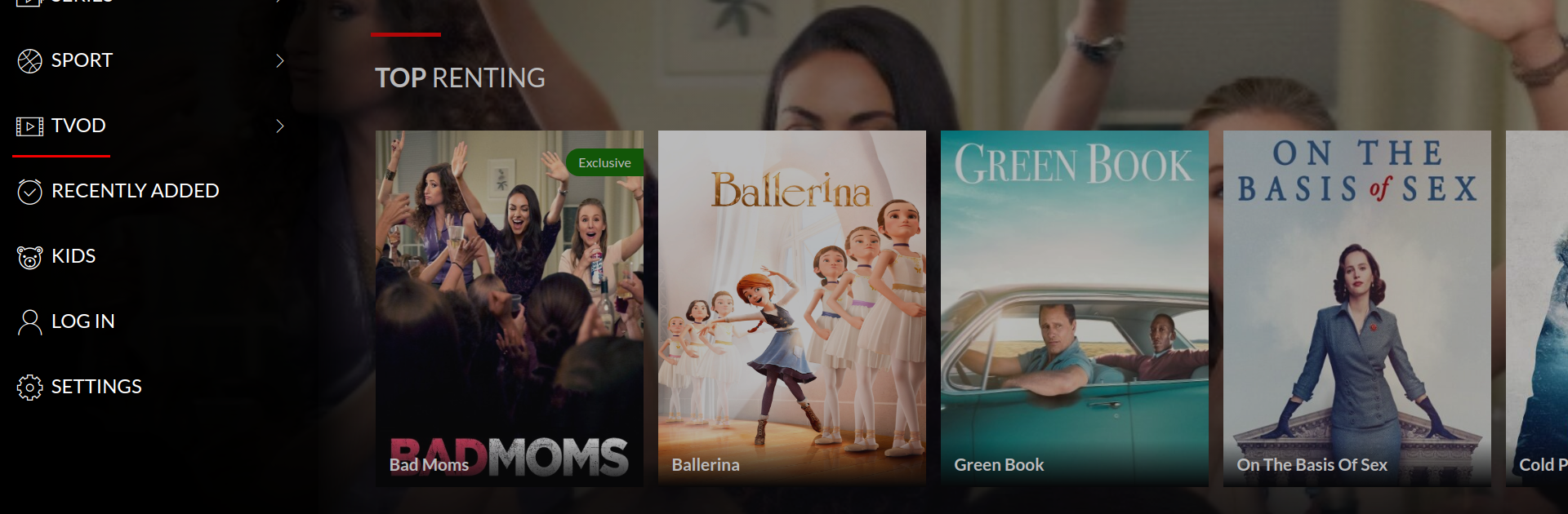
Go3 feels like a straightforward place to watch Baltic shows, big name movies and series from abroad, plus a lot of live TV without juggling different apps. It mixes on-demand stuff with real channels, and there is a handy seven day catch up for when a broadcast gets missed. Sports fans will notice the live streams from major leagues and tournaments, from NBA and EuroLeague to Champions League, Premier League, NHL, KHL, and more. One neat perk is that TV3 Group productions show up early, so anyone who likes those gets a head start before regular TV. There are a few plan options, so it does not lock everyone into one bundle.

Day to day, it is set up for normal use. Shows can be downloaded for offline watching, audio can stay in the original language or switch to local options, and two screens can be in use at the same time, which is great when someone else takes the TV. It runs on phones, tablets, computers, and smart TVs, and there is casting if a bigger screen is nearby. On PC with BlueStacks it behaves like a regular desktop app, with easy scrolling, quick channel switching, and no fuss scrubbing through the timeline on catch up. The layout is clean enough and it gets out of the way, so the focus stays on what to watch rather than figuring out where things are.

BlueStacks brings your apps to life on a bigger screen—seamless and straightforward.

How to Download and Run Go3 on PC or Mac

  • Download and install BlueStacks on your PC or Mac

  • Complete Google sign-in to access the Play Store, or do it later

  • Look for Go3 in the search bar at the top right corner

  • Click to install Go3 from the search results

  • Complete Google sign-in (if you skipped step 2) to install Go3

  • Click the Go3 icon on the home screen to start playing

video
Watch Video

Minimum System Requirements

With BlueStacks 5, you can get started on a PC that fulfills the following requirements.

  • Operating System

    Microsoft Windows 7 or above, macOS 11 (Big Sur) or above

  • Processor

    Intel, AMD or Apple Silicon Processor

  • RAM

    at least 4GB

  • HDD

    10GB Free Disk Space

Note:

* You must be an Administrator on your PC. Up to date graphics drivers from Microsoft or the chipset vendor.

Go3 - FAQs

  • How to Run Go3 on Windows PC & Mac?

    Run Go3 on your PC or Mac by following these simple steps.

    • Click on ‘Download Go3 on PC’ to download BlueStacks
    • Install it and log-in to Google Play Store
    • Launch and run the app.
  • Why is BlueStacks the fastest and safest platform to play games on PC?

    BlueStacks respects your privacy and is always safe and secure to use. It does not carry any malware, spyware, or any sort of additional software that could harm your PC.

    It is engineered to optimize speed and performance for a seamless gaming experience.

  • What are Go3 PC requirements?

    Minimum requirement to run Go3 on your PC

    • OS: Microsoft Windows 7 and above:
    • Processor: Intel or AMD Processor:
    • RAM: Your PC must have at least 2GB of RAM. (Note that having 2GB or more disk space is not a substitute for RAM):
    • HDD: 5GB Free Disk Space.
    • You must be an Administrator on your PC.




