


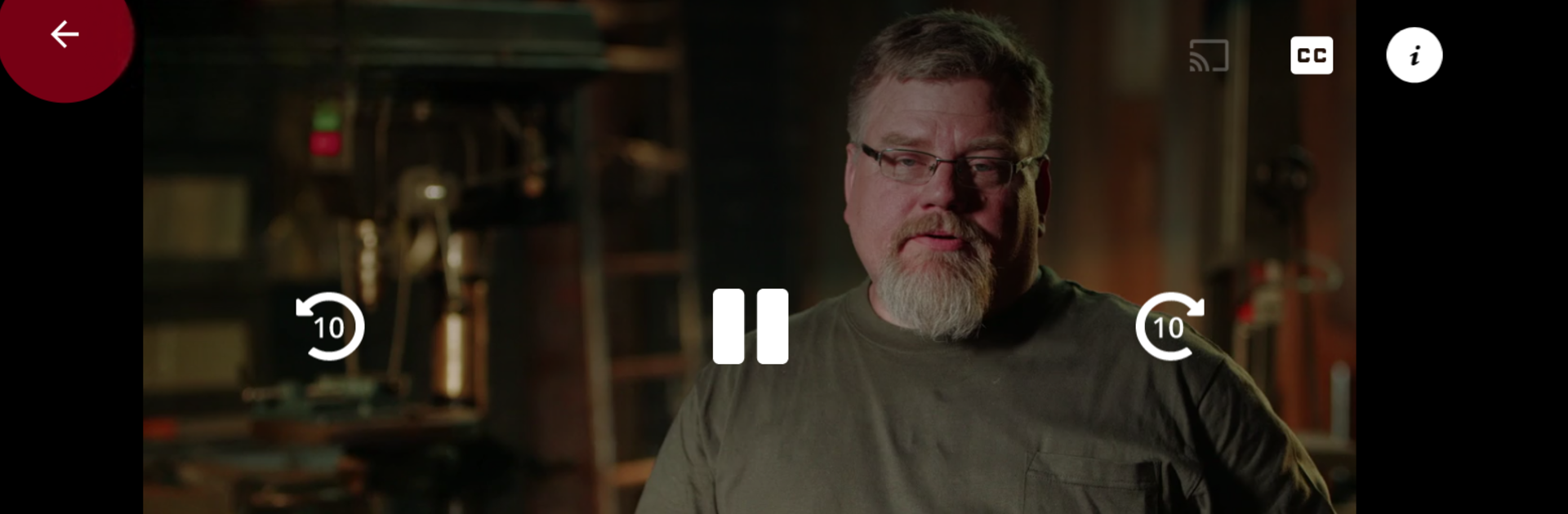


Get freedom from your phone’s obvious limitations. Use HISTORY: Shows & Documentaries, made by A+E Global Media, a Entertainment app on your PC or Mac with BlueStacks, and level up your experience.
About the App
Curious about the stories behind the world’s most mysterious places or wildest inventions? HISTORY: Shows & Documentaries is your all-access pass to an enormous collection of fascinating TV series and documentaries. Whether you’re itching to catch up on legendary episodes or scoping out something new to binge, this Entertainment app from A+E Global Media has all kinds of fact-inspired content ready whenever you are. Just open the app, pick a show, and get lost in real-life mysteries, iconic moments, and jaw-dropping docuseries—you call the shots on what you watch.
App Features
-
Binge Full Seasons and Episodes
Flip through a huge lineup of classic and current hits—think shows like The Curse of Oak Island, Alone, and Pawn Stars—and stream episodes from start to finish. You’ll find plenty to keep you hooked. -
Never-Before-Seen Extras
Dig into a stash of exclusive clips and deleted scenes that never made it on TV. There’s always something new even for seasoned fans. -
Personalized Profiles
Create your own profile so you can pause and pick up episodes any time, anywhere—even across devices. No more lost progress when hopping from tablet to phone or streaming on BlueStacks. -
Catch Exclusive Full-Length Documentaries
If you’re after epic, in-depth stories, pronto, you’ve got access to top-notch documentary specials that shine a spotlight on everything from history-shaping mysteries to mind-blowing innovations. -
Popular Nonfiction Series
Explore a library packed with blockbuster favorites—like American Pickers, Ancient Aliens, and Mountain Men—alongside hidden gems and limited series. -
Free to Use with Expanded Access
You can jump in and start watching without paying a dime. For even more content, just sign in with a supported TV provider to unlock the full HISTORY collection. -
Supports Market Research
Your streaming helps contribute to market research thanks to Nielsen’s measurement software quietly working in the background. You’re part of how TV gets smarter. -
U.S. Streaming Only
At the moment, content is available for viewers in the United States.
Watching on BlueStacks lets you enjoy HISTORY: Shows & Documentaries on a bigger screen and multitask to your heart’s content.
Switch to BlueStacks and make the most of your apps on your PC or Mac.





