




Get freedom from your phone’s obvious limitations. Use MagicApp – AI Art generator, made by FindMyMobi, a Entertainment app on your PC or Mac with BlueStacks, and level up your experience.
MagicApp is the kind of AI art toy where someone types a wild idea like an astronaut riding a cow in space, hits a button, and a picture pops out that matches the words. It feels playful and a bit surreal. Results swing between gorgeous and goofy, and a few are just bad, which is part of the fun. Try again, change a word, or switch the style, and it often lands somewhere that looks surprisingly good. The app nudges creativity in simple ways: turn dreams into artwork, turn a poem or a song line into a scene, even mock up comic panels with characters that look like movie icons or regular people. There is a quick way to save a lock screen image too, so the best pieces do not just sit there unused.
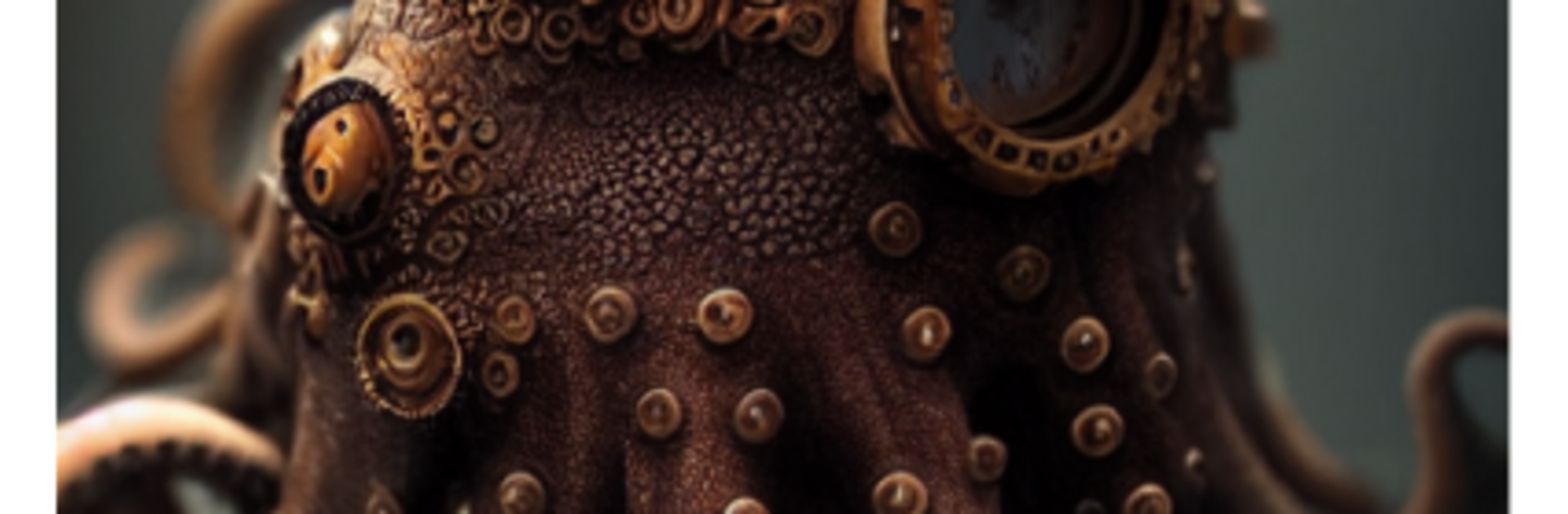
What stands out is how many styles are available. Minecraft-like chunky blocks, Steampunk metal and gears, Cubist angles, Pen and Ink, and painterly classics that feel a little Claude Monet. The styles actually change the feel, not just a filter. On PC with BlueStacks, the bigger screen helps spot details, and typing longer prompts with a keyboard makes a real difference. The app rewards being specific and a bit patient. Users who describe the scene clearly, iterate a few times, and mix styles tend to get the coolest results. Sharing is easy for friends and family who want a laugh or a wow, and it suits quick experiments as much as a long art rabbit hole on a slow evening.
Switch to BlueStacks and make the most of your apps on your PC or Mac.





