
Ninjutsu y Genjutsu Sonidos

Ninjutsu y Genjutsu Sonidos

Entertainment

| VaidrollGG

Play on PC with BlueStacks or from our cloud

  • Overview
  • How to Download

Page Modified On: November 03, 2025

Run Ninjutsu y Genjutsu Sonidos on PC or Mac

Why limit yourself to your small screen on the phone? Run Ninjutsu y Genjutsu Sonidos, an app by VaidrollGG, best experienced on your PC or Mac with BlueStacks, the world’s #1 Android emulator.

Ninjutsu y Genjutsu Sonidos is basically a straight up soundboard for anime ninja techniques, and it leans into the classics. Tap a button and hear Amaterasu from Itachi Uchiha, Katon fire style, a clean Rasengan burst, Shinra Tensei from Pain, Mangekyou Sharingan from Madara, and a bunch more. There is no story or game to clear, just a quick list of sounds that play instantly, which makes it great for quoting scenes, cosplay practice, or just goofing around with friends. The layout is simple enough that anyone can figure it out in a minute, and the labels are clear so fans will know what they are pressing. Some clips are short and punchy, some hit louder than expected, which actually suits these jutsu well.

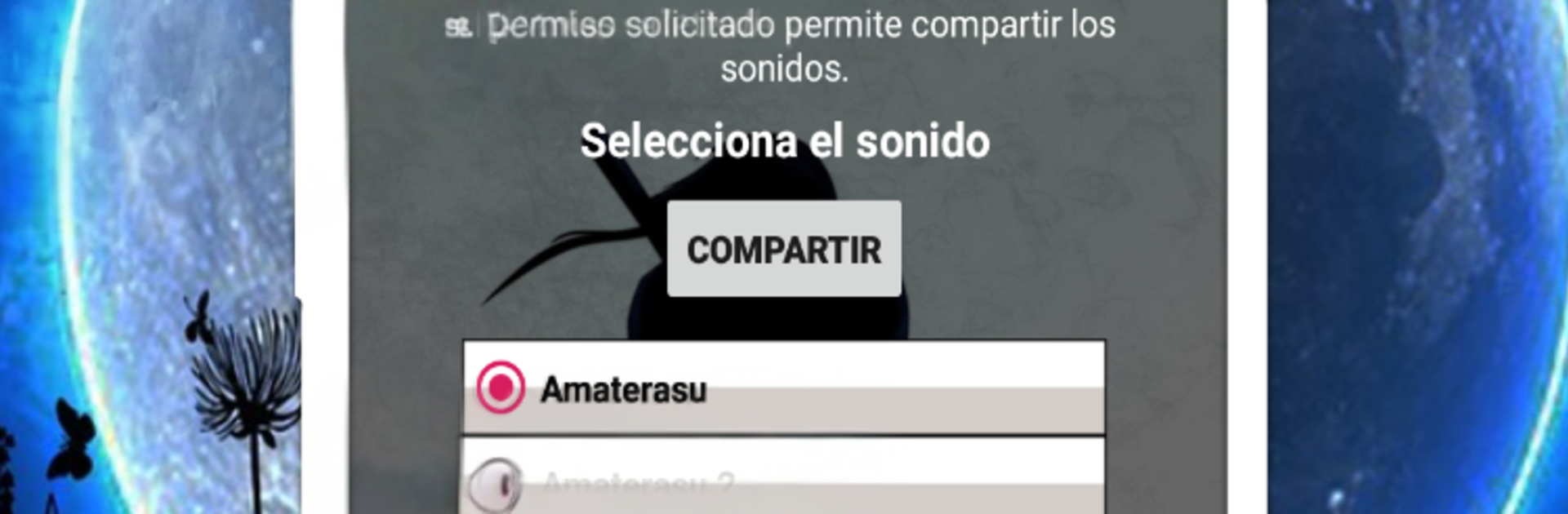
There is a share option that lets users send the audio, so it will ask for storage permission. That is the main extra, and it works fine for passing a clip to a chat. On PC with BlueStacks, it turns into a big, easy soundboard, clicking around with a mouse is quick and the sounds feel stronger on desktop speakers. It is the kind of app that does one thing, play iconic ninja effects, and it does that without getting in the way. If someone just wants those specific jutsu sounds on tap, this scratches that itch.

Switch to BlueStacks and make the most of your apps on your PC or Mac.

How to Download and Run Ninjutsu y Genjutsu Sonidos on PC or Mac

  • Download and install BlueStacks on your PC or Mac

  • Complete Google sign-in to access the Play Store, or do it later

  • Look for Ninjutsu y Genjutsu Sonidos in the search bar at the top right corner

  • Click to install Ninjutsu y Genjutsu Sonidos from the search results

  • Complete Google sign-in (if you skipped step 2) to install Ninjutsu y Genjutsu Sonidos

  • Click the Ninjutsu y Genjutsu Sonidos icon on the home screen to start playing

video
Watch Video

Minimum System Requirements

With BlueStacks 5, you can get started on a PC that fulfills the following requirements.

  • Operating System

    Microsoft Windows 7 or above, macOS 11 (Big Sur) or above

  • Processor

    Intel, AMD or Apple Silicon Processor

  • RAM

    at least 4GB

  • HDD

    10GB Free Disk Space

Note:

* You must be an Administrator on your PC. Up to date graphics drivers from Microsoft or the chipset vendor.

Ninjutsu y Genjutsu Sonidos - FAQs

  • How to Run Ninjutsu y Genjutsu Sonidos on Windows PC & Mac?

    Run Ninjutsu y Genjutsu Sonidos on your PC or Mac by following these simple steps.

    • Click on ‘Download Ninjutsu y Genjutsu Sonidos on PC’ to download BlueStacks
    • Install it and log-in to Google Play Store
    • Launch and run the app.
  • Why is BlueStacks the fastest and safest platform to play games on PC?

    BlueStacks respects your privacy and is always safe and secure to use. It does not carry any malware, spyware, or any sort of additional software that could harm your PC.

    It is engineered to optimize speed and performance for a seamless gaming experience.

  • What are Ninjutsu y Genjutsu Sonidos PC requirements?

    Minimum requirement to run Ninjutsu y Genjutsu Sonidos on your PC

    • OS: Microsoft Windows 7 and above:
    • Processor: Intel or AMD Processor:
    • RAM: Your PC must have at least 2GB of RAM. (Note that having 2GB or more disk space is not a substitute for RAM):
    • HDD: 5GB Free Disk Space.
    • You must be an Administrator on your PC.




