
ONVO TV
ONVO TV

ONVO TV

Entertainment

| ONVO OSS

Play on PC with BlueStacks or from our cloud

  • Overview
  • How to Download

Page Modified On: March 27, 2025

Run ONVO TV on PC or Mac

Multitask effortlessly on your PC or Mac as you try out ONVO TV, a Entertainment app by ONVO OSS on BlueStacks.

About the App

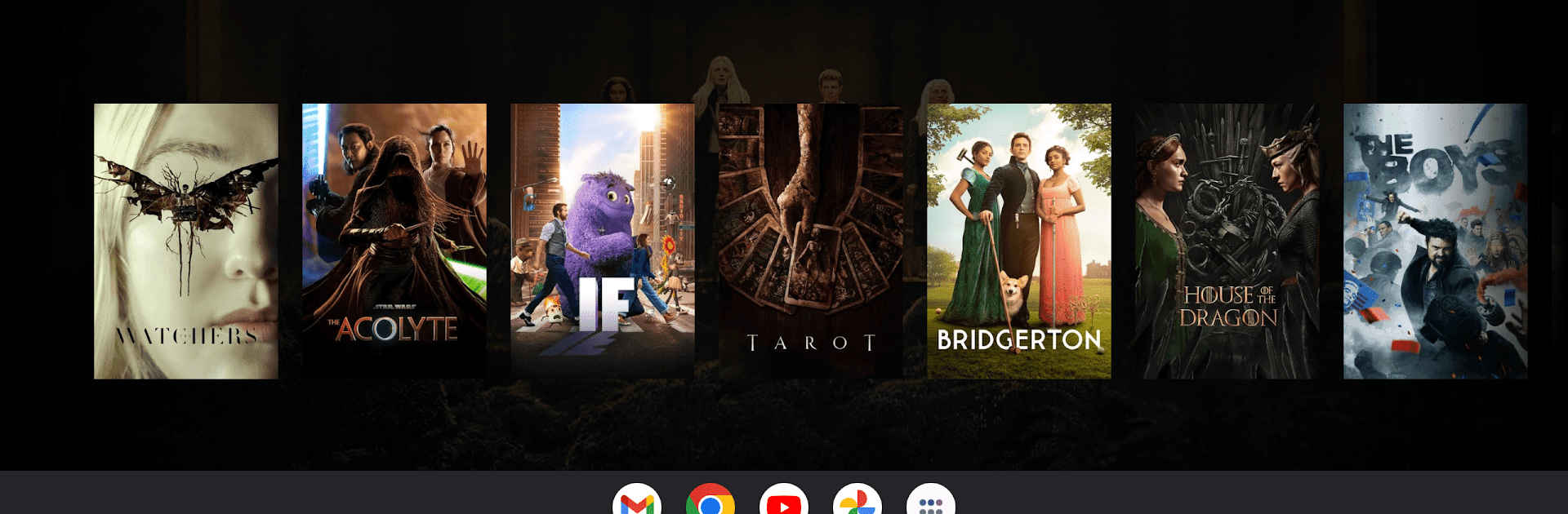
Discover a universe of entertainment with ONVO TV! Dive into a treasure trove of movies and series, complete with detailed descriptions, ratings, and reviews to keep you in the loop with the latest hits. But wait—ever thought about throwing a virtual watch party? ONVO TV lets you sync up with friends and family, no matter where they are, making long distances feel a little shorter.

App Features

  • Comprehensive Movie & Series Database: Tap into extensive details, ratings, and reviews of your favorite films and shows, powered by The Movie Database (TMDb).

  • Watch Parties: Sync up with loved ones for a true watching experience—movie nights just got a digital upgrade with your favorite people!

  • User Profiles: Create personalized profiles just the way you like, with your own username, password, and email setup for a unique experience.

  • Secure Login: Your security is key. Access your account hassle-free with robust username and password protection.

  • Ad-Supported: Thanks to Google AdMob, ONVO TV stays free for everyone. Enjoy the app without breaking the bank!

  • Guidelines for Watch Parties: Be responsible: only use legally purchased content, steer clear of piracy, and make family-friendly choices. Your actions have consequences, so play nice!

  • Privacy & Data Security: Minimal personal data is collected just for authentication. We’ve got your back, keeping your info away from unwanted eyes, barring ad displays.

  • Stay Connected: Got a query? Reach out at contact@onvo.me or follow us on social media for tips and updates!

Eager to take your app experience to the next level? Start right away by downloading BlueStacks on your PC or Mac.


How to Download and Run ONVO TV on PC or Mac

  • Download and install BlueStacks on your PC or Mac

  • Complete Google sign-in to access the Play Store, or do it later

  • Look for ONVO TV in the search bar at the top right corner

  • Click to install ONVO TV from the search results

  • Complete Google sign-in (if you skipped step 2) to install ONVO TV

  • Click the ONVO TV icon on the home screen to start playing

video
Watch Video

Minimum System Requirements

With BlueStacks 5, you can get started on a PC that fulfills the following requirements.

  • Operating System

    Microsoft Windows 7 or above, macOS 11 (Big Sur) or above

  • Processor

    Intel, AMD or Apple Silicon Processor

  • RAM

    at least 4GB

  • HDD

    10GB Free Disk Space

Note:

* You must be an Administrator on your PC. Up to date graphics drivers from Microsoft or the chipset vendor.

ONVO TV - FAQs

  • How to Run ONVO TV on Windows PC & Mac?

    Run ONVO TV on your PC or Mac by following these simple steps.

    • Click on ‘Download ONVO TV on PC’ to download BlueStacks
    • Install it and log-in to Google Play Store
    • Launch and run the app.
  • Why is BlueStacks the fastest and safest platform to play games on PC?

    BlueStacks respects your privacy and is always safe and secure to use. It does not carry any malware, spyware, or any sort of additional software that could harm your PC.

    It is engineered to optimize speed and performance for a seamless gaming experience.

  • What are ONVO TV PC requirements?

    Minimum requirement to run ONVO TV on your PC

    • OS: Microsoft Windows 7 and above:
    • Processor: Intel or AMD Processor:
    • RAM: Your PC must have at least 2GB of RAM. (Note that having 2GB or more disk space is not a substitute for RAM):
    • HDD: 5GB Free Disk Space.
    • You must be an Administrator on your PC.



