
ORF Sound
ORF Sound

ORF Sound

Entertainment

| ORF Österreichischer Rundfunk

Play on PC with BlueStacks or from our cloud

  • Overview
  • How to Download

Page Modified On: January 09, 2026

Run ORF Sound on PC or Mac

Let BlueStacks turn your PC, Mac, or laptop into the perfect home for ORF Sound, a fun Entertainment app from ORF Österreichischer Rundfunk.

About the App

ORF Sound by ORF Österreichischer Rundfunk brings the best of Austria’s audio world into one easy place. Jump between live radio, smartly curated stories, and a huge podcast lineup without juggling apps. Whether you’re after quick updates, deep interviews, or new music, it’s all here and ready to play.

App Features

  • Live ORF Radio, All in One: Stream all twelve ORF stations in real time, from Ö1 and Ö3 to FM4 and regional radio. Switch stations in a tap and keep the sound going wherever you are.

  • Listen Back for 30 Days: Missed a show? Catch programs and segments from the last 30 days, so you can listen on your schedule—not the other way around.

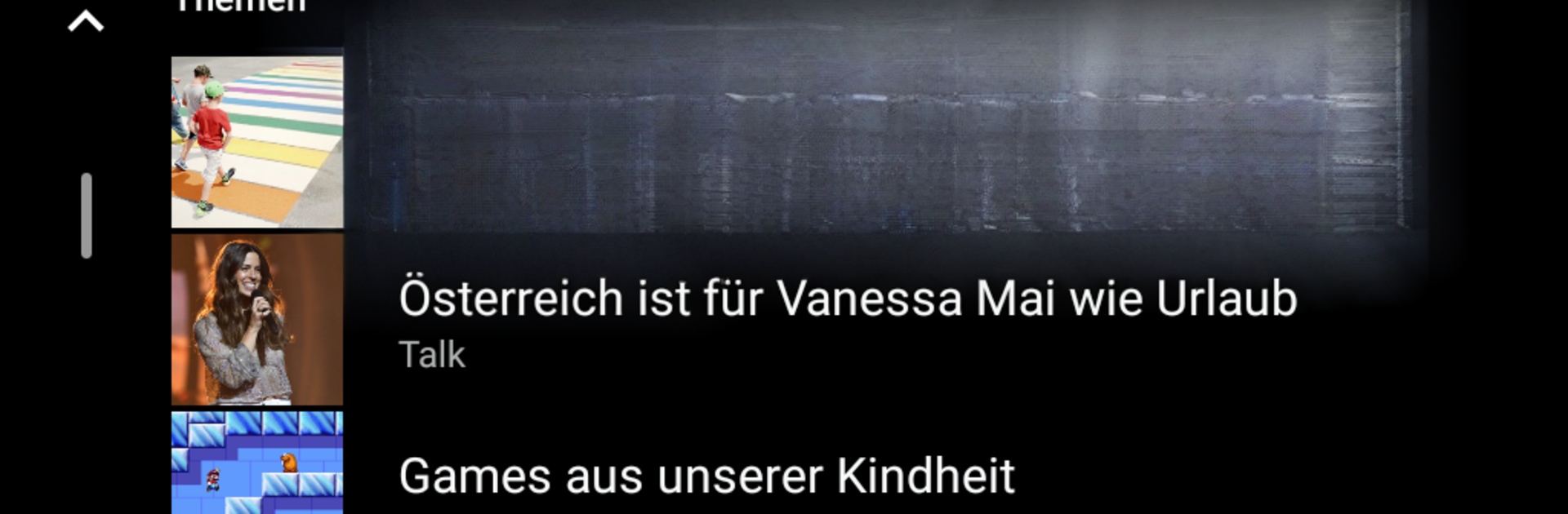
  • Editor-Curated Picks: The ORF Sound team hand-picks the most important stories of the day and groups them by topic. Browse quick clips, longer interviews, and standout features without hunting around.

  • Big on News, Your Way: Get the latest Ö3 news when you need a fast update, or dive into the Ö1 Mittagsjournal for detailed context. There’s also news in English and in simple language, plus precise updates from your state.

  • Music You’ll Actually Want: Hear Ö1 concerts from the past month, discover the best FM4 mixes, and explore current music from Austria—all in one place.

  • Podcasts for Every Mood: Explore 100+ shows crafted by ORF editors, including Ö3 “Breakfast with Me,” ZiB 2 interviews, FM4 Science Busters, and Aigner’s Universe.

  • Nice on Big Screens Too: Prefer listening at your desk? You can also run ORF Sound on your PC or Mac with BlueStacks for a comfortable, keyboard-and-mouse setup.

BlueStacks brings your apps to life on a bigger screen—seamless and straightforward.

How to Download and Run ORF Sound on PC or Mac

  • Download and install BlueStacks on your PC or Mac

  • Complete Google sign-in to access the Play Store, or do it later

  • Look for ORF Sound in the search bar at the top right corner

  • Click to install ORF Sound from the search results

  • Complete Google sign-in (if you skipped step 2) to install ORF Sound

  • Click the ORF Sound icon on the home screen to start playing

video
Watch Video

Minimum System Requirements

With BlueStacks 5, you can get started on a PC that fulfills the following requirements.

  • Operating System

    Microsoft Windows 7 or above, macOS 11 (Big Sur) or above

  • Processor

    Intel, AMD or Apple Silicon Processor

  • RAM

    at least 4GB

  • HDD

    10GB Free Disk Space

Note:

* You must be an Administrator on your PC. Up to date graphics drivers from Microsoft or the chipset vendor.

ORF Sound - FAQs

  • How to Run ORF Sound on Windows PC & Mac?

    Run ORF Sound on your PC or Mac by following these simple steps.

    • Click on ‘Download ORF Sound on PC’ to download BlueStacks
    • Install it and log-in to Google Play Store
    • Launch and run the app.
  • Why is BlueStacks the fastest and safest platform to play games on PC?

    BlueStacks respects your privacy and is always safe and secure to use. It does not carry any malware, spyware, or any sort of additional software that could harm your PC.

    It is engineered to optimize speed and performance for a seamless gaming experience.

  • What are ORF Sound PC requirements?

    Minimum requirement to run ORF Sound on your PC

    • OS: Microsoft Windows 7 and above:
    • Processor: Intel or AMD Processor:
    • RAM: Your PC must have at least 2GB of RAM. (Note that having 2GB or more disk space is not a substitute for RAM):
    • HDD: 5GB Free Disk Space.
    • You must be an Administrator on your PC.




