
Paranormal Radio
Paranormal Radio

Paranormal Radio

Entertainment

| TalkStreamLive

Play on PC with BlueStacks or from our cloud

  • Overview
  • How to Download

Page Modified On: October 24, 2025

Run Paranormal Radio on PC or Mac

Upgrade your experience. Try Paranormal Radio, the fantastic Entertainment app from TalkStreamLive, from the comfort of your laptop, PC, or Mac, only on BlueStacks.

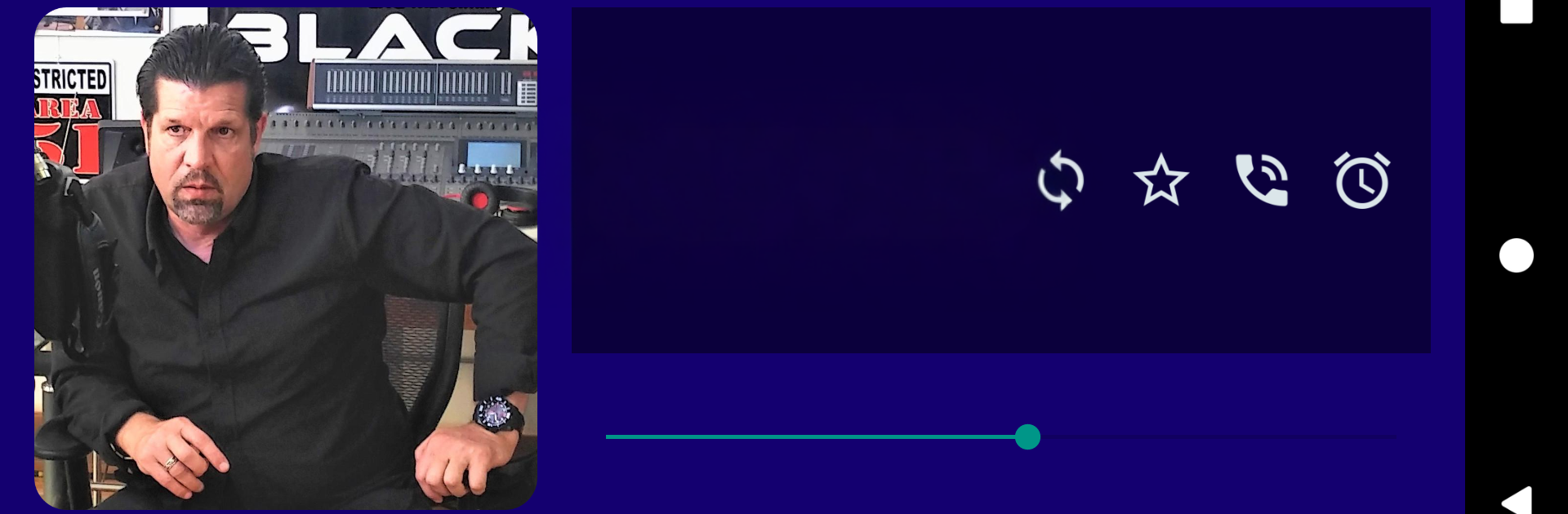
Paranormal Radio feels like a live guide for spooky talk shows that actually updates in real time. When a show goes live, it shows up, and when it is off the air, it disappears, so the list never feels stale. Big names are here, Jimmy Church, Clyde Lewis, George Noory, and a bunch more. Tapping any show icon jumps straight into the stream, and the most popular ones float to the top because listeners are ranking them as they listen. If a favorite is missing, it usually just means it is not on yet. The schedule sorts that out.

The controls are very radio-like. There is a Scan button that hops through shows so someone can sample a bit of each like a car stereo. If a station preempts a show, the Cycle button finds another station playing the same thing. Grid view shows big icons, list view shows rankings with little bars so it is easy to see what people are tuned into right now. Marking favorites pins them at the top, the Sleep Timer can shut things off after 30, 60, 90, or 120 minutes, and there is a Next button and a simple volume slider. There is even a way to listen by phone if data is tight. On PC with BlueStacks, the grid looks clean on a bigger screen, and it feels natural to leave it running in the background while clicking around.

Big screen. Bigger performance. Use BlueStacks on your PC or Mac to run your favorite apps.

How to Download and Run Paranormal Radio on PC or Mac

  • Download and install BlueStacks on your PC or Mac

  • Complete Google sign-in to access the Play Store, or do it later

  • Look for Paranormal Radio in the search bar at the top right corner

  • Click to install Paranormal Radio from the search results

  • Complete Google sign-in (if you skipped step 2) to install Paranormal Radio

  • Click the Paranormal Radio icon on the home screen to start playing

video
Watch Video

Minimum System Requirements

With BlueStacks 5, you can get started on a PC that fulfills the following requirements.

  • Operating System

    Microsoft Windows 7 or above, macOS 11 (Big Sur) or above

  • Processor

    Intel, AMD or Apple Silicon Processor

  • RAM

    at least 4GB

  • HDD

    10GB Free Disk Space

Note:

* You must be an Administrator on your PC. Up to date graphics drivers from Microsoft or the chipset vendor.

Paranormal Radio - FAQs

  • How to Run Paranormal Radio on Windows PC & Mac?

    Run Paranormal Radio on your PC or Mac by following these simple steps.

    • Click on ‘Download Paranormal Radio on PC’ to download BlueStacks
    • Install it and log-in to Google Play Store
    • Launch and run the app.
  • Why is BlueStacks the fastest and safest platform to play games on PC?

    BlueStacks respects your privacy and is always safe and secure to use. It does not carry any malware, spyware, or any sort of additional software that could harm your PC.

    It is engineered to optimize speed and performance for a seamless gaming experience.

  • What are Paranormal Radio PC requirements?

    Minimum requirement to run Paranormal Radio on your PC

    • OS: Microsoft Windows 7 and above:
    • Processor: Intel or AMD Processor:
    • RAM: Your PC must have at least 2GB of RAM. (Note that having 2GB or more disk space is not a substitute for RAM):
    • HDD: 5GB Free Disk Space.
    • You must be an Administrator on your PC.




