
+STING
+STING

+STING

Entertainment

| STINGTVbyyes

Play on PC with BlueStacks or from our cloud

  • Overview
  • How to Download

Page Modified On: November 28, 2025

Run +STING on PC or Mac

Let BlueStacks turn your PC, Mac, or laptop into the perfect home for +STING, a fun Entertainment app from STINGTVbyyes.

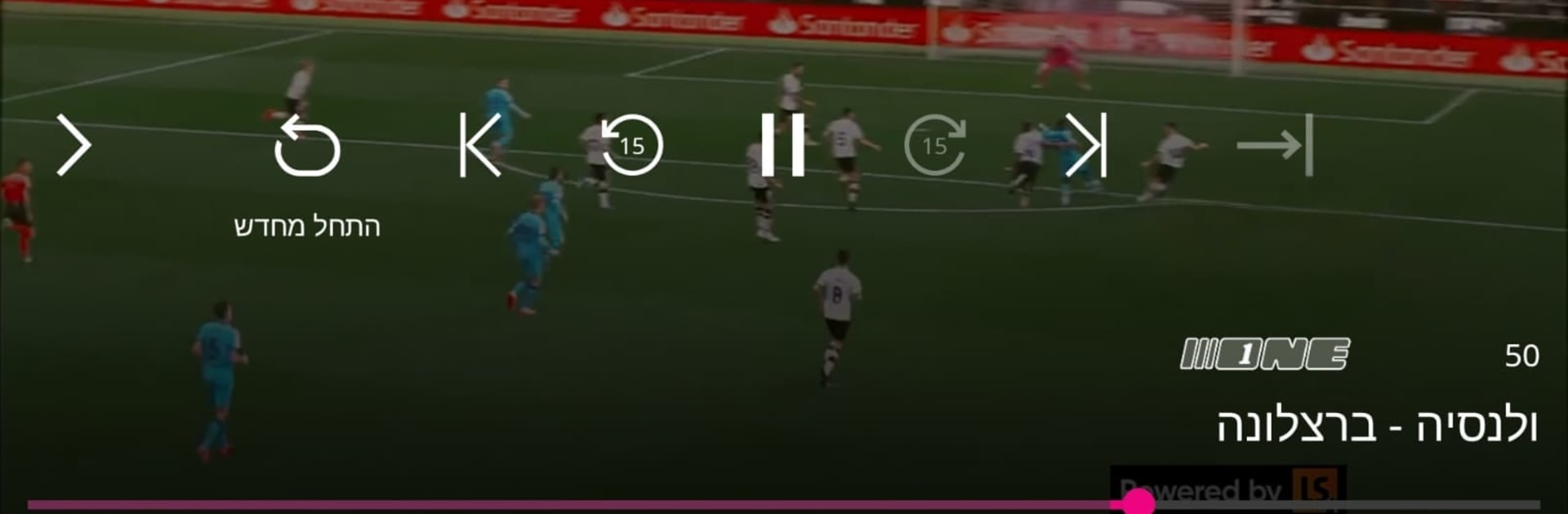
+STING feels like a clean, no‑nonsense TV hub that mixes live channels with a big on‑demand library. The layout is straightforward, so someone can bounce between live TV and a catalog without digging through extra tabs. There are dozens of live channels, the kind people leave on while cooking or working, and the guide makes it easy to see what is on next. What stands out is the Catch Up and Start Over features. Miss the beginning of something or forgot last night’s episode. Just restart it or roll back and watch. The library leans into Israeli series and original yes productions alongside thousands of movies, plus loads of documentaries and science and nature stuff. Thumbnails are clear, descriptions are short, and the player controls behave the way they should.

On a PC through BlueStacks, it works nicely on a bigger screen. Scrolling the guide with a mouse feels quick, and scrubbing the timeline is smoother than on a small touchscreen. Setup is simple enough. Create an account on their site, sign in, and it is ready in a few minutes. It suits anyone who wants live TV for background and a reliable place to continue a show later. It is focused on watching rather than extra fluff, and it keeps the important things easy to reach. Just make sure the connection is decent if full HD matters.

Eager to take your app experience to the next level? Start right away by downloading BlueStacks on your PC or Mac.


How to Download and Run +STING on PC or Mac

  • Download and install BlueStacks on your PC or Mac

  • Complete Google sign-in to access the Play Store, or do it later

  • Look for +STING in the search bar at the top right corner

  • Click to install +STING from the search results

  • Complete Google sign-in (if you skipped step 2) to install +STING

  • Click the +STING icon on the home screen to start playing

video
Watch Video

Minimum System Requirements

With BlueStacks 5, you can get started on a PC that fulfills the following requirements.

  • Operating System

    Microsoft Windows 7 or above, macOS 11 (Big Sur) or above

  • Processor

    Intel, AMD or Apple Silicon Processor

  • RAM

    at least 4GB

  • HDD

    10GB Free Disk Space

Note:

* You must be an Administrator on your PC. Up to date graphics drivers from Microsoft or the chipset vendor.

+STING - FAQs

  • How to Run +STING on Windows PC & Mac?

    Run +STING on your PC or Mac by following these simple steps.

    • Click on ‘Download +STING on PC’ to download BlueStacks
    • Install it and log-in to Google Play Store
    • Launch and run the app.
  • Why is BlueStacks the fastest and safest platform to play games on PC?

    BlueStacks respects your privacy and is always safe and secure to use. It does not carry any malware, spyware, or any sort of additional software that could harm your PC.

    It is engineered to optimize speed and performance for a seamless gaming experience.

  • What are +STING PC requirements?

    Minimum requirement to run +STING on your PC

    • OS: Microsoft Windows 7 and above:
    • Processor: Intel or AMD Processor:
    • RAM: Your PC must have at least 2GB of RAM. (Note that having 2GB or more disk space is not a substitute for RAM):
    • HDD: 5GB Free Disk Space.
    • You must be an Administrator on your PC.



