
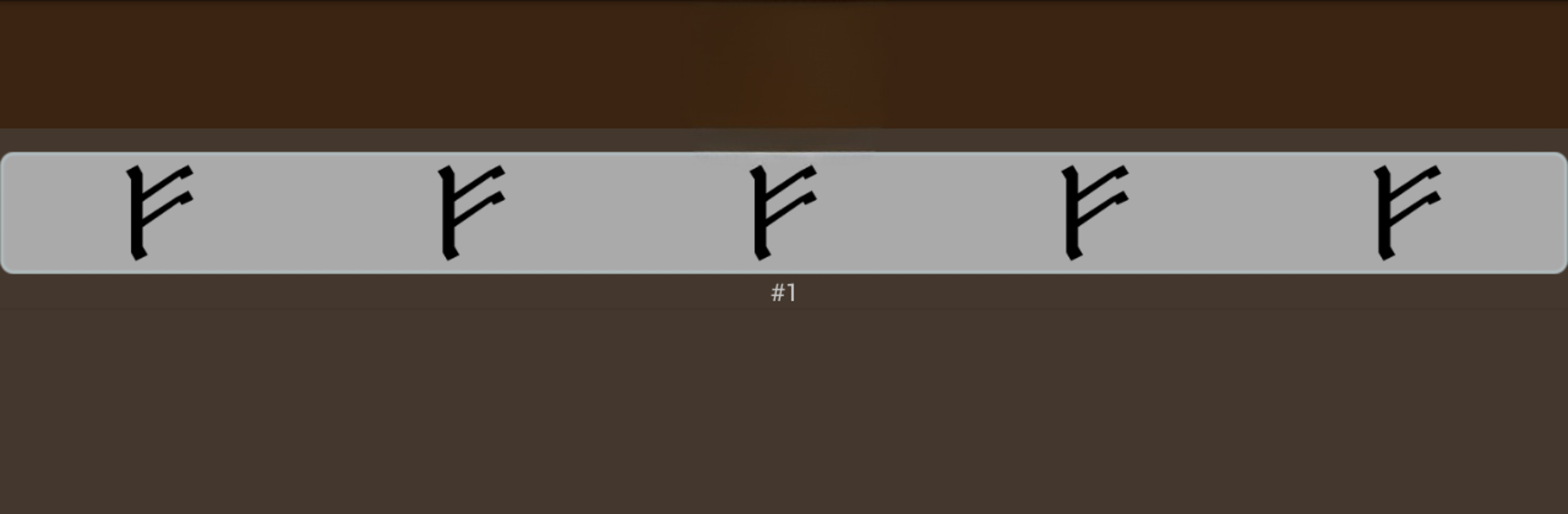
Runic Formulas - Book of Runes, BindRunes, Amulets

Runic Formulas - Book of Runes, BindRunes, Amulets

Entertainment

| Evansir

Play on PC with BlueStacks or from our cloud

  • Overview
  • How to Download

Page Modified On: June 24, 2025

Run Runic Formulas - Book of Runes, BindRunes, Amulets on PC or Mac

Upgrade your experience. Try Runic Formulas – Book of Runes, BindRunes, Amulets, the fantastic Entertainment app from Evansir, from the comfort of your laptop, PC, or Mac, only on BlueStacks.

About the App

Curious about runes, or maybe you’ve always been drawn to Norse legends and ancient symbols? Runic Formulas – Book of Runes, BindRunes, Amulets by Evansir invites you to explore a vast world of Nordic talismans, sigils, and runic magic right from your phone. Whether you’re a casual dabbler, someone intrigued by spiritual practices, or just love discovering new cultural symbols, the app lays out a colorful library of runes and their meanings for you to explore. It’s all about giving you the tools to learn, create, and maybe add a little mysticism to your everyday.

App Features

  • Extensive Runic Collection
    Browse through a wide selection of runes, bind runes, and magical amulets—each with detailed descriptions and backgrounds. It’s like having a pocket-sized rune encyclopedia.

  • Magic Formulas & Daily Amulets
    Find a collection of magic formulas and rune-based talismans designed for all sorts of purposes. Want a rune for protection or maybe for creativity? There are options for both.

  • BindRunes & Galdrastafir
    Dive into bind runes and the unique Icelandic magical staves (galdrastafir). These come along with their own stories and suggested uses, ready for when you want something a little outside the usual.

  • Elder Futhark Guide
    Get a full rundown of every rune from the Elder Futhark, with clear explanations. Whether you’re a complete beginner or already know a few things, there’s always something to learn.

  • Organized & Searchable
    Everything is neatly sorted so you can find exactly what you’re looking for, without scrolling for hours.

  • DIY Rune Formula Builder
    Feeling creative? The app lets you piece together your very own rune formulas—perfect for personalizing a talisman or trying out custom sigils.

  • Home Screen Widgets
    Place your favorite or self-made rune symbols right on your home screen, making the experience feel a little more magical every day.

  • Wicca Ritual Tutorial
    There’s even a handy section with a short intro to Wicca-inspired rituals. Great for anyone looking to blend runes into their spiritual or meditative routines.

  • Not Just for Pagans
    You don’t need any specific background to explore or use these symbols. The app is designed for anyone who’s curious—no prerequisites required.

By the way, using Runic Formulas – Book of Runes, BindRunes, Amulets on BlueStacks gives you even more flexibility with your runic explorations.

BlueStacks brings your apps to life on a bigger screen—seamless and straightforward.

How to Download and Run Runic Formulas - Book of Runes, BindRunes, Amulets on PC or Mac

  • Download and install BlueStacks on your PC or Mac

  • Complete Google sign-in to access the Play Store, or do it later

  • Look for Runic Formulas - Book of Runes, BindRunes, Amulets in the search bar at the top right corner

  • Click to install Runic Formulas - Book of Runes, BindRunes, Amulets from the search results

  • Complete Google sign-in (if you skipped step 2) to install Runic Formulas - Book of Runes, BindRunes, Amulets

  • Click the Runic Formulas - Book of Runes, BindRunes, Amulets icon on the home screen to start playing

video
Watch Video

Minimum System Requirements

With BlueStacks 5, you can get started on a PC that fulfills the following requirements.

  • Operating System

    Microsoft Windows 7 or above, macOS 11 (Big Sur) or above

  • Processor

    Intel, AMD or Apple Silicon Processor

  • RAM

    at least 4GB

  • HDD

    10GB Free Disk Space

Note:

* You must be an Administrator on your PC. Up to date graphics drivers from Microsoft or the chipset vendor.

Runic Formulas - Book of Runes, BindRunes, Amulets - FAQs

  • How to Run Runic Formulas - Book of Runes, BindRunes, Amulets on Windows PC & Mac?

    Run Runic Formulas - Book of Runes, BindRunes, Amulets on your PC or Mac by following these simple steps.

    • Click on ‘Download Runic Formulas - Book of Runes, BindRunes, Amulets on PC’ to download BlueStacks
    • Install it and log-in to Google Play Store
    • Launch and run the app.
  • Why is BlueStacks the fastest and safest platform to play games on PC?

    BlueStacks respects your privacy and is always safe and secure to use. It does not carry any malware, spyware, or any sort of additional software that could harm your PC.

    It is engineered to optimize speed and performance for a seamless gaming experience.

  • What are Runic Formulas - Book of Runes, BindRunes, Amulets PC requirements?

    Minimum requirement to run Runic Formulas - Book of Runes, BindRunes, Amulets on your PC

    • OS: Microsoft Windows 7 and above:
    • Processor: Intel or AMD Processor:
    • RAM: Your PC must have at least 2GB of RAM. (Note that having 2GB or more disk space is not a substitute for RAM):
    • HDD: 5GB Free Disk Space.
    • You must be an Administrator on your PC.




