


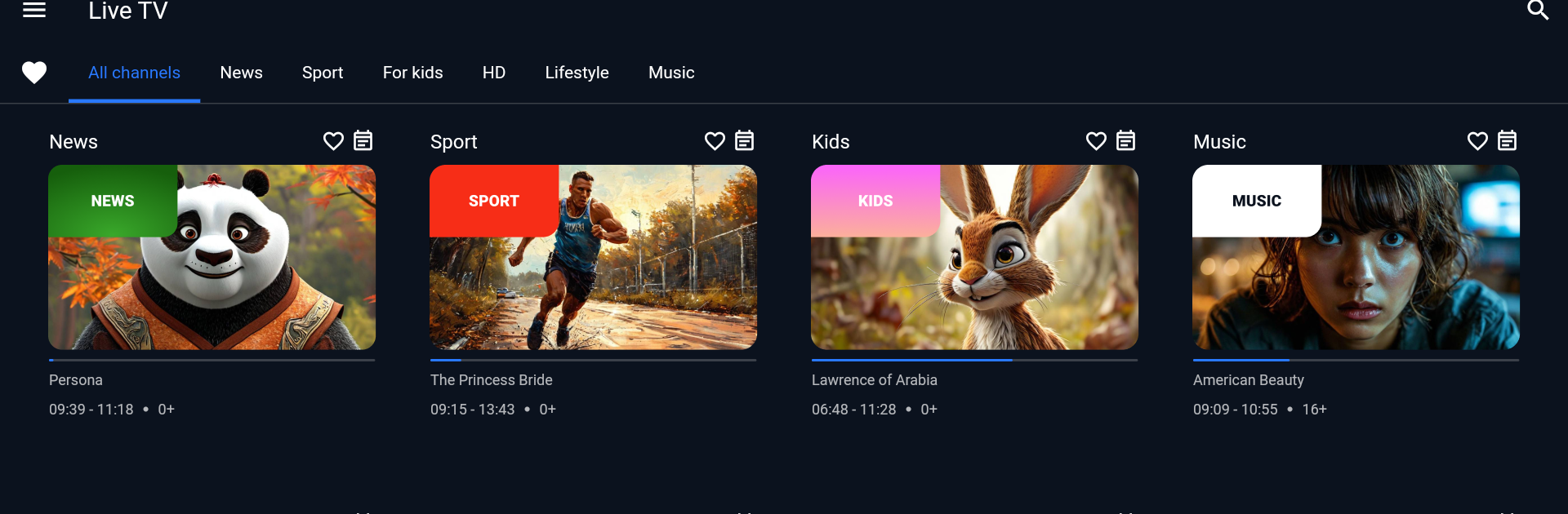


Get freedom from your phone’s obvious limitations. Use TMS player, made by TVIP, a Entertainment app on your PC or Mac with BlueStacks, and level up your experience.
About the App
TMS player is a clean, no-fuss way to watch the TV channels you already get from your IPTV/OTT provider. Built by TVIP in the Entertainment genre, it focuses on smooth playback and simple controls so you can enjoy live TV, recent shows, movies, sports, and cartoons on your phone or tablet. It doesn’t include any channels itself—think of it as your player and remote for the service you’re subscribed to.
App Features
- Live and Catch-Up TV: Jump into live channels or browse recent programs your provider makes available, all in one tidy interface.
- Timeshift Controls: Missed a moment? Pause or rewind supported content in catch-up to replay the parts you care about.
- Favorites List: Star your go-to channels so they’re always front and center. No more endless scrolling.
- Personal Profiles: Create profiles for each family member with their own favorites and viewing preferences.
- Provider Login Made Simple: Sign in using the credentials and portal link supplied by your IPTV/OTT provider—no complicated setup.
- Works With Supported Services: Features and available channels depend on your subscription. Your provider can confirm compatibility with TVIP and TMS player and enable the options you’re entitled to.
- Big-Screen Friendly: Prefer a larger view? You can run TMS player on your PC using BlueStacks and keep watching with the same familiar layout.
Note: Content access, pricing, and availability are handled by your TV service provider.
BlueStacks gives you the much-needed freedom to experience your favorite apps on a bigger screen. Get it now.





