
YugiDuel: YuGiOh LP Calculator

YugiDuel: YuGiOh LP Calculator

Entertainment

| Logick LLC

Play on PC with BlueStacks or from our cloud

  • Overview
  • How to Download

Page Modified On: December 22, 2025

Run YugiDuel: YuGiOh LP Calculator on PC or Mac

Let BlueStacks turn your PC, Mac, or laptop into the perfect home for YugiDuel: YuGiOh LP Calculator, a fun Entertainment app from Logick LLC.

About the App

YugiDuel: YuGiOh LP Calculator keeps your duel flowing by handling the numbers fast and clean. Built by a longtime judge and duelist, it focuses on quick inputs, clear visuals, and zero confusion—so you can pay attention to plays, not arithmetic. It’s a streamlined Entertainment tool that feels right at home at locals, kitchen-table matches, or testing sessions. Prefer a bigger screen? It works great on desktop with BlueStacks too.

App Features

  • Up to 4 Players: Track head-to-head, tag team, or free-for-all duels without juggling multiple apps.
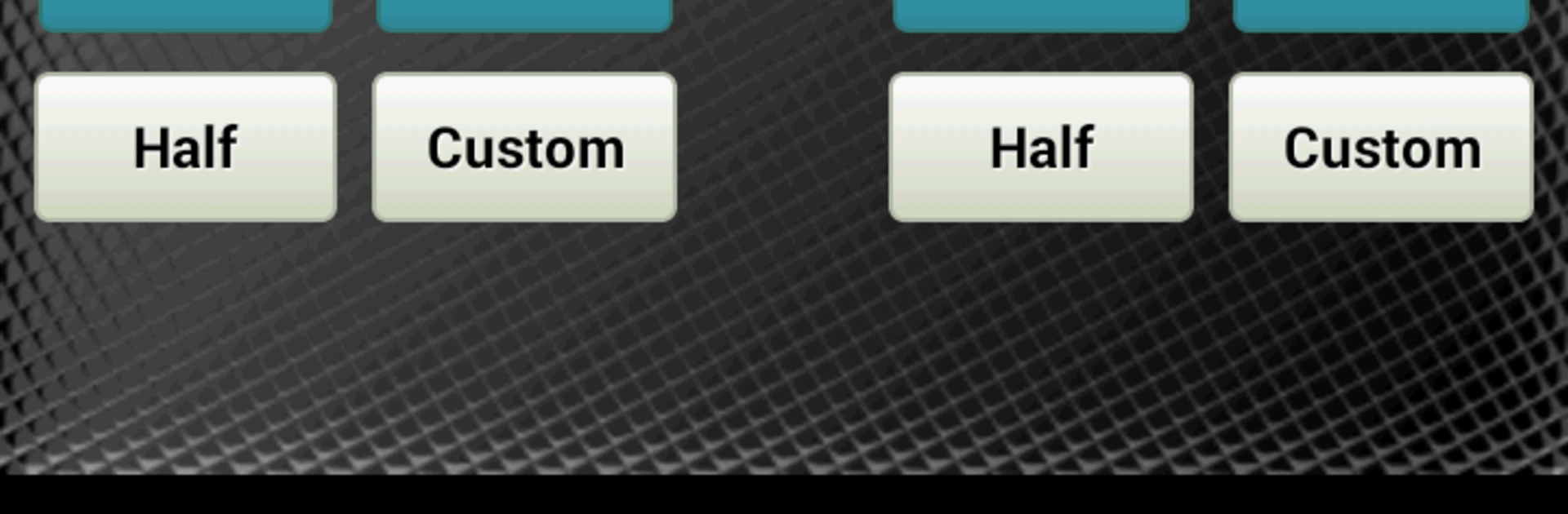
  • Quick-Tap LP Controls: Large plus/minus buttons for common Life Point amounts, a Half button for halving totals, and a Custom button when you need a specific value.
  • Smart Log, Notepad Style: Successive taps on the same change are grouped as one clean entry, mirroring how you’d write it down during a match.
  • Autosave Every Change: Every Life Point update is saved instantly, so if your device hiccups, your duel state is safe when you come back.
  • Clear Visual Bars: LP bars give an instant snapshot of who’s ahead—no mental math required.
  • Coin and Dice Tools: Flip a coin or roll up to three dice right inside the app to resolve card effects quickly.
  • Custom Names & Starting LP: Set player names and starting totals to match your format or house rules.
  • Personal Backgrounds: Add your own image to give the calculator a look that matches your style.
  • Undo & Mistake-Proofing: Fix slip-ups with a quick Undo and keep the screen awake so your flow isn’t interrupted.
  • Made for Real Duels: Simple, fast, and judge-minded design choices from Logick LLC keep your focus on the game.

BlueStacks gives you the much-needed freedom to experience your favorite apps on a bigger screen. Get it now.


How to Download and Run YugiDuel: YuGiOh LP Calculator on PC or Mac

  • Download and install BlueStacks on your PC or Mac

  • Complete Google sign-in to access the Play Store, or do it later

  • Look for YugiDuel: YuGiOh LP Calculator in the search bar at the top right corner

  • Click to install YugiDuel: YuGiOh LP Calculator from the search results

  • Complete Google sign-in (if you skipped step 2) to install YugiDuel: YuGiOh LP Calculator

  • Click the YugiDuel: YuGiOh LP Calculator icon on the home screen to start playing

video
Watch Video

Minimum System Requirements

With BlueStacks 5, you can get started on a PC that fulfills the following requirements.

  • Operating System

    Microsoft Windows 7 or above, macOS 11 (Big Sur) or above

  • Processor

    Intel, AMD or Apple Silicon Processor

  • RAM

    at least 4GB

  • HDD

    10GB Free Disk Space

Note:

* You must be an Administrator on your PC. Up to date graphics drivers from Microsoft or the chipset vendor.

YugiDuel: YuGiOh LP Calculator - FAQs

  • How to Run YugiDuel: YuGiOh LP Calculator on Windows PC & Mac?

    Run YugiDuel: YuGiOh LP Calculator on your PC or Mac by following these simple steps.

    • Click on ‘Download YugiDuel: YuGiOh LP Calculator on PC’ to download BlueStacks
    • Install it and log-in to Google Play Store
    • Launch and run the app.
  • Why is BlueStacks the fastest and safest platform to play games on PC?

    BlueStacks respects your privacy and is always safe and secure to use. It does not carry any malware, spyware, or any sort of additional software that could harm your PC.

    It is engineered to optimize speed and performance for a seamless gaming experience.

  • What are YugiDuel: YuGiOh LP Calculator PC requirements?

    Minimum requirement to run YugiDuel: YuGiOh LP Calculator on your PC

    • OS: Microsoft Windows 7 and above:
    • Processor: Intel or AMD Processor:
    • RAM: Your PC must have at least 2GB of RAM. (Note that having 2GB or more disk space is not a substitute for RAM):
    • HDD: 5GB Free Disk Space.
    • You must be an Administrator on your PC.



