
Audio Bible
Audio Bible

Audio Bible

Music & Audio

| Audio Power Co., Ltd.

Play on PC with BlueStacks or from our cloud

  • Overview
  • How to Download

Page Modified On: January 02, 2026

Run Audio Bible on PC or Mac

Upgrade your experience. Try Audio Bible, the fantastic Music & Audio app from Audio Power Co., Ltd., from the comfort of your laptop, PC, or Mac, only on BlueStacks.

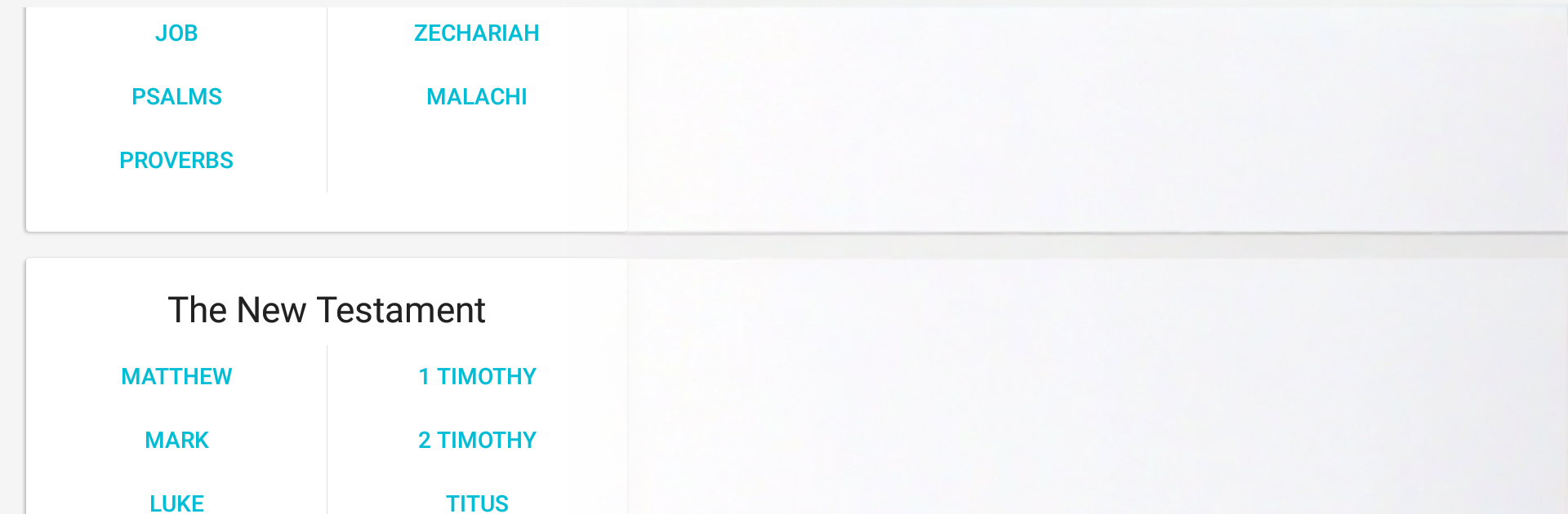
Audio Bible on a PC feels calm and simple, which is kind of the point. There are no ads or pop ups, so it is just the narration and the text. On BlueStacks it opens fast, the layout is tidy, and picking a book or chapter is obvious. It saves progress automatically, so someone can close it and come back later without hunting for where they left off. It only downloads chapters when needed, so it does not feel heavy or bloated, even running on a laptop. Big screen helps a lot too, since the text is clear and there is an option for red letters if that is preferred.

Listening is smooth. The on screen text can follow the narration if that toggle is on, which makes it easy to keep place while the audio plays in the background. Playlists are handy for lining up readings, with shuffle and sharing if someone wants to send a set to a friend. Recordings save into the Music folder, so they are easy to find later. Search is quick, the full index is thorough, and the sleep timer is perfect for winding down at night. The translation list is not small either. King James and World English Bible are here, plus Reina Valera in Spanish, Louis Segond in French, Almeida in Portuguese, Chinese Union, Hindi, Italian Riveduta, Swahili, German Luther, Russian in two versions, Modern Hebrew New Testament, Tamil, Arabic, Tagalog, Luganda, and Ukrainian. It all works well with a mouse and keyboard, and BlueStacks keeps it stable while other windows are open.

Ready to experience Audio Bible on a bigger screen, in all its glory? Download BlueStacks now.

How to Download and Run Audio Bible on PC or Mac

  • Download and install BlueStacks on your PC or Mac

  • Complete Google sign-in to access the Play Store, or do it later

  • Look for Audio Bible in the search bar at the top right corner

  • Click to install Audio Bible from the search results

  • Complete Google sign-in (if you skipped step 2) to install Audio Bible

  • Click the Audio Bible icon on the home screen to start playing

video
Watch Video

Minimum System Requirements

With BlueStacks 5, you can get started on a PC that fulfills the following requirements.

  • Operating System

    Microsoft Windows 7 or above, macOS 11 (Big Sur) or above

  • Processor

    Intel, AMD or Apple Silicon Processor

  • RAM

    at least 4GB

  • HDD

    10GB Free Disk Space

Note:

* You must be an Administrator on your PC. Up to date graphics drivers from Microsoft or the chipset vendor.

Audio Bible - FAQs

  • How to Run Audio Bible on Windows PC & Mac?

    Run Audio Bible on your PC or Mac by following these simple steps.

    • Click on ‘Download Audio Bible on PC’ to download BlueStacks
    • Install it and log-in to Google Play Store
    • Launch and run the app.
  • Why is BlueStacks the fastest and safest platform to play games on PC?

    BlueStacks respects your privacy and is always safe and secure to use. It does not carry any malware, spyware, or any sort of additional software that could harm your PC.

    It is engineered to optimize speed and performance for a seamless gaming experience.

  • What are Audio Bible PC requirements?

    Minimum requirement to run Audio Bible on your PC

    • OS: Microsoft Windows 7 and above:
    • Processor: Intel or AMD Processor:
    • RAM: Your PC must have at least 2GB of RAM. (Note that having 2GB or more disk space is not a substitute for RAM):
    • HDD: 5GB Free Disk Space.
    • You must be an Administrator on your PC.




