




Let BlueStacks turn your PC, Mac, or laptop into the perfect home for Audio Cues, a fun Music & Audio app from Radial Theater.
About the App
If you’ve ever run sound for a play, dance show, or even a yoga class, you know how tricky it can be to time everything just right. Audio Cues, created by Radial Theater, is here to make your life a whole lot easier. Whether you’re backstage with just your Android phone or setting up on your Chromebook, this app gives you tons of control over your audio cues—right at your fingertips.
With Audio Cues, you get a straightforward way to design, organize, and launch sound effects, backing tracks, or any audio needed during a live event. No confusing menus or bulky gear required—you just tap, cue, and it goes. Want to avoid those awkward double tap mistakes? The latest updates have you covered.
App Features
-
Multiple Cue Types:
Set up Audio cues, Fade cues, or looping Go-to cues. Each type is simple to configure, and they work with formats like WAV and OGG, so you aren’t limited by file types. -
Fine-Tuned Playback:
Need to jump to a specific part of a track or repeat a sound infinitely? Pick your starting point and set your number of repeats—no sweat. -
Volume & Panning Control:
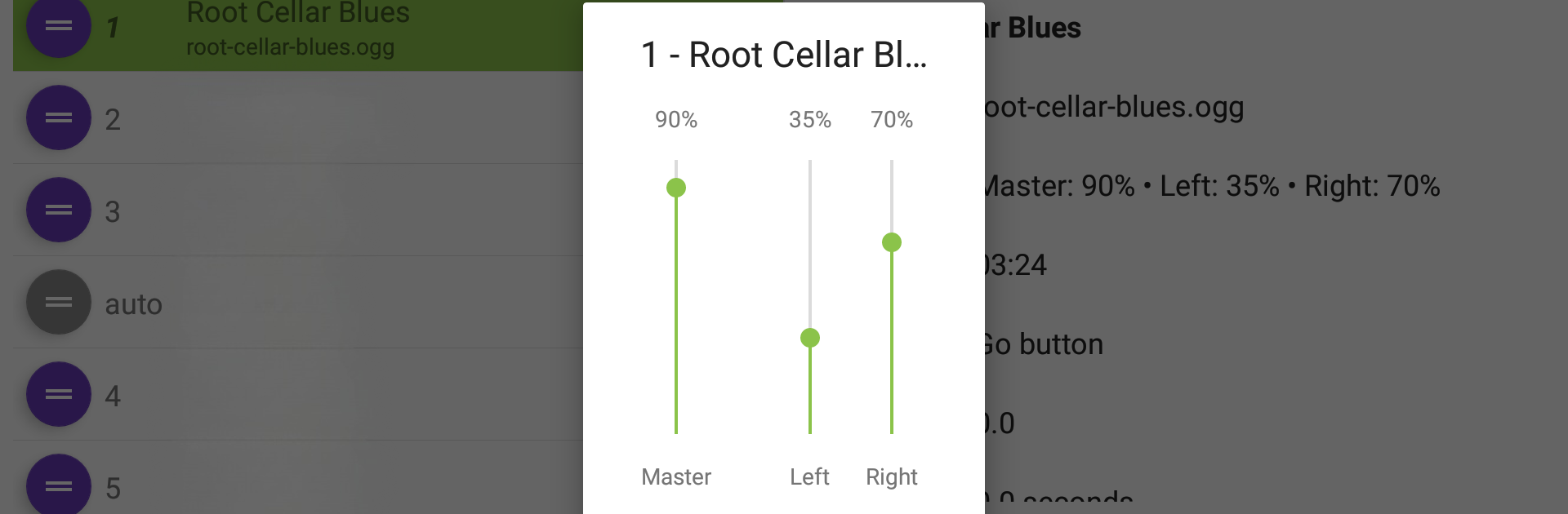
Adjust master, left, or right volumes individually. Panning effects or smooth fading between cues is easy. -
Keyboard & Remote Shortcuts:
Control everything with Bluetooth remotes or a keyboard. Set up shortcuts to trigger cues instantly during performances. -
User-Friendly Triggering:
Tap the GO button, or set cues to follow the previous one automatically, with customizable delays for perfect timing every show. -
File Management Made Simple:
Import your audio from Google Drive, your device’s own storage, SD cards, or even thumb drives. Back up and restore your show designs as text files if you like having peace of mind. -
Bulk Actions:
Version 1.9 lets you create or delete multiple cues at once, perfect for bigger shows or fast workflows. -
Unlimited Shows Option:
Run up to two shows and ten cues per show for free—or opt for an in-app purchase to unlock unlimited shows and cues, if you’re doing a lot of gigs. -
Seamless BlueStacks Experience:
Want to manage cues on a bigger screen? Audio Cues works great with BlueStacks, so you can easily move between your PC and mobile devices.
Whether you’re running a community theater or just want a reliable music & audio companion, Audio Cues keeps your live sound organized, efficient, and right where you need it.
Big screen. Bigger performance. Use BlueStacks on your PC or Mac to run your favorite apps.





