


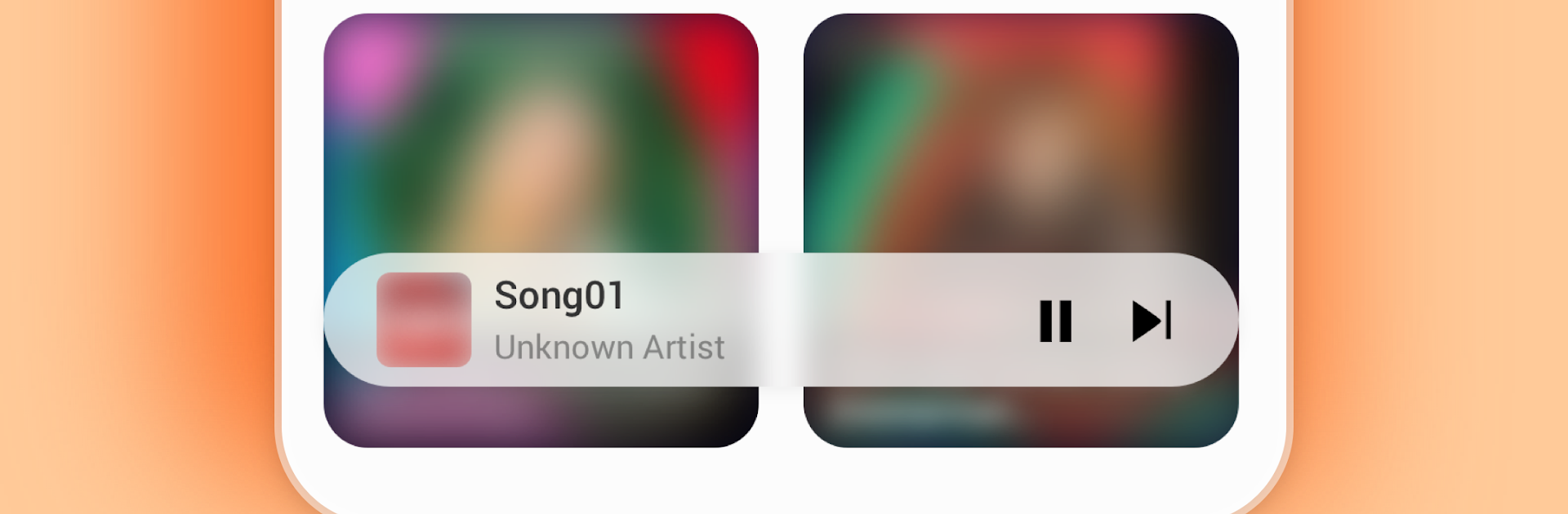


Multitask effortlessly on your PC or Mac as you try out BDMusicPlayer, a Music & Audio app by 赵文莉 on BlueStacks.
BDMusicPlayer feels like a straight up local music player that just does the basics really well. Running it on a PC with BlueStacks makes it feel close to a lightweight desktop player, the kind someone leaves open while working or gaming. It scans whatever music files the emulator can see and pulls them into a clean library without fuss. No accounts, no streaming, no clutter. If someone already has folders of tracks, it picks them up fast and sorts them by song, album, and artist so it is easy to get around.
Playlists are simple to build and tweak, so adding a few songs, renaming stuff, or clearing a list takes a couple clicks. Album covers show up when they exist in the file, and lyrics can appear too if they are embedded, which is a nice surprise when it works. Controls are smooth, with a mini player in notifications and on the lock screen, so pausing, skipping, or reordering the queue does not feel heavy. It keeps playing offline without any trouble and moves to the next track like it should. Formats are not a headache either, it handles MP3, M4A, WAV, FLAC, OGG, and the usual suspects. On PC, as long as the music is shared to BlueStacks or dropped in a visible folder, it runs fine. This is for someone who wants local files, wants them organized quickly, and wants a player that stays out of the way.
Ready to experience BDMusicPlayer on a bigger screen, in all its glory? Download BlueStacks now.





