
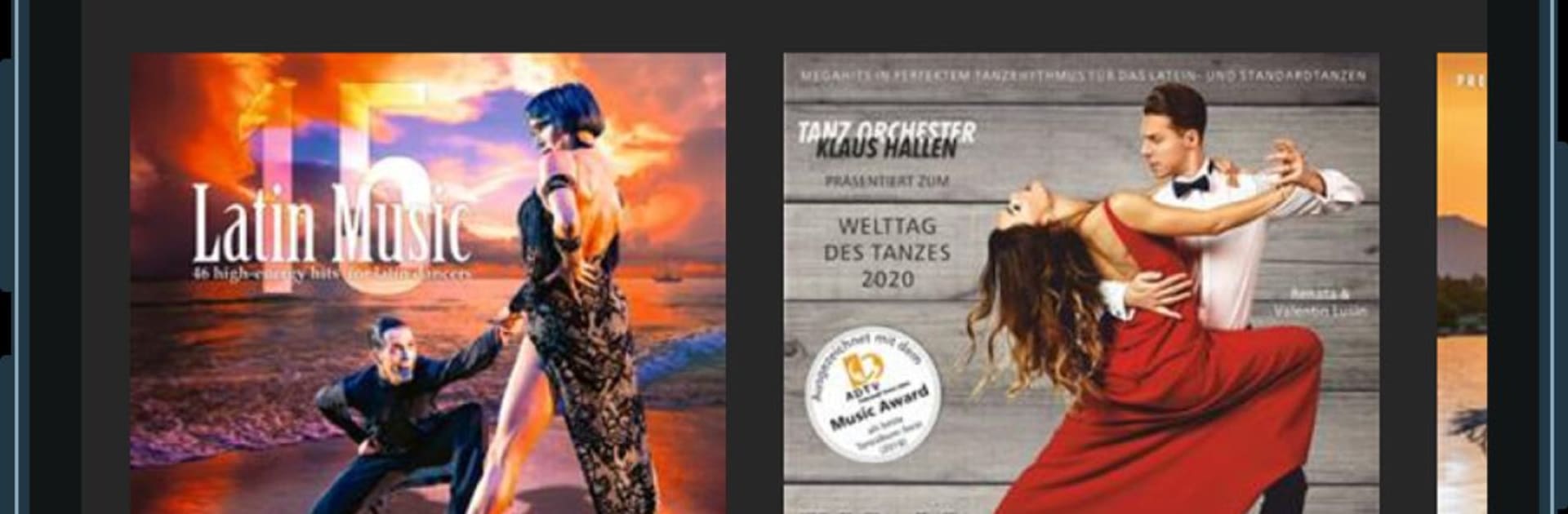
DanStream
DanStream

DanStream

Music & Audio

| DanceSport Digital, s.r.o.

Play on PC with BlueStacks or from our cloud

  • Overview
  • How to Download

Page Modified On: November 20, 2025

Run DanStream on PC or Mac

Upgrade your experience. Try DanStream, the fantastic Music & Audio app from DanceSport Digital, s.r.o., from the comfort of your laptop, PC, or Mac, only on BlueStacks.

DanStream feels like a proper home base for dancesport tracks, not just a random music app. It focuses on ballroom and Latin practice, so the catalog leans into clean, training friendly cuts that suit lessons, drills, or coaching sessions. On a PC with BlueStacks it is easy to live with, the bigger screen makes browsing, sorting, and naming playlists simpler, and dragging the playhead or tweaking tempo with a mouse feels quick. Nothing flashy, just a neat layout that gets out of the way so the music does the job.

The standout bit is the live tempo control. Speeding a song up for stamina runs or slowing it for technique work happens instantly, and the track keeps rolling without odd hiccups. Library wise, it is surprisingly deep, with plenty to explore beyond the usual few albums, which helps when someone needs fresh tracks that still fit a specific dance. Playlists are straightforward, so a teacher can build sets for rounds, warm ups, or private lessons without fiddling. There is a 7 plus 7 day try period with no weird hoops, useful for checking if the catalog covers someone’s style. The team lists some upcoming tools like a competition style playlist that auto fades and jumps at a set time, offline downloads for training halls with poor signal, and special playlists based on big events. If those land as described, it would make running practice rounds a lot less manual, which is kind of the point here.

BlueStacks gives you the much-needed freedom to experience your favorite apps on a bigger screen. Get it now.


How to Download and Run DanStream on PC or Mac

  • Download and install BlueStacks on your PC or Mac

  • Complete Google sign-in to access the Play Store, or do it later

  • Look for DanStream in the search bar at the top right corner

  • Click to install DanStream from the search results

  • Complete Google sign-in (if you skipped step 2) to install DanStream

  • Click the DanStream icon on the home screen to start playing

video
Watch Video

Minimum System Requirements

With BlueStacks 5, you can get started on a PC that fulfills the following requirements.

  • Operating System

    Microsoft Windows 7 or above, macOS 11 (Big Sur) or above

  • Processor

    Intel, AMD or Apple Silicon Processor

  • RAM

    at least 4GB

  • HDD

    10GB Free Disk Space

Note:

* You must be an Administrator on your PC. Up to date graphics drivers from Microsoft or the chipset vendor.

DanStream - FAQs

  • How to Run DanStream on Windows PC & Mac?

    Run DanStream on your PC or Mac by following these simple steps.

    • Click on ‘Download DanStream on PC’ to download BlueStacks
    • Install it and log-in to Google Play Store
    • Launch and run the app.
  • Why is BlueStacks the fastest and safest platform to play games on PC?

    BlueStacks respects your privacy and is always safe and secure to use. It does not carry any malware, spyware, or any sort of additional software that could harm your PC.

    It is engineered to optimize speed and performance for a seamless gaming experience.

  • What are DanStream PC requirements?

    Minimum requirement to run DanStream on your PC

    • OS: Microsoft Windows 7 and above:
    • Processor: Intel or AMD Processor:
    • RAM: Your PC must have at least 2GB of RAM. (Note that having 2GB or more disk space is not a substitute for RAM):
    • HDD: 5GB Free Disk Space.
    • You must be an Administrator on your PC.



