
Harmonium
Harmonium

Harmonium

Music & Audio

| King Status Apps

Play on PC with BlueStacks or from our cloud

  • Overview
  • How to Download

Page Modified On: December 22, 2025

Run Harmonium on PC or Mac

What’s better than using Harmonium by King Status Apps? Well, try it on a big screen, on your PC or Mac, with BlueStacks to see the difference.

About the App

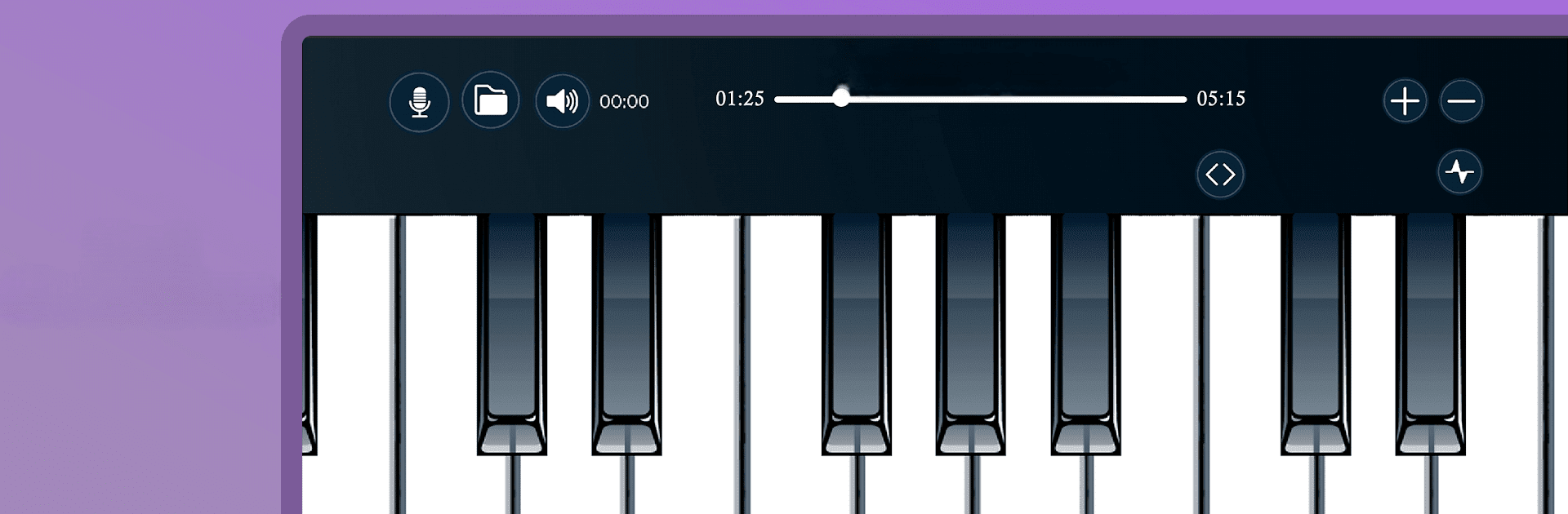
Harmonium by King Status Apps is your gateway to the world of Indian Classical Music, right from your phone! This Music & Audio app transforms your device into a realistic harmonium, perfect for everyone from beginners to seasoned musicians. With a smooth playing experience, you can explore Alankars, Ragas, and create your very own musical masterpieces.

App Features

  • No Waiting Time
    Feel the instant response—press a key and get an immediate sound, just like the real thing!
  • Adjustable Keyboard
    Customize your play surface with Zoom In/Out functionality. Use the Plus/Minus buttons to resize keys to your preference.
  • Rich Sound with Octave Effect
    Enhance your music by adding a rich octave effect that elevates your harmonium playing.
  • Learning Resources
    Access instructional videos from harmonium masters, perfect for improving your skills.
  • Recording and Playback
    Record your tunes effortlessly, so you can track your progress and share with others.

Enjoy all these features and more on BlueStacks, making it even easier to practice and play.

Big screen. Bigger performance. Use BlueStacks on your PC or Mac to run your favorite apps.

How to Download and Run Harmonium on PC or Mac

  • Download and install BlueStacks on your PC or Mac

  • Complete Google sign-in to access the Play Store, or do it later

  • Look for Harmonium in the search bar at the top right corner

  • Click to install Harmonium from the search results

  • Complete Google sign-in (if you skipped step 2) to install Harmonium

  • Click the Harmonium icon on the home screen to start playing

video
Watch Video

Minimum System Requirements

With BlueStacks 5, you can get started on a PC that fulfills the following requirements.

  • Operating System

    Microsoft Windows 7 or above, macOS 11 (Big Sur) or above

  • Processor

    Intel, AMD or Apple Silicon Processor

  • RAM

    at least 4GB

  • HDD

    10GB Free Disk Space

Note:

* You must be an Administrator on your PC. Up to date graphics drivers from Microsoft or the chipset vendor.

Harmonium - FAQs

  • How to Run Harmonium on Windows PC & Mac?

    Run Harmonium on your PC or Mac by following these simple steps.

    • Click on ‘Download Harmonium on PC’ to download BlueStacks
    • Install it and log-in to Google Play Store
    • Launch and run the app.
  • Why is BlueStacks the fastest and safest platform to play games on PC?

    BlueStacks respects your privacy and is always safe and secure to use. It does not carry any malware, spyware, or any sort of additional software that could harm your PC.

    It is engineered to optimize speed and performance for a seamless gaming experience.

  • What are Harmonium PC requirements?

    Minimum requirement to run Harmonium on your PC

    • OS: Microsoft Windows 7 and above:
    • Processor: Intel or AMD Processor:
    • RAM: Your PC must have at least 2GB of RAM. (Note that having 2GB or more disk space is not a substitute for RAM):
    • HDD: 5GB Free Disk Space.
    • You must be an Administrator on your PC.




