
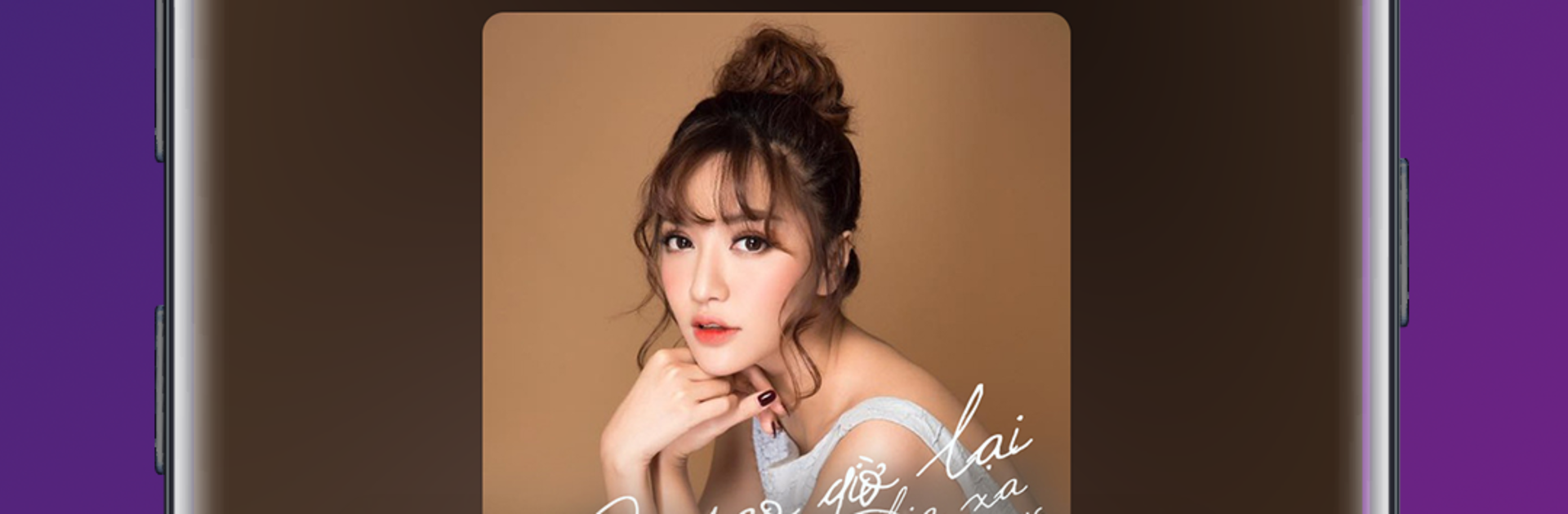
Keeng: Unlimited Music

Keeng: Unlimited Music

Music & Audio

| Viettel Media Inc

Play on PC with BlueStacks or from our cloud

  • Overview
  • How to Download

Page Modified On: January 05, 2026

Run Keeng: Unlimited Music on PC or Mac

Upgrade your experience. Try Keeng: Unlimited Music, the fantastic Music & Audio app from Viettel Media Inc, from the comfort of your laptop, PC, or Mac, only on BlueStacks.

Keeng feels like a big Vietnamese music hangout that mixes charts, moods, and artist hubs into one screen. It leans hard into playlists that follow trends and habits, so someone can jump from a focus mix to a throwback set without digging through menus. There is a one button discovery thing that tosses up a fresh mix when choice fatigue hits, which is nice on slow mornings. The interface is simple and colorful, maybe a little busy in spots, but it makes sense fast. On PC through BlueStacks it is easier to browse long lists, search with a keyboard, and leave it running in a corner while doing other stuff.

The standout is the EDM corner. It is stacked with big festival names like Martin Garrix, Alan Walker, The Chainsmokers, Armin van Buuren, Zedd, Calvin Harris, and it also highlights local DJs such as Minh Tri and KS. If electronic music is the go to, this section can eat hours with remixes, popular tracks, and new sets bubbling up all the time. Keeng also leans social. Listeners can find people with the same taste, comment, share songs, and add new buddies when the conversation clicks. There are perks for Viettel subscribers that make on the go listening less of a worry, which is a neat bonus if that applies. It is very much a music first app rather than a place for podcasts or random extras, so it stays focused on playing tracks and finding new ones fast.

BlueStacks brings your apps to life on a bigger screen—seamless and straightforward.

How to Download and Run Keeng: Unlimited Music on PC or Mac

  • Download and install BlueStacks on your PC or Mac

  • Complete Google sign-in to access the Play Store, or do it later

  • Look for Keeng: Unlimited Music in the search bar at the top right corner

  • Click to install Keeng: Unlimited Music from the search results

  • Complete Google sign-in (if you skipped step 2) to install Keeng: Unlimited Music

  • Click the Keeng: Unlimited Music icon on the home screen to start playing

video
Watch Video

Minimum System Requirements

With BlueStacks 5, you can get started on a PC that fulfills the following requirements.

  • Operating System

    Microsoft Windows 7 or above, macOS 11 (Big Sur) or above

  • Processor

    Intel, AMD or Apple Silicon Processor

  • RAM

    at least 4GB

  • HDD

    10GB Free Disk Space

Note:

* You must be an Administrator on your PC. Up to date graphics drivers from Microsoft or the chipset vendor.

Keeng: Unlimited Music - FAQs

  • How to Run Keeng: Unlimited Music on Windows PC & Mac?

    Run Keeng: Unlimited Music on your PC or Mac by following these simple steps.

    • Click on ‘Download Keeng: Unlimited Music on PC’ to download BlueStacks
    • Install it and log-in to Google Play Store
    • Launch and run the app.
  • Why is BlueStacks the fastest and safest platform to play games on PC?

    BlueStacks respects your privacy and is always safe and secure to use. It does not carry any malware, spyware, or any sort of additional software that could harm your PC.

    It is engineered to optimize speed and performance for a seamless gaming experience.

  • What are Keeng: Unlimited Music PC requirements?

    Minimum requirement to run Keeng: Unlimited Music on your PC

    • OS: Microsoft Windows 7 and above:
    • Processor: Intel or AMD Processor:
    • RAM: Your PC must have at least 2GB of RAM. (Note that having 2GB or more disk space is not a substitute for RAM):
    • HDD: 5GB Free Disk Space.
    • You must be an Administrator on your PC.




