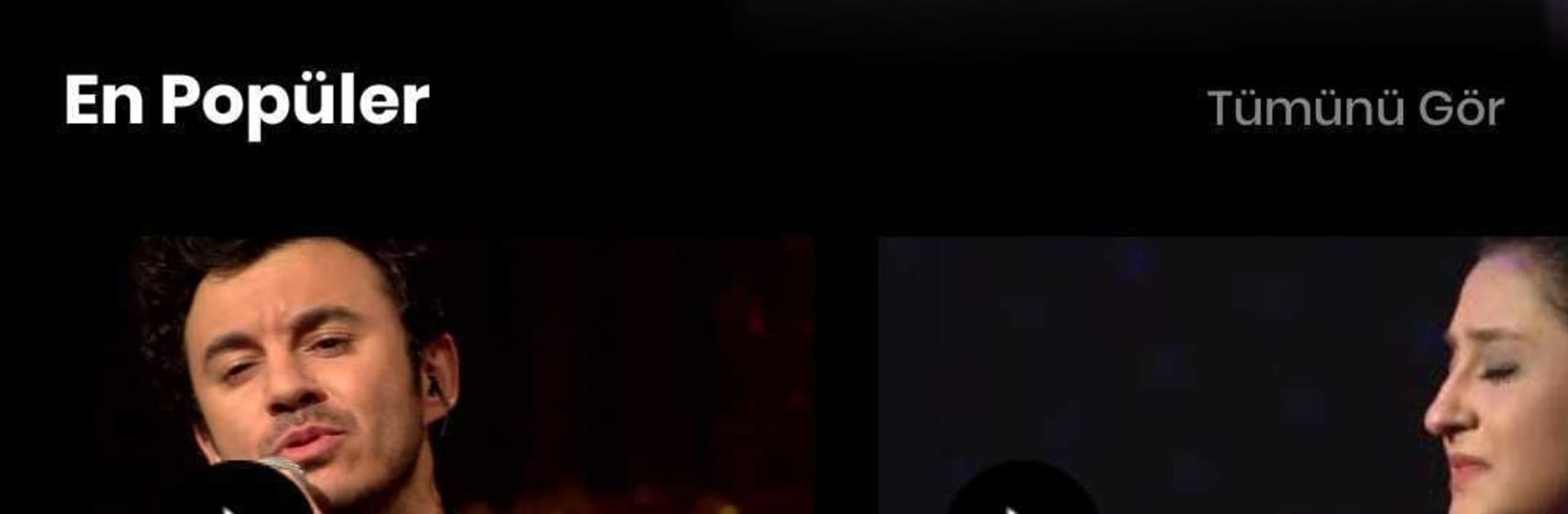
Kral
Kral

Kral

Music & Audio

| Doğuş Yayın Grubu

Play on PC with BlueStacks or from our cloud

  • Overview
  • How to Download

Page Modified On: November 28, 2025

Run Kral on PC or Mac

Multitask effortlessly on your PC or Mac as you try out Kral, a Music & Audio app by Doğuş Yayın Grubu on BlueStacks.

About the App

Kral from Doğuş Yayın Grubu is the Music & Audio app for fans who don’t want to miss their favorite tracks or shows. It brings live radio and TV together with smart tools that help you catch songs right when they air. It’s quick, simple, and built for everyday listening.

App Features

  • Catch Your Song alerts: Pick the track you’re waiting for and get a heads-up before it plays. No guessing, no endless station-hopping.
  • Your voice on air: Record a short voice message and send your dedication. When your song comes on, it can play with your own shout-out.
  • Live radio, live TV: Stream Kral FM and Kral Pop Radyo in real time, or watch Kral Pop TV live when you’re in the mood for music videos.
  • Full Kral archive: Browse hits from today and throwbacks from the past—playlists, shows, and more are right at your fingertips.
  • Clean, easy design: Find what you want fast. The interface keeps everything within a tap or two, so you’re always listening, not searching.
  • Smart notifications: Set reminders for songs and stay in the loop with timely alerts. You control what you hear about and when.
  • Built with feedback in mind: Updates roll out regularly, shaped by what listeners ask for—so features keep getting sharper.
  • Bigger screen, same vibe: Prefer listening at your desk? You can run Kral on your PC or Mac with BlueStacks for a room-filling experience.

Big screen. Bigger performance. Use BlueStacks on your PC or Mac to run your favorite apps.

How to Download and Run Kral on PC or Mac

  • Download and install BlueStacks on your PC or Mac

  • Complete Google sign-in to access the Play Store, or do it later

  • Look for Kral in the search bar at the top right corner

  • Click to install Kral from the search results

  • Complete Google sign-in (if you skipped step 2) to install Kral

  • Click the Kral icon on the home screen to start playing

video
Watch Video

Minimum System Requirements

With BlueStacks 5, you can get started on a PC that fulfills the following requirements.

  • Operating System

    Microsoft Windows 7 or above, macOS 11 (Big Sur) or above

  • Processor

    Intel, AMD or Apple Silicon Processor

  • RAM

    at least 4GB

  • HDD

    10GB Free Disk Space

Note:

* You must be an Administrator on your PC. Up to date graphics drivers from Microsoft or the chipset vendor.

Kral - FAQs

  • How to Run Kral on Windows PC & Mac?

    Run Kral on your PC or Mac by following these simple steps.

    • Click on ‘Download Kral on PC’ to download BlueStacks
    • Install it and log-in to Google Play Store
    • Launch and run the app.
  • Why is BlueStacks the fastest and safest platform to play games on PC?

    BlueStacks respects your privacy and is always safe and secure to use. It does not carry any malware, spyware, or any sort of additional software that could harm your PC.

    It is engineered to optimize speed and performance for a seamless gaming experience.

  • What are Kral PC requirements?

    Minimum requirement to run Kral on your PC

    • OS: Microsoft Windows 7 and above:
    • Processor: Intel or AMD Processor:
    • RAM: Your PC must have at least 2GB of RAM. (Note that having 2GB or more disk space is not a substitute for RAM):
    • HDD: 5GB Free Disk Space.
    • You must be an Administrator on your PC.