LaPlayer light
LaPlayer light

LaPlayer light

Music & Audio

| Dmitriy Lapayev

Play on PC with BlueStacks or from our cloud

  • Overview
  • How to Download

Page Modified On: December 15, 2025

Run LaPlayer light on PC or Mac

Let BlueStacks turn your PC, Mac, or laptop into the perfect home for LaPlayer light, a fun Music & Audio app from Dmitriy Lapayev.

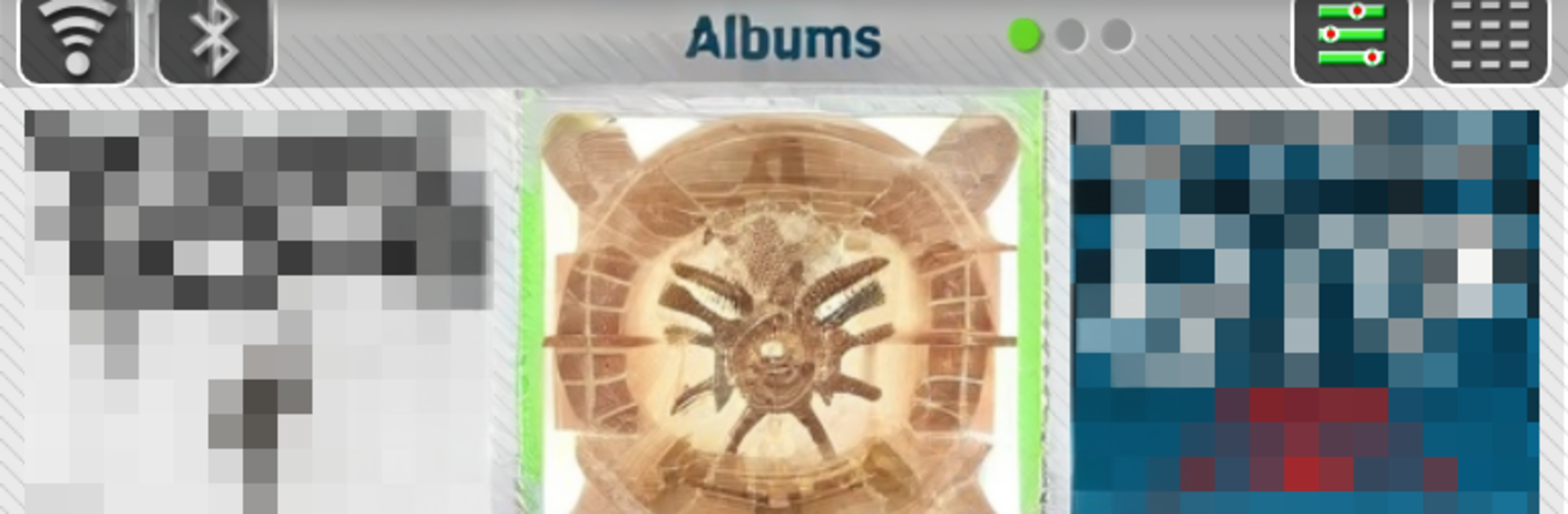
LaPlayer light feels like an old school music player that actually gives control back. The main screen is three swipeable pages, Albums, Tracks, and Playlists, and it scans both the media library and real folders, so nothing gets missed. There is a simple switch into a folder player if someone prefers browsing files. Playlists are handled well, with long press to add, reorder, rename, or remove, and there is a quick add as next option that makes building a queue painless. Sorting by file name or tag track numbers is there, plus shuffle, multiple selection, and a neat total time readout for whatever list is open.

The player is packed with thoughtful bits that make everyday use smoother. It stops for calls or when the headset is unplugged, then resumes when the call ends or power comes back on. Headset buttons work, even single-button ones, and there is a handy double-click on volume keys to skip tracks that can work on the lock screen too. There is an equalizer with bass boost, a visualizer, album art display with save option, and tag editing for MP3s including cover art, up to Android 10. Ringtone setting, sharing, a widget, notification controls, themes, playback history, and even a sleep timer that can shut things down when idle or in the dark. Radio streaming is baked in, with an editor to manage stations. On PC through BlueStacks, it behaves like a clean desktop music library, mouse clicks make the tab sliding snappy, and editing tags with a keyboard feels faster than on a phone. It is not flashy, but it is quick, dependable, and kind to big collections.

BlueStacks brings your apps to life on a bigger screen—seamless and straightforward.

How to Download and Run LaPlayer light on PC or Mac

  • Download and install BlueStacks on your PC or Mac

  • Complete Google sign-in to access the Play Store, or do it later

  • Look for LaPlayer light in the search bar at the top right corner

  • Click to install LaPlayer light from the search results

  • Complete Google sign-in (if you skipped step 2) to install LaPlayer light

  • Click the LaPlayer light icon on the home screen to start playing

video
Watch Video

Minimum System Requirements

With BlueStacks 5, you can get started on a PC that fulfills the following requirements.

  • Operating System

    Microsoft Windows 7 or above, macOS 11 (Big Sur) or above

  • Processor

    Intel, AMD or Apple Silicon Processor

  • RAM

    at least 4GB

  • HDD

    10GB Free Disk Space

Note:

* You must be an Administrator on your PC. Up to date graphics drivers from Microsoft or the chipset vendor.

LaPlayer light - FAQs

  • How to Run LaPlayer light on Windows PC & Mac?

    Run LaPlayer light on your PC or Mac by following these simple steps.

    • Click on ‘Download LaPlayer light on PC’ to download BlueStacks
    • Install it and log-in to Google Play Store
    • Launch and run the app.
  • Why is BlueStacks the fastest and safest platform to play games on PC?

    BlueStacks respects your privacy and is always safe and secure to use. It does not carry any malware, spyware, or any sort of additional software that could harm your PC.

    It is engineered to optimize speed and performance for a seamless gaming experience.

  • What are LaPlayer light PC requirements?

    Minimum requirement to run LaPlayer light on your PC

    • OS: Microsoft Windows 7 and above:
    • Processor: Intel or AMD Processor:
    • RAM: Your PC must have at least 2GB of RAM. (Note that having 2GB or more disk space is not a substitute for RAM):
    • HDD: 5GB Free Disk Space.
    • You must be an Administrator on your PC.