
Musixmatch Pro
Musixmatch Pro

Musixmatch Pro

Music & Audio

| Musixmatch

Play on PC with BlueStacks or from our cloud

  • Overview
  • How to Download

Page Modified On: November 28, 2025

Run Musixmatch Pro on PC or Mac

Let BlueStacks turn your PC, Mac, or laptop into the perfect home for Musixmatch Pro, a fun Music & Audio app from Musixmatch.

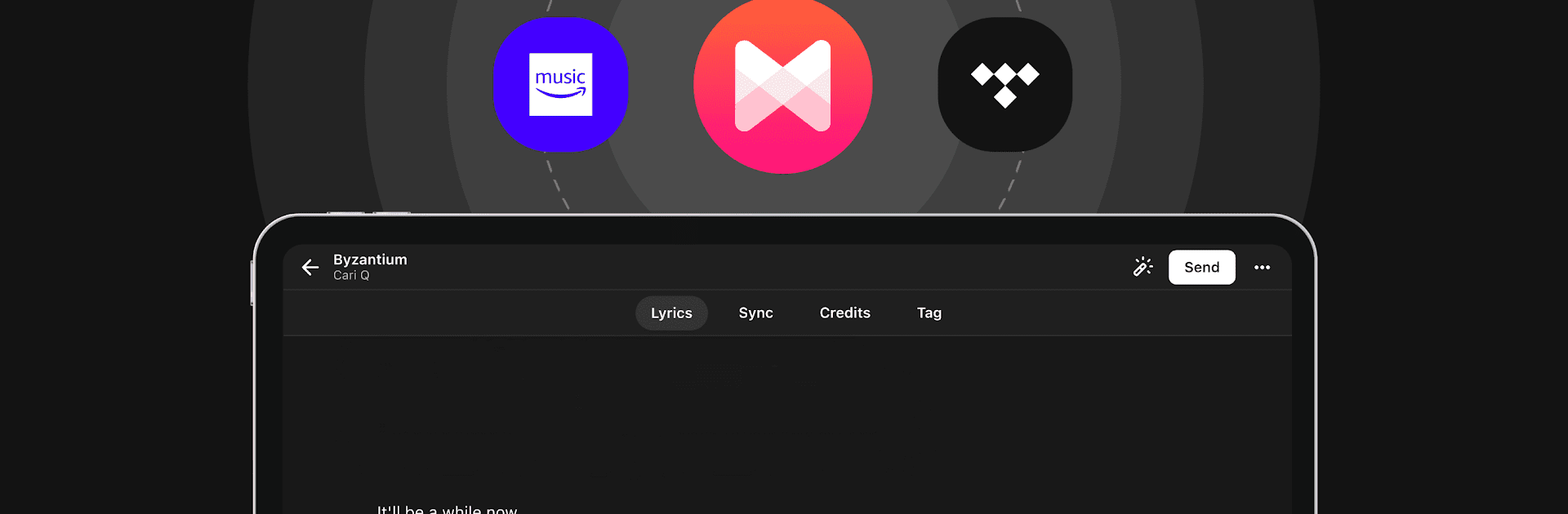
Musixmatch Pro feels like a control room for lyrics. An artist verifies their profile, then starts loading the real words, not messy fan guesses, and pushes them out to places fans actually see them, like Spotify, Apple Music, Instagram, Google, Snapchat. The big thing here is timing. It lets someone sync line by line or even word by word, so the text pops exactly with the beat. On a PC with BlueStacks, that timeline work is easier, larger targets, smoother scrubbing, quick keyboard taps to nudge things. It is oddly satisfying when a fast chorus lands perfect.

There is an AI helper that drafts the lyrics and rough syncs them. It is not magic, it misses quick rap or ad‑libs sometimes, but it gives a solid head start that can be cleaned up fast. Metadata is all there, sections like verse or chorus, translations, and proper credits, so everything feels tidy and official. For anyone short on time, there is an option to hand the whole thing to their curators, and they send back polished lyrics ready for every platform.

The Lyric Video Maker is surprisingly handy. Pick a template, change colors and fonts, drop in a background, add little animations and transitions, and the synced lyrics are already aligned. The generative AI backgrounds can be fun or a bit odd, yet they spark ideas. It is not a music editor, it is focused on lyrics and how they look and travel, which keeps the workflow simple and calm.

Ready to experience Musixmatch Pro on a bigger screen, in all its glory? Download BlueStacks now.


How to Download and Run Musixmatch Pro on PC or Mac

  • Download and install BlueStacks on your PC or Mac

  • Complete Google sign-in to access the Play Store, or do it later

  • Look for Musixmatch Pro in the search bar at the top right corner

  • Click to install Musixmatch Pro from the search results

  • Complete Google sign-in (if you skipped step 2) to install Musixmatch Pro

  • Click the Musixmatch Pro icon on the home screen to start playing

video
Watch Video

Minimum System Requirements

With BlueStacks 5, you can get started on a PC that fulfills the following requirements.

  • Operating System

    Microsoft Windows 7 or above, macOS 11 (Big Sur) or above

  • Processor

    Intel, AMD or Apple Silicon Processor

  • RAM

    at least 4GB

  • HDD

    10GB Free Disk Space

Note:

* You must be an Administrator on your PC. Up to date graphics drivers from Microsoft or the chipset vendor.

Musixmatch Pro - FAQs

  • How to Run Musixmatch Pro on Windows PC & Mac?

    Run Musixmatch Pro on your PC or Mac by following these simple steps.

    • Click on ‘Download Musixmatch Pro on PC’ to download BlueStacks
    • Install it and log-in to Google Play Store
    • Launch and run the app.
  • Why is BlueStacks the fastest and safest platform to play games on PC?

    BlueStacks respects your privacy and is always safe and secure to use. It does not carry any malware, spyware, or any sort of additional software that could harm your PC.

    It is engineered to optimize speed and performance for a seamless gaming experience.

  • What are Musixmatch Pro PC requirements?

    Minimum requirement to run Musixmatch Pro on your PC

    • OS: Microsoft Windows 7 and above:
    • Processor: Intel or AMD Processor:
    • RAM: Your PC must have at least 2GB of RAM. (Note that having 2GB or more disk space is not a substitute for RAM):
    • HDD: 5GB Free Disk Space.
    • You must be an Administrator on your PC.



