
Opus Player - WhatsApp Audio

Opus Player - WhatsApp Audio

Music & Audio

| pasquapp

Play on PC with BlueStacks or from our cloud

  • Overview
  • How to Download

Page Modified On: November 28, 2025

Run Opus Player - WhatsApp Audio on PC or Mac

Let BlueStacks turn your PC, Mac, or laptop into the perfect home for Opus Player – WhatsApp Audio, a fun Music & Audio app from pasquapp.

Opus Player feels like a plain, no fuss tool that quietly fixes the annoying parts of dealing with WhatsApp voice notes. On PC through BlueStacks it is even nicer, since a bigger screen makes scrolling long histories and sorting clips way less cramped. It started as an opus file player, but it has grown into a small control center for voice messages. Nothing flashy, just solid controls and a layout that gets out of the way.

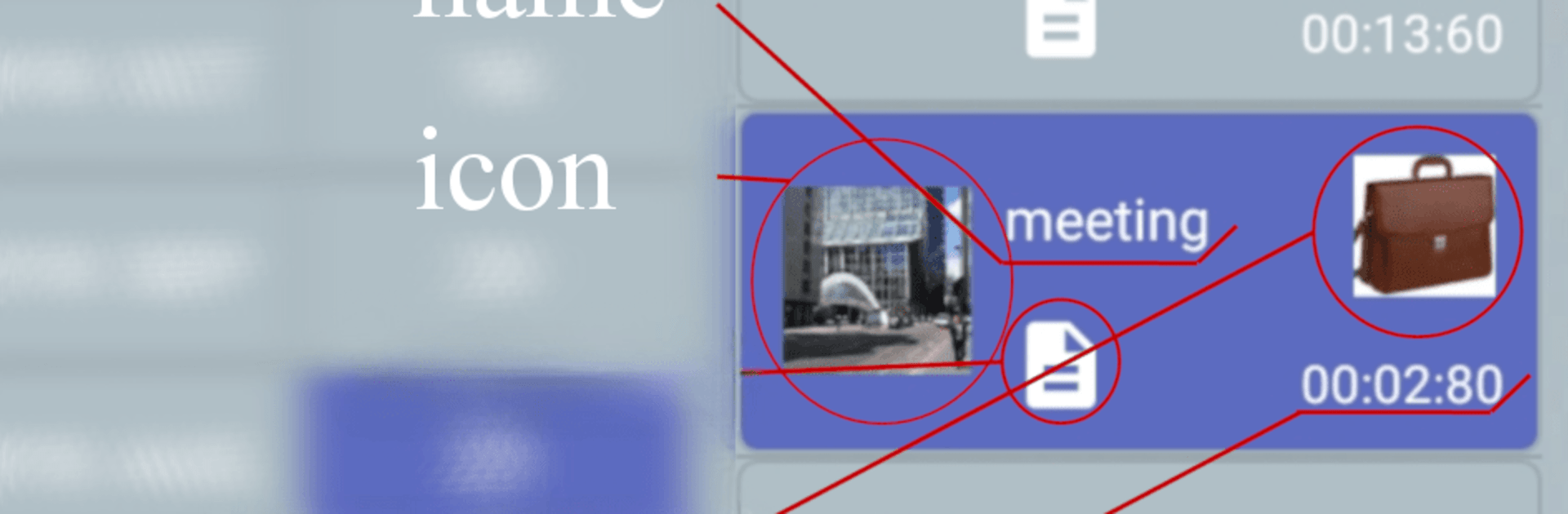
What stands out is the control over how audio comes out. You can switch the output between the main speaker and the call earpiece, helpful when headphones are not around or when the proximity sensor acts up in WhatsApp. It keeps a clean history of sent and received voice notes by date, so finding that one clip from last month is quick. Listening through the app does not trigger blue ticks, so the sender will not see it as played. Organizing is the strong suit too. Categories with names and icons, renaming inside the app without touching the original file, quick text notes to remember what someone said, and multi select to share, delete, or file several messages at once. Sharing out to stories or posts works fine, which is rare for audio. It can also scan other folders if you point it there, including Telegram voice messages that use the ogg extension. Just a clear warning worth repeating, it does not save or back up anything, so if a note gets deleted from WhatsApp or the file manager, the app cannot bring it back.

BlueStacks brings your apps to life on a bigger screen—seamless and straightforward.

How to Download and Run Opus Player - WhatsApp Audio on PC or Mac

  • Download and install BlueStacks on your PC or Mac

  • Complete Google sign-in to access the Play Store, or do it later

  • Look for Opus Player - WhatsApp Audio in the search bar at the top right corner

  • Click to install Opus Player - WhatsApp Audio from the search results

  • Complete Google sign-in (if you skipped step 2) to install Opus Player - WhatsApp Audio

  • Click the Opus Player - WhatsApp Audio icon on the home screen to start playing

video
Watch Video

Minimum System Requirements

With BlueStacks 5, you can get started on a PC that fulfills the following requirements.

  • Operating System

    Microsoft Windows 7 or above, macOS 11 (Big Sur) or above

  • Processor

    Intel, AMD or Apple Silicon Processor

  • RAM

    at least 4GB

  • HDD

    10GB Free Disk Space

Note:

* You must be an Administrator on your PC. Up to date graphics drivers from Microsoft or the chipset vendor.

Opus Player - WhatsApp Audio - FAQs

  • How to Run Opus Player - WhatsApp Audio on Windows PC & Mac?

    Run Opus Player - WhatsApp Audio on your PC or Mac by following these simple steps.

    • Click on ‘Download Opus Player - WhatsApp Audio on PC’ to download BlueStacks
    • Install it and log-in to Google Play Store
    • Launch and run the app.
  • Why is BlueStacks the fastest and safest platform to play games on PC?

    BlueStacks respects your privacy and is always safe and secure to use. It does not carry any malware, spyware, or any sort of additional software that could harm your PC.

    It is engineered to optimize speed and performance for a seamless gaming experience.

  • What are Opus Player - WhatsApp Audio PC requirements?

    Minimum requirement to run Opus Player - WhatsApp Audio on your PC

    • OS: Microsoft Windows 7 and above:
    • Processor: Intel or AMD Processor:
    • RAM: Your PC must have at least 2GB of RAM. (Note that having 2GB or more disk space is not a substitute for RAM):
    • HDD: 5GB Free Disk Space.
    • You must be an Administrator on your PC.




