




Multitask effortlessly on your PC or Mac as you try out Orange Squeeze, a Music & Audio app by Orange Bike Labs on BlueStacks.
About the App
Looking for an easy way to control your Logitech Squeezebox devices right from your phone or tablet? Orange Squeeze is all about making your music experience fast, intuitive, and—yeah—pretty fun, too. Created by Orange Bike Labs, this Music & Audio app connects with your local server or mysqueezebox.com over WiFi, so you can browse music, manage playlists, and stream with just a few taps.
App Features
-
Automatic Connection
No need to hunt around for servers—Orange Squeeze finds and connects with your Logitech Media Server or mysqueezebox.com account seamlessly over WiFi. -
Smooth, Customizable Browsing
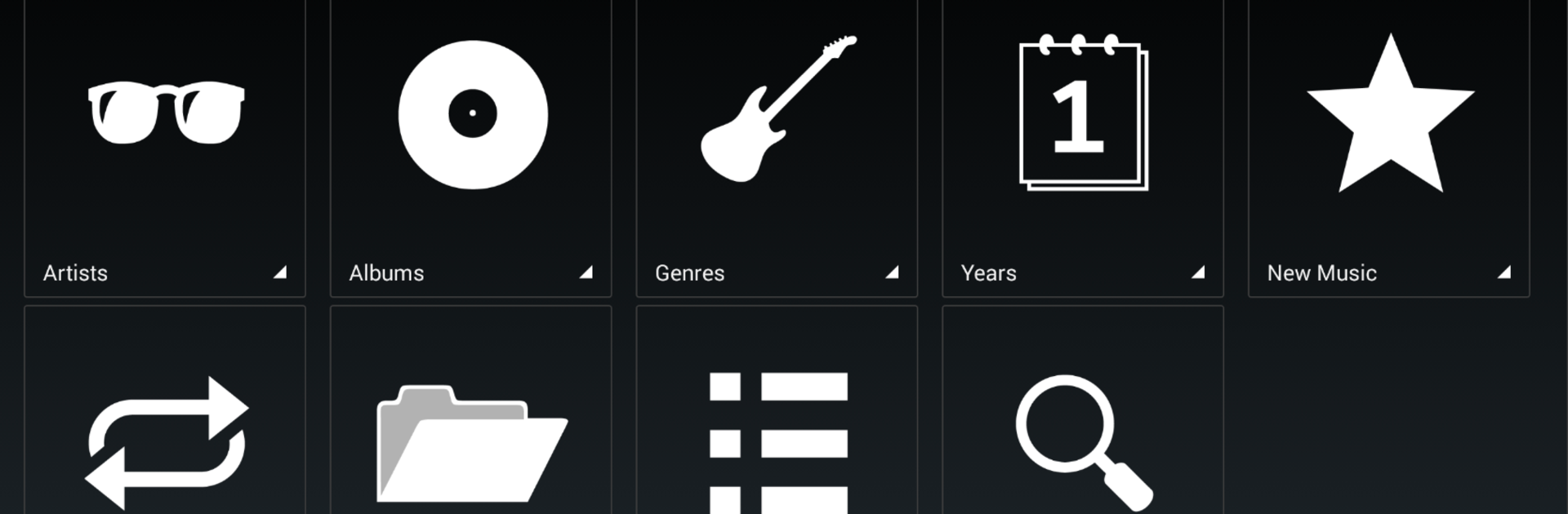
Enjoy music your way, whether you want big colorful grids to showcase album art on your tablet, or prefer a classic list view. You get to decide what feels right. -
Modern, Intuitive Design
With a swipe, you’re at your home menu or checking which players are online. And it feels just like other apps you know—no clunky navigation here. -
Playlist Controls That Make Sense
Remove songs with a swipe, rearrange tracks with a long press, or organize menus by just dragging and dropping. Managing your music never felt this natural. -
Third-Party App Friendly
Orange Squeeze broadcasts track info, meaning other apps on your device can pick up what’s playing—super handy if you’re running extra tools. -
Online Services Integration
Listen through your favorite platforms like Pandora and Spotify, fully integrated with your Squeezebox devices. -
Smart Call Handling
If someone rings you, the app can mute your Squeezebox player automatically, and blend the music back in when you hang up. -
Handy Hardware Controls
Use your phone’s hardware volume buttons to adjust playback volume—no need to fumble with on-screen controls. -
Fast Searching & Hearty Caching
Get speedy results without waiting around for endless scans, plus advanced caching keeps everything running without hiccups. -
Extras for Power Users
Includes features like player sync, sleep timers, alarms, and even works with password-protected servers. Works smoothly with SqueezePlayer (if you’ve grabbed that app too).
And if you like a bigger screen, Orange Squeeze plays nicely on BlueStacks, so you can take control from your PC whenever you feel like stretching out.
BlueStacks gives you the much-needed freedom to experience your favorite apps on a bigger screen. Get it now.





