
PixelWave
PixelWave

PixelWave

Music & Audio

| Alexander Zolotov

Play on PC with BlueStacks or from our cloud

  • Overview
  • How to Download

Page Modified On: October 23, 2025

Run PixelWave on PC or Mac

Let BlueStacks turn your PC, Mac, or laptop into the perfect home for PixelWave, a fun Music & Audio app from Alexander Zolotov.

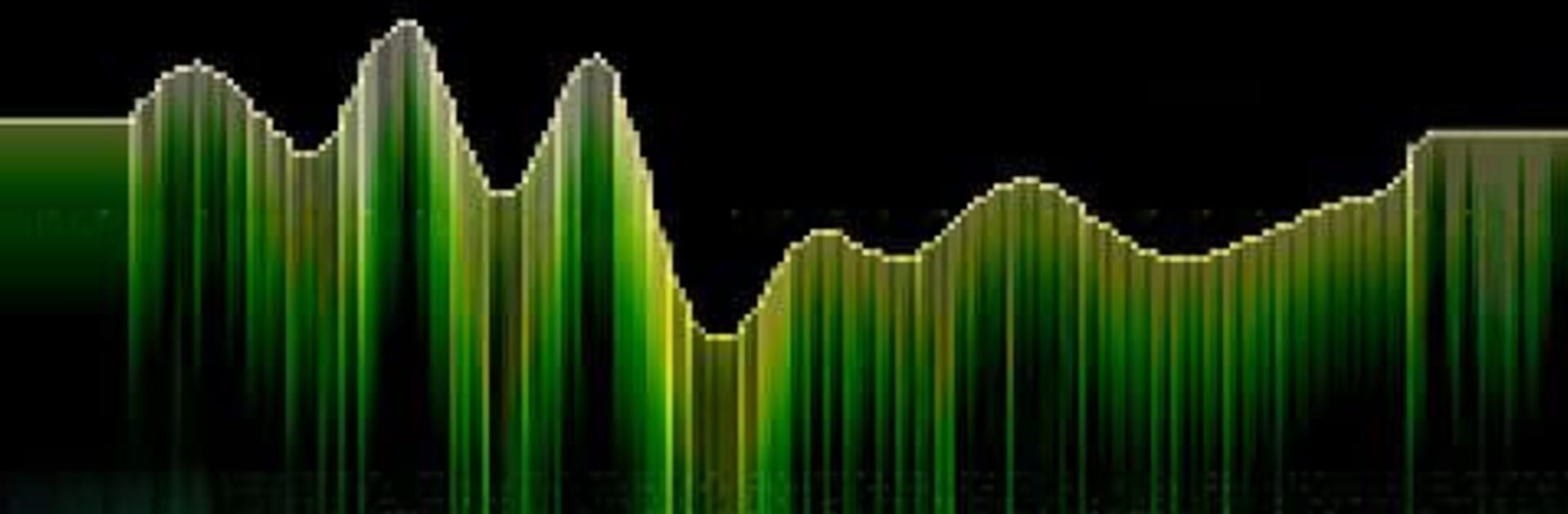
PixelWave feels like a tiny chiptune lab with a chunky pixel look. It is a wavetable synth where the sound literally comes from whatever shape someone draws, and it updates while notes are playing, so every scribble shifts the tone right away. Think bleeps, buzzy bass, crunchy leads, weird drones, all from simple lines and curves. There are nine starter wave shapes if a blank canvas feels a bit scary, then it is easy to nudge the drawing and hear how it changes. The octave range can be bumped from low rumble to higher squeaks, two up to six, so it covers a lot of ground for a small tool.

The interface is super bare and old school, which actually helps because nothing gets in the way. It is not a full workstation, it is just about crafting tones and playing them, which makes it great for quick experiments or sketching a sound idea. Export to WAV is there, so whatever comes out can be saved and dropped into another project later. USB MIDI input is supported on Android 6 and up, which is nice if someone has a controller around. On PC with BlueStacks, the bigger screen makes drawing waveforms easier, and mouse control feels precise, plus keymapping is handy for tapping notes. It is simple, direct, and odd in a good way, and it encourages messing with sound without a long setup.

Eager to take your app experience to the next level? Start right away by downloading BlueStacks on your PC or Mac.


How to Download and Run PixelWave on PC or Mac

  • Download and install BlueStacks on your PC or Mac

  • Complete Google sign-in to access the Play Store, or do it later

  • Look for PixelWave in the search bar at the top right corner

  • Click to install PixelWave from the search results

  • Complete Google sign-in (if you skipped step 2) to install PixelWave

  • Click the PixelWave icon on the home screen to start playing

video
Watch Video

Minimum System Requirements

With BlueStacks 5, you can get started on a PC that fulfills the following requirements.

  • Operating System

    Microsoft Windows 7 or above, macOS 11 (Big Sur) or above

  • Processor

    Intel, AMD or Apple Silicon Processor

  • RAM

    at least 4GB

  • HDD

    10GB Free Disk Space

Note:

* You must be an Administrator on your PC. Up to date graphics drivers from Microsoft or the chipset vendor.

PixelWave - FAQs

  • How to Run PixelWave on Windows PC & Mac?

    Run PixelWave on your PC or Mac by following these simple steps.

    • Click on ‘Download PixelWave on PC’ to download BlueStacks
    • Install it and log-in to Google Play Store
    • Launch and run the app.
  • Why is BlueStacks the fastest and safest platform to play games on PC?

    BlueStacks respects your privacy and is always safe and secure to use. It does not carry any malware, spyware, or any sort of additional software that could harm your PC.

    It is engineered to optimize speed and performance for a seamless gaming experience.

  • What are PixelWave PC requirements?

    Minimum requirement to run PixelWave on your PC

    • OS: Microsoft Windows 7 and above:
    • Processor: Intel or AMD Processor:
    • RAM: Your PC must have at least 2GB of RAM. (Note that having 2GB or more disk space is not a substitute for RAM):
    • HDD: 5GB Free Disk Space.
    • You must be an Administrator on your PC.



