
Rádio Melody
Rádio Melody

Rádio Melody

Music & Audio

| BAUER MEDIA Slovakia, k. s.

Play on PC with BlueStacks or from our cloud

  • Overview
  • How to Download

Page Modified On: January 06, 2026

Run Rádio Melody on PC or Mac

Why limit yourself to your small screen on the phone? Run Rádio Melody, an app by BAUER MEDIA Slovakia, k. s., best experienced on your PC or Mac with BlueStacks, the world’s #1 Android emulator.

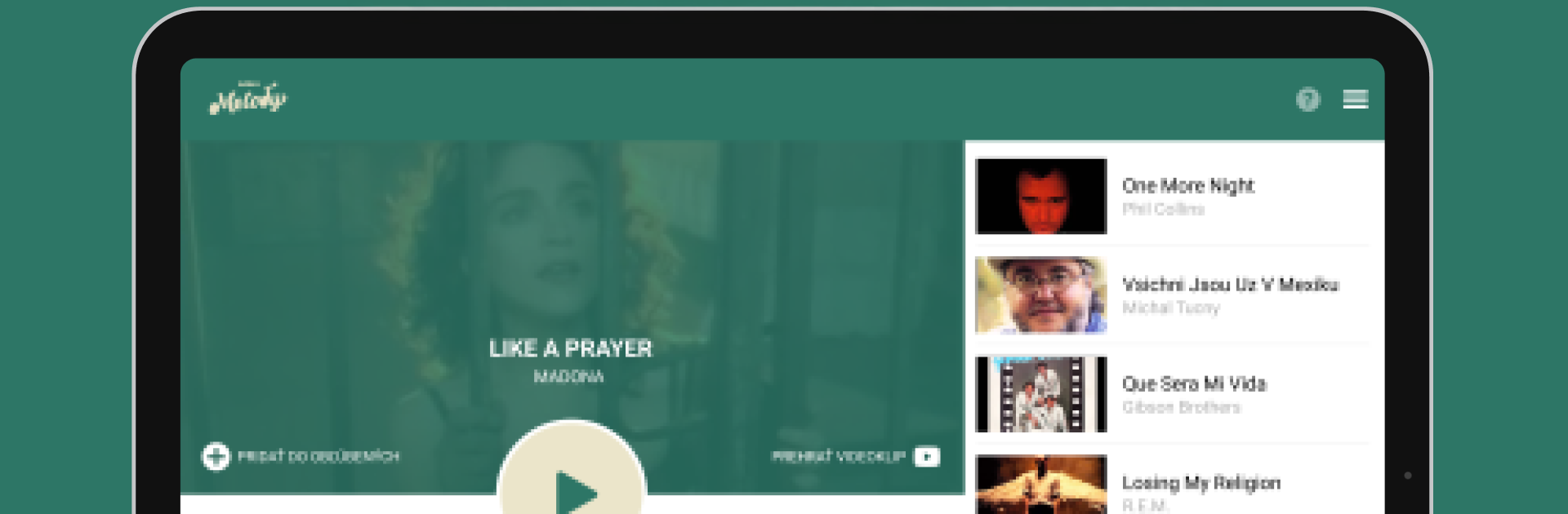
Rádio Melody keeps things simple in a good way. It is a straight-up radio app focused on familiar hits and easy listening, with a clean live stream that starts fast and just keeps going. The now playing screen shows the last ten tracks, so if a song slips by, it is easy to find it again. Tapping the heart adds a track to Favorites, and there is a neat rating feature that nudges what the station plays without asking for personal info. Each song can be rated again after two weeks, which feels fair and not spammy.

Favorites are tidy and sortable by newest or alphabetically, and there is a twist that every saved song opens as a YouTube video for a quick replay. The podcast tab pulls together shows from Slovakia and the Czech scene through Podmaza, so there is more to listen to than just the live channel. Casting works with Google Chromecast, and it supports Android Auto if someone wants it in the car. In Settings, users can switch between lower or higher stream quality and see how much data the live feed is using, which is handy when tethering.

On a PC with BlueStacks it behaves like a lightweight desktop radio, easy to park on the side of the screen, click to favorite, alt tab back to work. No clutter, no flashy stuff, just a steady station with a few smart extras.

BlueStacks gives you the much-needed freedom to experience your favorite apps on a bigger screen. Get it now.


How to Download and Run Rádio Melody on PC or Mac

  • Download and install BlueStacks on your PC or Mac

  • Complete Google sign-in to access the Play Store, or do it later

  • Look for Rádio Melody in the search bar at the top right corner

  • Click to install Rádio Melody from the search results

  • Complete Google sign-in (if you skipped step 2) to install Rádio Melody

  • Click the Rádio Melody icon on the home screen to start playing

video
Watch Video

Minimum System Requirements

With BlueStacks 5, you can get started on a PC that fulfills the following requirements.

  • Operating System

    Microsoft Windows 7 or above, macOS 11 (Big Sur) or above

  • Processor

    Intel, AMD or Apple Silicon Processor

  • RAM

    at least 4GB

  • HDD

    10GB Free Disk Space

Note:

* You must be an Administrator on your PC. Up to date graphics drivers from Microsoft or the chipset vendor.

Rádio Melody - FAQs

  • How to Run Rádio Melody on Windows PC & Mac?

    Run Rádio Melody on your PC or Mac by following these simple steps.

    • Click on ‘Download Rádio Melody on PC’ to download BlueStacks
    • Install it and log-in to Google Play Store
    • Launch and run the app.
  • Why is BlueStacks the fastest and safest platform to play games on PC?

    BlueStacks respects your privacy and is always safe and secure to use. It does not carry any malware, spyware, or any sort of additional software that could harm your PC.

    It is engineered to optimize speed and performance for a seamless gaming experience.

  • What are Rádio Melody PC requirements?

    Minimum requirement to run Rádio Melody on your PC

    • OS: Microsoft Windows 7 and above:
    • Processor: Intel or AMD Processor:
    • RAM: Your PC must have at least 2GB of RAM. (Note that having 2GB or more disk space is not a substitute for RAM):
    • HDD: 5GB Free Disk Space.
    • You must be an Administrator on your PC.



