رقية إبطال و فك السحر بالصوت

رقية إبطال و فك السحر بالصوت

Music & Audio

| Arabic Audio Books

Play on PC with BlueStacks or from our cloud

  • Overview
  • How to Download

Page Modified On: January 09, 2026

Run رقية إبطال و فك السحر بالصوت on PC or Mac

Let BlueStacks turn your PC, Mac, or laptop into the perfect home for رقية إبطال و فك السحر بالصوت, a fun Music & Audio app from Arabic Audio Books.

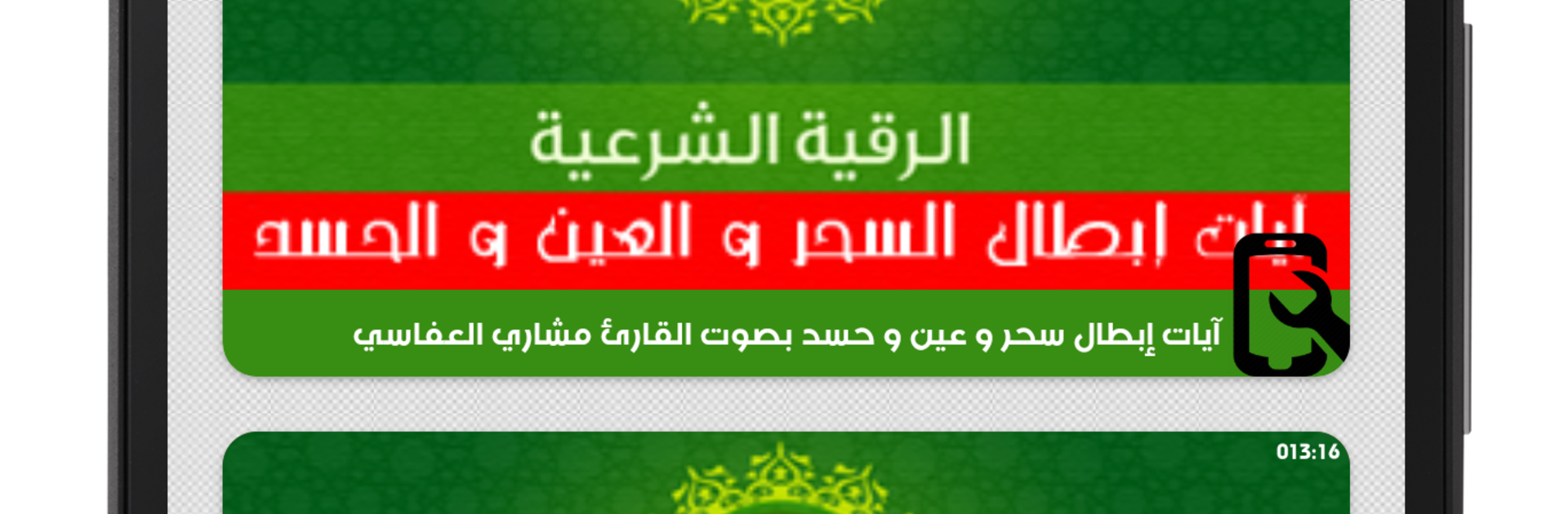
Ruqyah Ibtal wa Fakk al Sihr bil Sawt is a simple, focused audio app for anyone who wants Quran recitations specifically used for ruqyah. It centers on verses related to protection from the evil eye, envy, magic, and spiritual harm, and it sticks to that purpose without extra fluff. The audio is clear and strong, and the tracks are arranged so a person can jump right to what they need. There is a repeat style section where certain verses are played more than once, which helps with long listening or memorizing. It runs fully offline, so no data worries, and it keeps playing in the background while doing other tasks, which is kind of the whole point with this type of app.

On PC with BlueStacks, it feels like a small, steady audio tool sitting on the side while work happens. Open it, pick a track, let it play, and leave it running without babysitting the phone battery. Controls are straightforward, more play and pause than anything complicated, and skipping around is quick. The interface is in Arabic, but the layout is simple enough that basic use is easy even if someone only recognizes the labels for ruqyah, sihr, or ain. There are no flashy graphics or busy menus, just a clean list and strong recitation that stays consistent. If someone wants a dedicated ruqyah collection that they can let run for long sessions, this does exactly that and does not try to be something else.

Ready to experience رقية إبطال و فك السحر بالصوت on a bigger screen, in all its glory? Download BlueStacks now.


How to Download and Run رقية إبطال و فك السحر بالصوت on PC or Mac

  • Download and install BlueStacks on your PC or Mac

  • Complete Google sign-in to access the Play Store, or do it later

  • Look for رقية إبطال و فك السحر بالصوت in the search bar at the top right corner

  • Click to install رقية إبطال و فك السحر بالصوت from the search results

  • Complete Google sign-in (if you skipped step 2) to install رقية إبطال و فك السحر بالصوت

  • Click the رقية إبطال و فك السحر بالصوت icon on the home screen to start playing

video
Watch Video

Minimum System Requirements

With BlueStacks 5, you can get started on a PC that fulfills the following requirements.

  • Operating System

    Microsoft Windows 7 or above, macOS 11 (Big Sur) or above

  • Processor

    Intel, AMD or Apple Silicon Processor

  • RAM

    at least 4GB

  • HDD

    10GB Free Disk Space

Note:

* You must be an Administrator on your PC. Up to date graphics drivers from Microsoft or the chipset vendor.

رقية إبطال و فك السحر بالصوت - FAQs

  • How to Run رقية إبطال و فك السحر بالصوت on Windows PC & Mac?

    Run رقية إبطال و فك السحر بالصوت on your PC or Mac by following these simple steps.

    • Click on ‘Download رقية إبطال و فك السحر بالصوت on PC’ to download BlueStacks
    • Install it and log-in to Google Play Store
    • Launch and run the app.
  • Why is BlueStacks the fastest and safest platform to play games on PC?

    BlueStacks respects your privacy and is always safe and secure to use. It does not carry any malware, spyware, or any sort of additional software that could harm your PC.

    It is engineered to optimize speed and performance for a seamless gaming experience.

  • What are رقية إبطال و فك السحر بالصوت PC requirements?

    Minimum requirement to run رقية إبطال و فك السحر بالصوت on your PC

    • OS: Microsoft Windows 7 and above:
    • Processor: Intel or AMD Processor:
    • RAM: Your PC must have at least 2GB of RAM. (Note that having 2GB or more disk space is not a substitute for RAM):
    • HDD: 5GB Free Disk Space.
    • You must be an Administrator on your PC.