
SpectralPro Analyzer

SpectralPro Analyzer

Music & Audio

| RadonSoft

Play on PC with BlueStacks or from our cloud

  • Overview
  • How to Download

Page Modified On: January 09, 2026

Run SpectralPro Analyzer on PC or Mac

What’s better than using SpectralPro Analyzer by RadonSoft? Well, try it on a big screen, on your PC or Mac, with BlueStacks to see the difference.

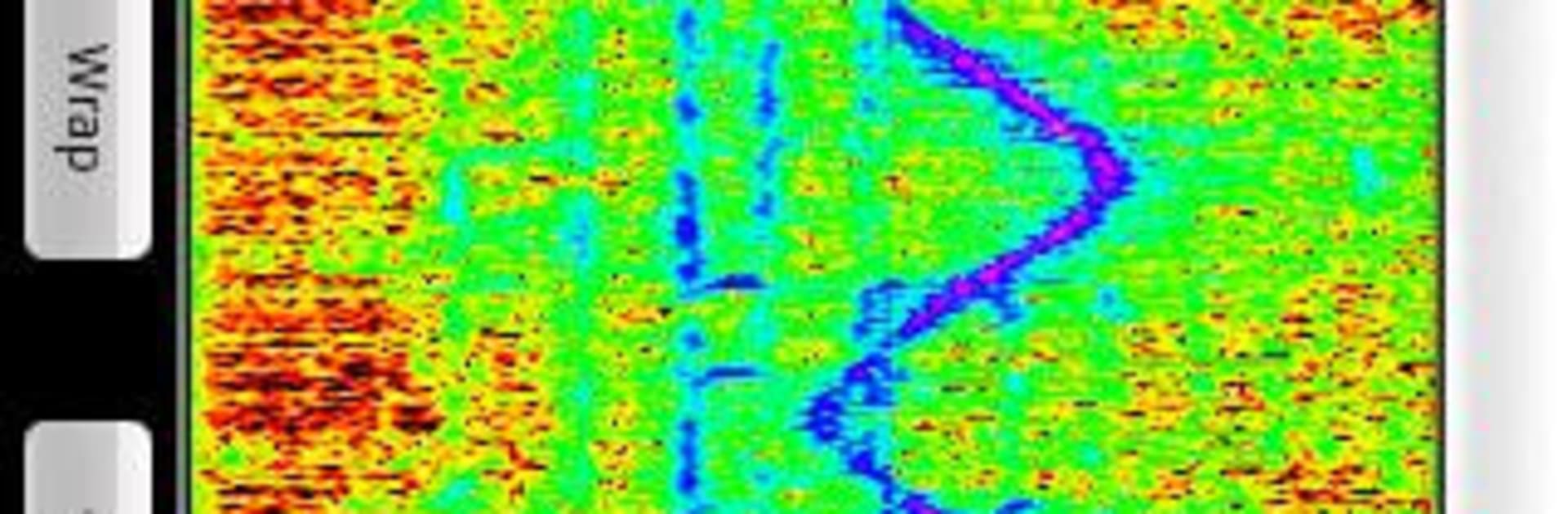
SpectralPro Analyzer is basically a serious sound nerd’s toy that still feels easy to use. Fire it up and the screen fills with a live spectrum and spectrogram that react to whatever the mic hears. It goes all the way up to 24 kHz, so it catches squeaky highs, room hiss, even a bit of ultrasonic stuff. The cool part is how hands on it feels. Frequency and amplitude can be remapped by scrolling and dragging, so zooming into a tiny slice of the spectrum or pulling back to see the whole picture takes a second. Update speed can be slowed down to study a moment or cranked up so every little chirp pops. Color themes change the mood and make patterns stand out, which helps when checking a room’s rumble or a speaker’s buzz.

On BlueStacks it works nicely, and the bigger monitor makes those fine details much easier to read. Mouse wheel for zoom, click-drag to pan, and it feels pretty natural even without touch. It does true real-time measurement, so peaks and harmonics lock in fast and do not feel laggy. Saving a snapshot is simple too, spectrogram images can go out as PNG or JPG straight to storage, handy for sharing or keeping notes. It suits anyone who wants to see sound while tweaking gear, tuning instruments, or just watching music turn into moving colors that actually mean something.

BlueStacks gives you the much-needed freedom to experience your favorite apps on a bigger screen. Get it now.


How to Download and Run SpectralPro Analyzer on PC or Mac

  • Download and install BlueStacks on your PC or Mac

  • Complete Google sign-in to access the Play Store, or do it later

  • Look for SpectralPro Analyzer in the search bar at the top right corner

  • Click to install SpectralPro Analyzer from the search results

  • Complete Google sign-in (if you skipped step 2) to install SpectralPro Analyzer

  • Click the SpectralPro Analyzer icon on the home screen to start playing

video
Watch Video

Minimum System Requirements

With BlueStacks 5, you can get started on a PC that fulfills the following requirements.

  • Operating System

    Microsoft Windows 7 or above, macOS 11 (Big Sur) or above

  • Processor

    Intel, AMD or Apple Silicon Processor

  • RAM

    at least 4GB

  • HDD

    10GB Free Disk Space

Note:

* You must be an Administrator on your PC. Up to date graphics drivers from Microsoft or the chipset vendor.

SpectralPro Analyzer - FAQs

  • How to Run SpectralPro Analyzer on Windows PC & Mac?

    Run SpectralPro Analyzer on your PC or Mac by following these simple steps.

    • Click on ‘Download SpectralPro Analyzer on PC’ to download BlueStacks
    • Install it and log-in to Google Play Store
    • Launch and run the app.
  • Why is BlueStacks the fastest and safest platform to play games on PC?

    BlueStacks respects your privacy and is always safe and secure to use. It does not carry any malware, spyware, or any sort of additional software that could harm your PC.

    It is engineered to optimize speed and performance for a seamless gaming experience.

  • What are SpectralPro Analyzer PC requirements?

    Minimum requirement to run SpectralPro Analyzer on your PC

    • OS: Microsoft Windows 7 and above:
    • Processor: Intel or AMD Processor:
    • RAM: Your PC must have at least 2GB of RAM. (Note that having 2GB or more disk space is not a substitute for RAM):
    • HDD: 5GB Free Disk Space.
    • You must be an Administrator on your PC.



