
SWR3 Radio
SWR3 Radio

SWR3 Radio

Music & Audio

| Südwestrundfunk

Play on PC with BlueStacks or from our cloud

  • Overview
  • How to Download

Page Modified On: October 03, 2025

Run SWR3 Radio on PC or Mac

Get freedom from your phone’s obvious limitations. Use SWR3 Radio, made by Südwestrundfunk, a Music & Audio app on your PC or Mac with BlueStacks, and level up your experience.

About the App

SWR3 Radio is your easy way to hear one of Germany’s favorite public radio stations wherever you are. It’s the Music & Audio app from Südwestrundfunk that mixes live radio, shows, and podcasts with handy everyday tools. Want great music, quick news, and a peek inside the studio? It’s all here, in one place.

App Features

  • Live radio: Stream the full SWR3 program around the clock and jump straight into what’s on right now.
  • Shows and podcasts: Catch special broadcasts, comedy segments, and curated music shows, plus on-demand podcasts when you’ve got time.
  • Song info, right away: Wondering what track just played? See the title, artist, and more without guessing.
  • Talk to the studio: Send feedback or comments directly to the presenters and be part of the conversation.
  • Visual Radio and studio cam: Watch hosts do their thing in real time for a behind-the-scenes feel.
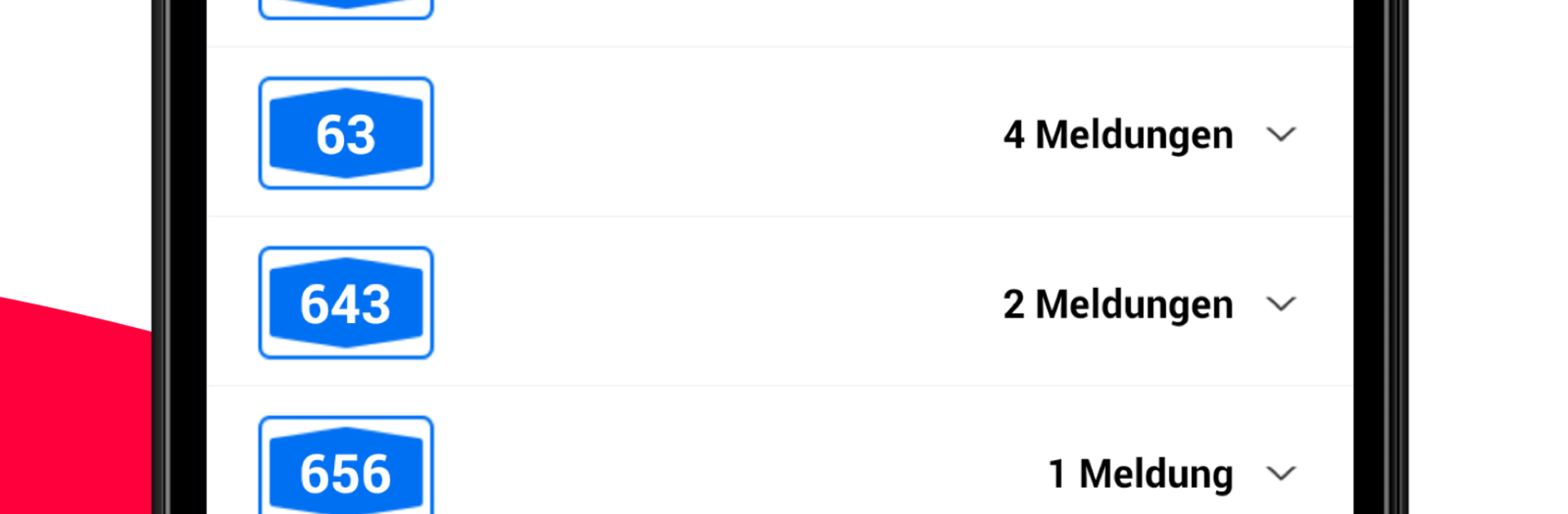
  • Traffic updates: Get detailed road and traffic information so you can plan a smoother drive across Germany.
  • Weather forecast: Check a five-day outlook for your location and other spots throughout the country.
  • News on your schedule: Stay up to date with the latest bulletins, available whenever you want to listen.
  • Data-friendly tip: Streaming audio can use a lot of data—using a flat rate helps you avoid extra charges.
  • Optional desktop listening: Prefer a bigger screen while you work? You can run SWR3 Radio on your PC with BlueStacks.

BlueStacks brings your apps to life on a bigger screen—seamless and straightforward.

How to Download and Run SWR3 Radio on PC or Mac

  • Download and install BlueStacks on your PC or Mac

  • Complete Google sign-in to access the Play Store, or do it later

  • Look for SWR3 Radio in the search bar at the top right corner

  • Click to install SWR3 Radio from the search results

  • Complete Google sign-in (if you skipped step 2) to install SWR3 Radio

  • Click the SWR3 Radio icon on the home screen to start playing

video
Watch Video

Minimum System Requirements

With BlueStacks 5, you can get started on a PC that fulfills the following requirements.

  • Operating System

    Microsoft Windows 7 or above, macOS 11 (Big Sur) or above

  • Processor

    Intel, AMD or Apple Silicon Processor

  • RAM

    at least 4GB

  • HDD

    10GB Free Disk Space

Note:

* You must be an Administrator on your PC. Up to date graphics drivers from Microsoft or the chipset vendor.

SWR3 Radio - FAQs

  • How to Run SWR3 Radio on Windows PC & Mac?

    Run SWR3 Radio on your PC or Mac by following these simple steps.

    • Click on ‘Download SWR3 Radio on PC’ to download BlueStacks
    • Install it and log-in to Google Play Store
    • Launch and run the app.
  • Why is BlueStacks the fastest and safest platform to play games on PC?

    BlueStacks respects your privacy and is always safe and secure to use. It does not carry any malware, spyware, or any sort of additional software that could harm your PC.

    It is engineered to optimize speed and performance for a seamless gaming experience.

  • What are SWR3 Radio PC requirements?

    Minimum requirement to run SWR3 Radio on your PC

    • OS: Microsoft Windows 7 and above:
    • Processor: Intel or AMD Processor:
    • RAM: Your PC must have at least 2GB of RAM. (Note that having 2GB or more disk space is not a substitute for RAM):
    • HDD: 5GB Free Disk Space.
    • You must be an Administrator on your PC.




