
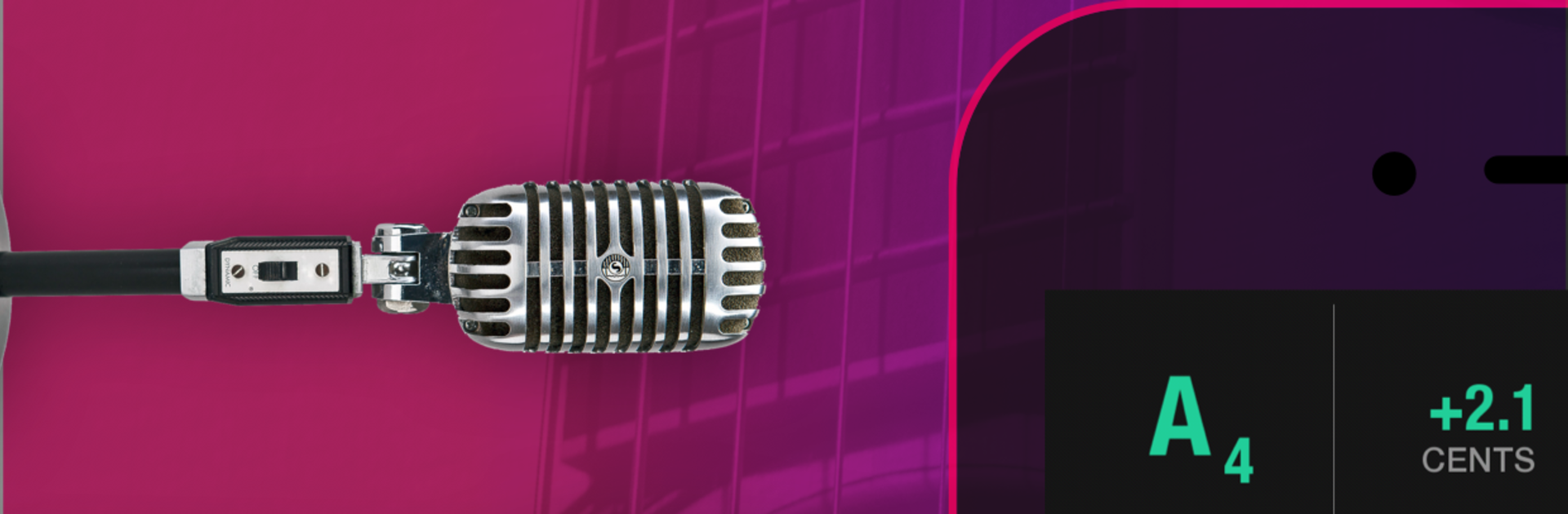
Tunable: Music Practice Tools

Tunable: Music Practice Tools

Music & Audio

| AffinityBlue

Play on PC with BlueStacks or from our cloud

  • Overview
  • How to Download

Page Modified On: October 10, 2025

Run Tunable: Music Practice Tools on PC or Mac

Multitask effortlessly on your PC or Mac as you try out Tunable: Music Practice Tools, a Music & Audio app by AffinityBlue on BlueStacks.

About the App

Tunable: Music Practice Tools by AffinityBlue is a friendly, all‑in‑one companion for musicians who want clear, visual feedback while they practice. It brings together a chromatic tuner, a flexible metronome, a tone and chord generator, and a simple recorder, so you can hear—and see—your progress. Prefer a bigger view for lessons or rehearsals? It also runs smoothly on BlueStacks.

App Features

  • Chromatic tuner you can read fast: Big, color‑coded feedback with note, octave, cents, and frequency so you know exactly where you are.
  • See your pitch over time: A running line shows how steady a held note is, helping you control vibrato and fix drift.
  • Reference tones and chords: Fire up sustained tones or full chords with multiple sound options; auto‑octave puts notes in the register you expect.
  • Temperaments on tap: Switch among equal, just, Pythagorean, and more; set your A4 reference to match your ensemble.
  • Visual metronome: Large pulse with clear downbeats, subdivisions, and measure count to keep you locked in.
  • Tap tempo and markings: Tap to set your speed or jump straight to common tempo markings.
  • Background friendly: Let the metronome keep ticking even if the screen locks.
  • Record with polish: Capture practice sessions or performances, add a touch of reverb, and share your takes when you’re ready.
  • Wide instrument range: From tuba to piccolo, guitar to violin—the detection engine is built for winds, strings, and voice.
  • Flexible layout and themes: Use horizontal or vertical tuner views and pick light or dark themes for comfort.
  • Rock‑solid accuracy: Highly precise and responsive, so small pitch changes actually show up.
  • Built for real‑world use: Transpose for your instrument and set tempo, meter, and subdivisions without fuss.

Genre: Music & Audio

Switch to BlueStacks and make the most of your apps on your PC or Mac.

How to Download and Run Tunable: Music Practice Tools on PC or Mac

  • Download and install BlueStacks on your PC or Mac

  • Complete Google sign-in to access the Play Store, or do it later

  • Look for Tunable: Music Practice Tools in the search bar at the top right corner

  • Click to install Tunable: Music Practice Tools from the search results

  • Complete Google sign-in (if you skipped step 2) to install Tunable: Music Practice Tools

  • Click the Tunable: Music Practice Tools icon on the home screen to start playing

video
Watch Video

Minimum System Requirements

With BlueStacks 5, you can get started on a PC that fulfills the following requirements.

  • Operating System

    Microsoft Windows 7 or above, macOS 11 (Big Sur) or above

  • Processor

    Intel, AMD or Apple Silicon Processor

  • RAM

    at least 4GB

  • HDD

    10GB Free Disk Space

Note:

* You must be an Administrator on your PC. Up to date graphics drivers from Microsoft or the chipset vendor.

Tunable: Music Practice Tools - FAQs

  • How to Run Tunable: Music Practice Tools on Windows PC & Mac?

    Run Tunable: Music Practice Tools on your PC or Mac by following these simple steps.

    • Click on ‘Download Tunable: Music Practice Tools on PC’ to download BlueStacks
    • Install it and log-in to Google Play Store
    • Launch and run the app.
  • Why is BlueStacks the fastest and safest platform to play games on PC?

    BlueStacks respects your privacy and is always safe and secure to use. It does not carry any malware, spyware, or any sort of additional software that could harm your PC.

    It is engineered to optimize speed and performance for a seamless gaming experience.

  • What are Tunable: Music Practice Tools PC requirements?

    Minimum requirement to run Tunable: Music Practice Tools on your PC

    • OS: Microsoft Windows 7 and above:
    • Processor: Intel or AMD Processor:
    • RAM: Your PC must have at least 2GB of RAM. (Note that having 2GB or more disk space is not a substitute for RAM):
    • HDD: 5GB Free Disk Space.
    • You must be an Administrator on your PC.




