




Multitask effortlessly on your PC or Mac as you try out Turkish Clarinet Fingerings, a Music & Audio app by Ozgur Aksu on BlueStacks.
Turkish Clarinet Fingerings feels like a handy pocket chart that actually does something. It started out focused on G clarinets, the Turkish style that usually uses the Albert system, but now it covers both Albert and Boehm fingerings. That switch is right there, so someone can flip between keyworks and see how a note changes depending on the system. It suits players who move between Turkish folk or Klezmer and more standard setups.
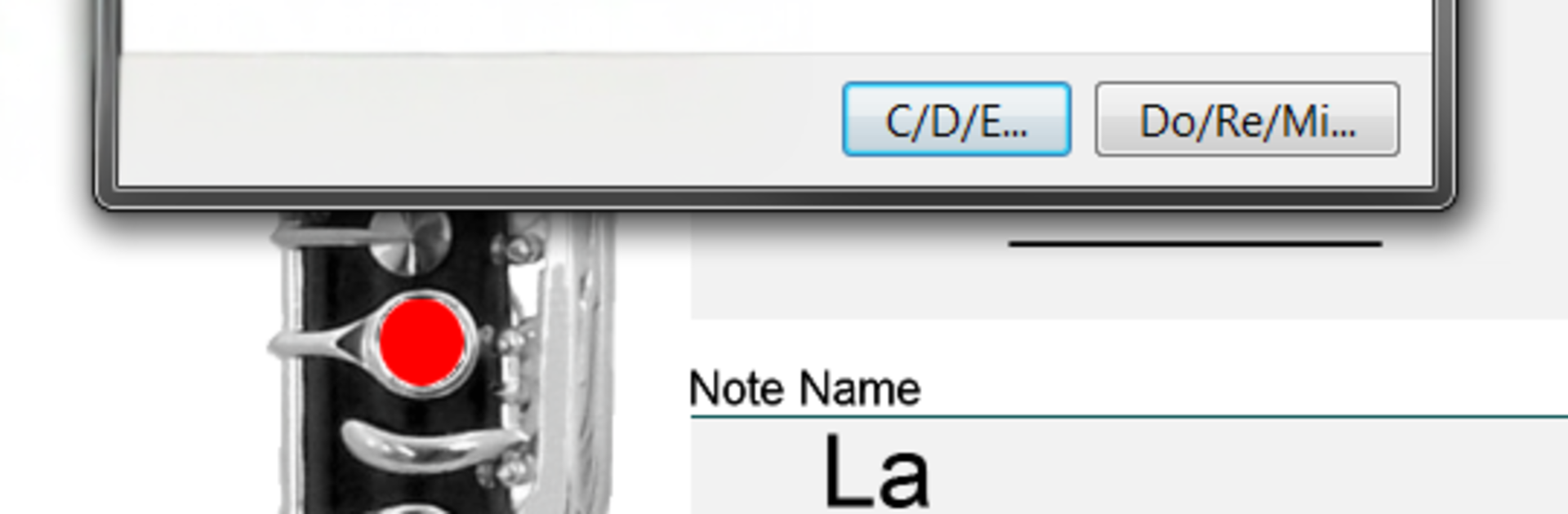
The layout is simple. Pick a note and the app shows the fingering and the same note on a staff, sharps and flats included. There is an audio button so the pitch plays, which makes quick checks easy. Users can choose A B C naming or Do Re Mi, which avoids that whole regional naming confusion. Sliding up or down changes notes fast, and left or right taps cycle through alternate fingerings that might be cleaner for certain runs. There is even a bookmark so it opens next time exactly where it left off.
On a PC with BlueStacks, the bigger screen helps because the key diagrams and stave are easier to read, and scrolling through notes with a trackpad or mouse feels quick. It is not trying to teach phrasing or embouchure. It is a clear, focused reference for fingerings, and it gets out of the way so practice can get going.
Eager to take your app experience to the next level? Start right away by downloading BlueStacks on your PC or Mac.





