Add Text To Photo - Text Art

Add Text To Photo - Text Art

Photography

| ZipoApps

Play on PC with BlueStacks or from our cloud

  • Overview
  • How to Download

Page Modified On: August 26, 2025

Run Add Text To Photo - Text Art on PC or Mac

What’s better than using Add Text To Photo – Text Art by ZipoApps? Well, try it on a big screen, on your PC or Mac, with BlueStacks to see the difference.

About the App

Add Text To Photo – Text Art, made by ZipoApps, turns ordinary pictures into personalized, shareable images with just a few taps. It’s a Photography app that mixes a really approachable text editor with filters, frames, and easy layout tools — great for captions, quotes, or playful edits. Expect fast results without a steep learning curve.

App Features

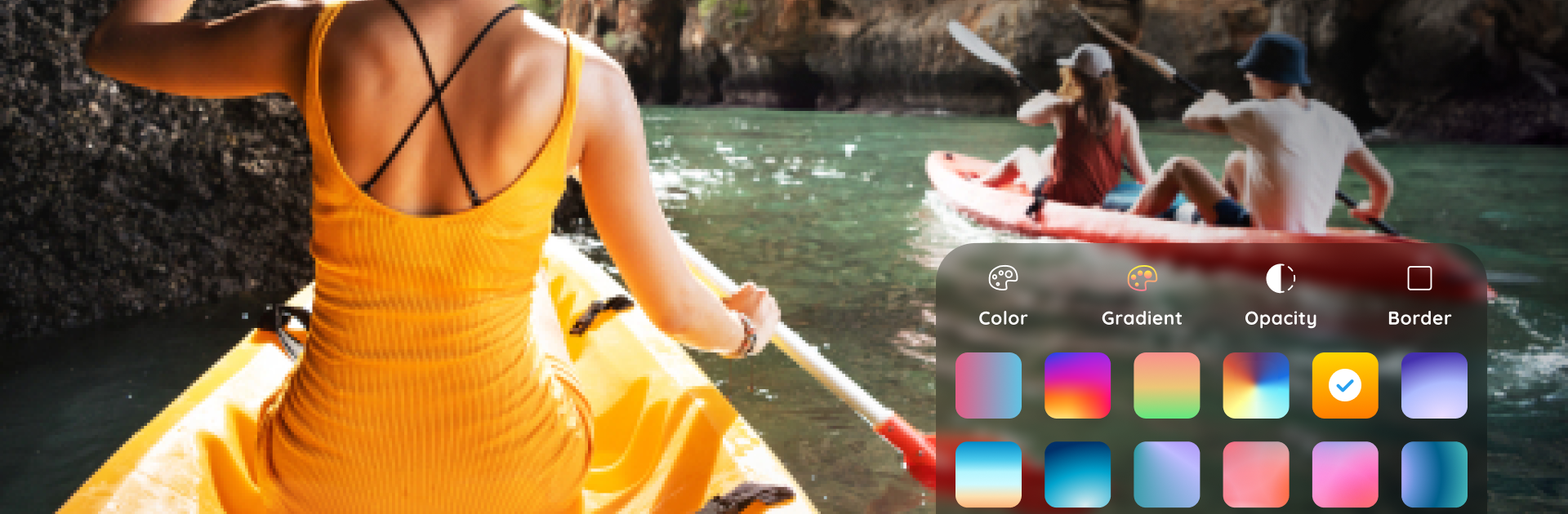
  • Text tools: A straightforward text editor that lets you add, resize, rotate, and style text with controls for color, opacity, and layering.
  • Font library: Plenty of fonts and preset styles to choose from, plus sample quotes to get you started when inspiration’s low.
  • Filters & effects: Over a hundred photo filters and visual effects so you can change mood and tone in seconds.
  • Stickers & frames: A collection of stickers and themed frames to decorate photos or give them a polished border.
  • Collage & story maker: Combine multiple photos into clean collages or story layouts for social posts.
  • Basic editing: Handy photo adjustments like crop/resize, rotate, rounded corners, and blur/obscure tools for quick fixes.
  • Undo/auto-save: Edits are saved automatically and can be undone/redone, so you won’t lose experimental edits.
  • Image resources: Built-in backgrounds and image packs help you build attractive compositions without hunting for assets.
  • Easy sharing: Export high-quality images and post them straight to your favorite social apps with minimal fuss.
  • Desktop-friendly: If you prefer editing on a bigger screen, people often run the app on BlueStacks to use their PC.

BlueStacks gives you the much-needed freedom to experience your favorite apps on a bigger screen. Get it now.


How to Download and Run Add Text To Photo - Text Art on PC or Mac

  • Download and install BlueStacks on your PC or Mac

  • Complete Google sign-in to access the Play Store, or do it later

  • Look for Add Text To Photo - Text Art in the search bar at the top right corner

  • Click to install Add Text To Photo - Text Art from the search results

  • Complete Google sign-in (if you skipped step 2) to install Add Text To Photo - Text Art

  • Click the Add Text To Photo - Text Art icon on the home screen to start playing

video
Watch Video

Minimum System Requirements

With BlueStacks 5, you can get started on a PC that fulfills the following requirements.

  • Operating System

    Microsoft Windows 7 or above, macOS 11 (Big Sur) or above

  • Processor

    Intel, AMD or Apple Silicon Processor

  • RAM

    at least 4GB

  • HDD

    10GB Free Disk Space

Note:

* You must be an Administrator on your PC. Up to date graphics drivers from Microsoft or the chipset vendor.

Add Text To Photo - Text Art - FAQs

  • How to Run Add Text To Photo - Text Art on Windows PC & Mac?

    Run Add Text To Photo - Text Art on your PC or Mac by following these simple steps.

    • Click on ‘Download Add Text To Photo - Text Art on PC’ to download BlueStacks
    • Install it and log-in to Google Play Store
    • Launch and run the app.
  • Why is BlueStacks the fastest and safest platform to play games on PC?

    BlueStacks respects your privacy and is always safe and secure to use. It does not carry any malware, spyware, or any sort of additional software that could harm your PC.

    It is engineered to optimize speed and performance for a seamless gaming experience.

  • What are Add Text To Photo - Text Art PC requirements?

    Minimum requirement to run Add Text To Photo - Text Art on your PC

    • OS: Microsoft Windows 7 and above:
    • Processor: Intel or AMD Processor:
    • RAM: Your PC must have at least 2GB of RAM. (Note that having 2GB or more disk space is not a substitute for RAM):
    • HDD: 5GB Free Disk Space.
    • You must be an Administrator on your PC.