
All Documents Reader & Viewer

All Documents Reader & Viewer

Productivity

| Go Translate & Tool Apps- Language Translator Inc.

Play on PC with BlueStacks or from our cloud

  • Overview
  • How to Download

Page Modified On: December 22, 2025

Run All Documents Reader & Viewer on PC or Mac

Get freedom from your phone’s obvious limitations. Use All Documents Reader & Viewer, made by Go Translate & Tool Apps- Language Translator Inc., a Productivity app on your PC or Mac with BlueStacks, and level up your experience.

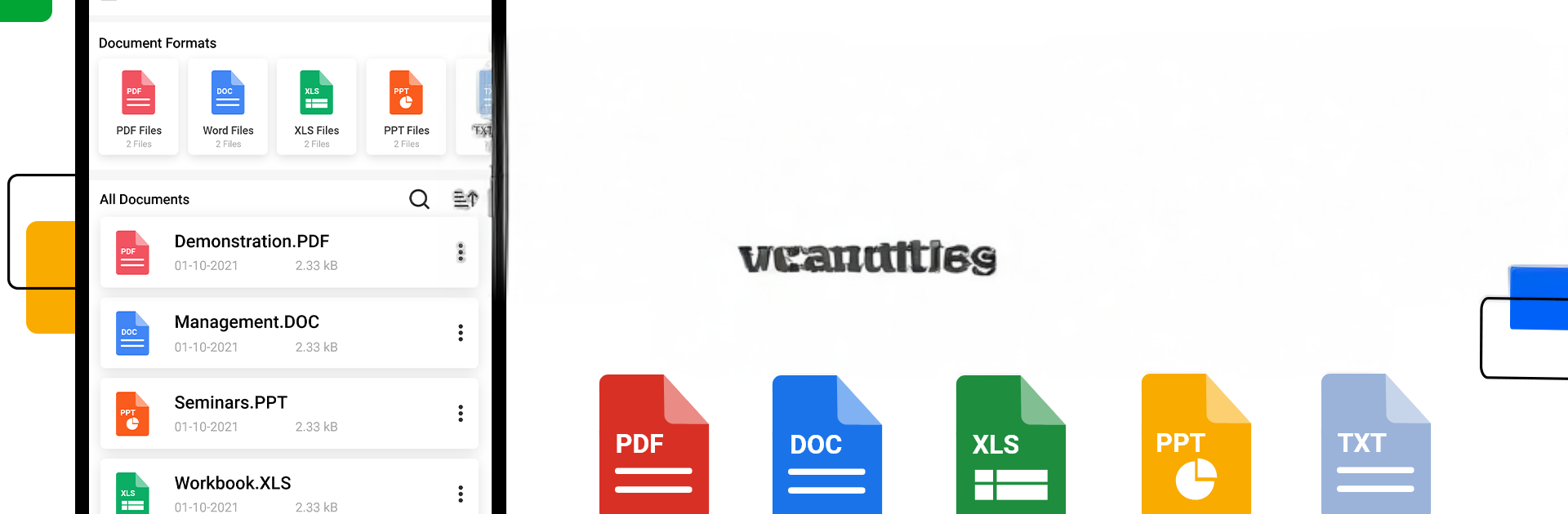
All Documents Reader & Viewer feels like that one practical tool everyone keeps meaning to install, then wonders why it was not there earlier. It pulls PDFs, Word docs, Excel sheets, PowerPoints, and plain text into one clean place and opens them fast. The layout is simple, nothing confusing, and pages look sharp in full screen. Scrolling, zooming, jumping between pages, it all behaves the way someone would expect, with no strange delays. It also handles ZIP and RAR, which is handy when files show up packed together.

What stands out is the little quality of life stuff. It scans the device and lists everything clearly, then lets the user sort by name, size, or date, and rename or delete without hunting through folders. Search actually finds things. Sharing is two taps. It even turns images into a PDF when a quick scan is needed, which saves a trip to another app. No internet required, so it works on a train, in class, wherever. On BlueStacks, the bigger screen and mouse make long PDFs and wide spreadsheets easier on the eyes, and PowerPoint slides look closer to what they would on a laptop. Students, office folks, travelers, book readers, anyone who juggles files, would probably like that it keeps everything together and out of the way so they can just read and move on.

Ready to experience All Documents Reader & Viewer on a bigger screen, in all its glory? Download BlueStacks now.


How to Download and Run All Documents Reader & Viewer on PC or Mac

  • Download and install BlueStacks on your PC or Mac

  • Complete Google sign-in to access the Play Store, or do it later

  • Look for All Documents Reader & Viewer in the search bar at the top right corner

  • Click to install All Documents Reader & Viewer from the search results

  • Complete Google sign-in (if you skipped step 2) to install All Documents Reader & Viewer

  • Click the All Documents Reader & Viewer icon on the home screen to start playing

video
Watch Video

Minimum System Requirements

With BlueStacks 5, you can get started on a PC that fulfills the following requirements.

  • Operating System

    Microsoft Windows 7 or above, macOS 11 (Big Sur) or above

  • Processor

    Intel, AMD or Apple Silicon Processor

  • RAM

    at least 4GB

  • HDD

    10GB Free Disk Space

Note:

* You must be an Administrator on your PC. Up to date graphics drivers from Microsoft or the chipset vendor.

All Documents Reader & Viewer - FAQs

  • How to Run All Documents Reader & Viewer on Windows PC & Mac?

    Run All Documents Reader & Viewer on your PC or Mac by following these simple steps.

    • Click on ‘Download All Documents Reader & Viewer on PC’ to download BlueStacks
    • Install it and log-in to Google Play Store
    • Launch and run the app.
  • Why is BlueStacks the fastest and safest platform to play games on PC?

    BlueStacks respects your privacy and is always safe and secure to use. It does not carry any malware, spyware, or any sort of additional software that could harm your PC.

    It is engineered to optimize speed and performance for a seamless gaming experience.

  • What are All Documents Reader & Viewer PC requirements?

    Minimum requirement to run All Documents Reader & Viewer on your PC

    • OS: Microsoft Windows 7 and above:
    • Processor: Intel or AMD Processor:
    • RAM: Your PC must have at least 2GB of RAM. (Note that having 2GB or more disk space is not a substitute for RAM):
    • HDD: 5GB Free Disk Space.
    • You must be an Administrator on your PC.



