
Calculator Pro - All-in-one

Calculator Pro - All-in-one

Productivity

| Gigantic Apps

Play on PC with BlueStacks or from our cloud

  • Overview
  • How to Download

Page Modified On: December 22, 2025

Run Calculator Pro - All-in-one on PC or Mac

Upgrade your experience. Try Calculator Pro – All-in-one, the fantastic Productivity app from Gigantic Apps, from the comfort of your laptop, PC, or Mac, only on BlueStacks.

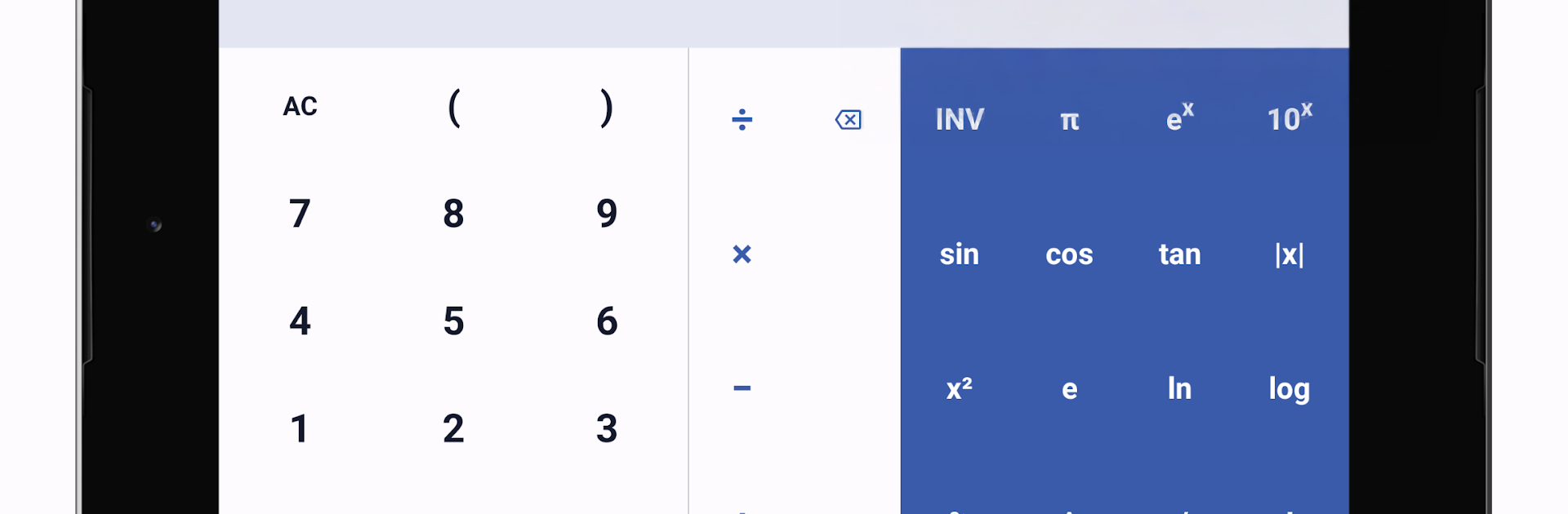
Calculator Pro – All-in-one feels like a full toolbox for numbers, not just a basic calculator. On a PC with BlueStacks it works nicely, since the bigger screen makes the scientific layout, graphs, and long histories easier to read, and a keyboard numpad speeds things up. The app switches between a simple keypad and a full scientific view, and there is a quick search bar so someone can just type “triangle” or “loan” and jump straight to the right tool. There are a lot of mini calculators tucked inside, from day to day stuff like percentage, tip, sales tax, discounts, loans and EMI, to health bits like BMI, body fat, calorie burn, and even a smoking cost counter. Students will like the equation solvers for linear and quadratic problems, decimal to fraction, permutations and combinations, GCF and LCM, prime checker, and a right triangle and circle solver. Geometry fans get area and volume for common shapes, with function graphing and editable input so mistakes do not mean starting over.

The unit converter part is equally packed. Length, area, weight, volume, temperature, speed, time, fuel economy, and cooking measures are all there, plus a currency converter that works offline with a big list of currencies. The dark theme is easy on the eyes at night, and the clean layout keeps everything readable instead of cluttered. It feels practical rather than flashy, the kind of thing a student, teacher, engineer, contractor, or anyone wrestling with recipes and conversions would actually use. If someone wants one place to do quick math, track a calculation history, convert units, and peek at a graph without opening five tabs, this gets the job done without fuss.

Switch to BlueStacks and make the most of your apps on your PC or Mac.

How to Download and Run Calculator Pro - All-in-one on PC or Mac

  • Download and install BlueStacks on your PC or Mac

  • Complete Google sign-in to access the Play Store, or do it later

  • Look for Calculator Pro - All-in-one in the search bar at the top right corner

  • Click to install Calculator Pro - All-in-one from the search results

  • Complete Google sign-in (if you skipped step 2) to install Calculator Pro - All-in-one

  • Click the Calculator Pro - All-in-one icon on the home screen to start playing

video
Watch Video

Minimum System Requirements

With BlueStacks 5, you can get started on a PC that fulfills the following requirements.

  • Operating System

    Microsoft Windows 7 or above, macOS 11 (Big Sur) or above

  • Processor

    Intel, AMD or Apple Silicon Processor

  • RAM

    at least 4GB

  • HDD

    10GB Free Disk Space

Note:

* You must be an Administrator on your PC. Up to date graphics drivers from Microsoft or the chipset vendor.

Calculator Pro - All-in-one - FAQs

  • How to Run Calculator Pro - All-in-one on Windows PC & Mac?

    Run Calculator Pro - All-in-one on your PC or Mac by following these simple steps.

    • Click on ‘Download Calculator Pro - All-in-one on PC’ to download BlueStacks
    • Install it and log-in to Google Play Store
    • Launch and run the app.
  • Why is BlueStacks the fastest and safest platform to play games on PC?

    BlueStacks respects your privacy and is always safe and secure to use. It does not carry any malware, spyware, or any sort of additional software that could harm your PC.

    It is engineered to optimize speed and performance for a seamless gaming experience.

  • What are Calculator Pro - All-in-one PC requirements?

    Minimum requirement to run Calculator Pro - All-in-one on your PC

    • OS: Microsoft Windows 7 and above:
    • Processor: Intel or AMD Processor:
    • RAM: Your PC must have at least 2GB of RAM. (Note that having 2GB or more disk space is not a substitute for RAM):
    • HDD: 5GB Free Disk Space.
    • You must be an Administrator on your PC.




