
Chaozhuyin
Chaozhuyin

Chaozhuyin

Productivity

| Chih Chao Yu

Play on PC with BlueStacks or from our cloud

  • Overview
  • How to Download

Page Modified On: January 06, 2026

Run Chaozhuyin on PC or Mac

Upgrade your experience. Try Chaozhuyin, the fantastic Productivity app from Chih Chao Yu, from the comfort of your laptop, PC, or Mac, only on BlueStacks.

About the App

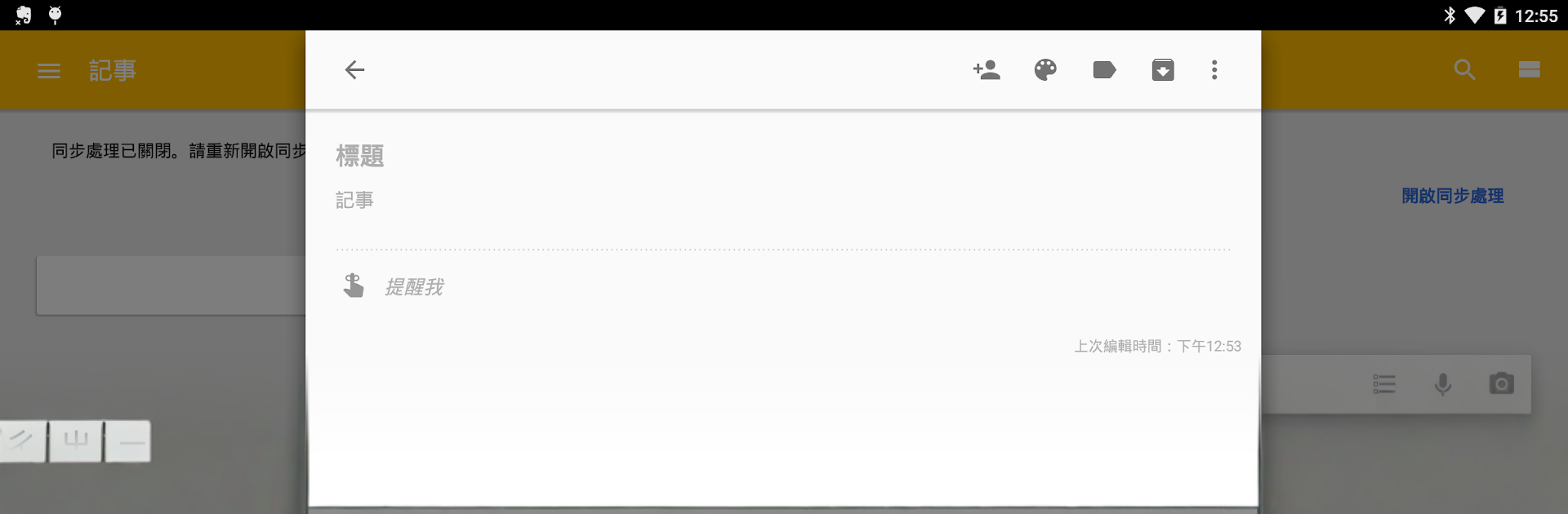
Chaozhuyin is a fast, flexible Bopomofo keyboard designed for people who type Chinese every day and want it to feel effortless. Built by Chih Chao Yu, this Productivity tool focuses on smart phrase input, clean design, and options that actually help you type faster. Use it on phones and tablets—and if you like a bigger canvas, you can run it on your computer through BlueStacks too.

App Features

  • Quick phrase entry: Type the first phonetic for each word to pull up accurate matches, then add more symbols if you want to narrow things down.
  • Smart corrections: Miss a key? Proximity correction figures out what you meant and surfaces the right word or phrase.
  • Swipe typing: Prefer gliding over tapping? The swiping keyboard lets you string letters together in one smooth motion.
  • English mode: Instantly switch to English input without changing keyboards.
  • Flexible layouts: Choose what suits you best, including the Yitian keyboard layout for a familiar feel.
  • Easy selection tools: A fan-shaped selector and a tidy candidate dropdown make picking the right character quick and precise.
  • Handy editing controls: Arrow keys for fine cursor movement, plus a voice input button when you’d rather speak than type.
  • Personal dictionary control: Add your own phrases, back them up or restore them later, and remove entries with a simple downward swipe.
  • Storage-friendly options: Move the system phrase database to or from your SD card when you need space.
  • Make it yours: Themes, skins, and adjustable keyboard and font sizes help you get the look and comfort you want.
  • Taiwan-ready lexicon: Includes a rich set of city, street, and road names across Taiwan for accurate, local text.
  • Works everywhere: Great on phones, tablets, and with a physical keyboard; outputs Traditional or Simplified Chinese as you need.

Switch to BlueStacks and make the most of your apps on your PC or Mac.

How to Download and Run Chaozhuyin on PC or Mac

  • Download and install BlueStacks on your PC or Mac

  • Complete Google sign-in to access the Play Store, or do it later

  • Look for Chaozhuyin in the search bar at the top right corner

  • Click to install Chaozhuyin from the search results

  • Complete Google sign-in (if you skipped step 2) to install Chaozhuyin

  • Click the Chaozhuyin icon on the home screen to start playing

video
Watch Video

Minimum System Requirements

With BlueStacks 5, you can get started on a PC that fulfills the following requirements.

  • Operating System

    Microsoft Windows 7 or above, macOS 11 (Big Sur) or above

  • Processor

    Intel, AMD or Apple Silicon Processor

  • RAM

    at least 4GB

  • HDD

    10GB Free Disk Space

Note:

* You must be an Administrator on your PC. Up to date graphics drivers from Microsoft or the chipset vendor.

Chaozhuyin - FAQs

  • How to Run Chaozhuyin on Windows PC & Mac?

    Run Chaozhuyin on your PC or Mac by following these simple steps.

    • Click on ‘Download Chaozhuyin on PC’ to download BlueStacks
    • Install it and log-in to Google Play Store
    • Launch and run the app.
  • Why is BlueStacks the fastest and safest platform to play games on PC?

    BlueStacks respects your privacy and is always safe and secure to use. It does not carry any malware, spyware, or any sort of additional software that could harm your PC.

    It is engineered to optimize speed and performance for a seamless gaming experience.

  • What are Chaozhuyin PC requirements?

    Minimum requirement to run Chaozhuyin on your PC

    • OS: Microsoft Windows 7 and above:
    • Processor: Intel or AMD Processor:
    • RAM: Your PC must have at least 2GB of RAM. (Note that having 2GB or more disk space is not a substitute for RAM):
    • HDD: 5GB Free Disk Space.
    • You must be an Administrator on your PC.




