




Multitask effortlessly on your PC or Mac as you try out Calculadora Materiales Const., a Productivity app by Matias E. Ramírez G. on BlueStacks.
About the App
Calculadora Materiales Const. is a practical, no-nonsense tool for anyone who plans, estimates, or tracks construction work. It helps you build accurate unit-price budgets, manage materials and labor, and keep an eye on timelines—without getting lost in spreadsheets. Whether you’re new to estimating or you’ve been doing it for years, it adapts to the way you work.
App Features
- Unit prices made easy: Calculate by the unit—per meter, square meter, piece, you name it—then multiply by quantities for precise totals. Materials, labor, equipment, and tools get rolled in automatically.
- Two modes, one workflow: Try Basic Mode for a simplified experience, or switch to Advanced Mode to create, edit, view, and print full unit-price analyses and budgets.
- Smart matrices (material generator): Let the app analyze and build unit prices for you—quantifying inputs, calculating costs, and drafting descriptions. Ideal for repetitive tasks like foundation types.
- Full concept catalog: Work from organized categories like preliminaries, foundation, structure, masonry, finishes, carpentry, plumbing, electrical, and more.
- Work control with critical path: Plan and track activities, identify bottlenecks, and keep your schedule realistic.
- Excel reports you can share: Export budgets, labor totals, input lists, basic analyses, and critical paths. Share or download via a generated link for quick access on your PC.
- Monthly price updates: Pull current market prices when available. Note: downloadable price lists focus on products from Mexico.
- Overheads and markups: Add indirect costs, financing, profit, and additional charges with clear, editable fields.
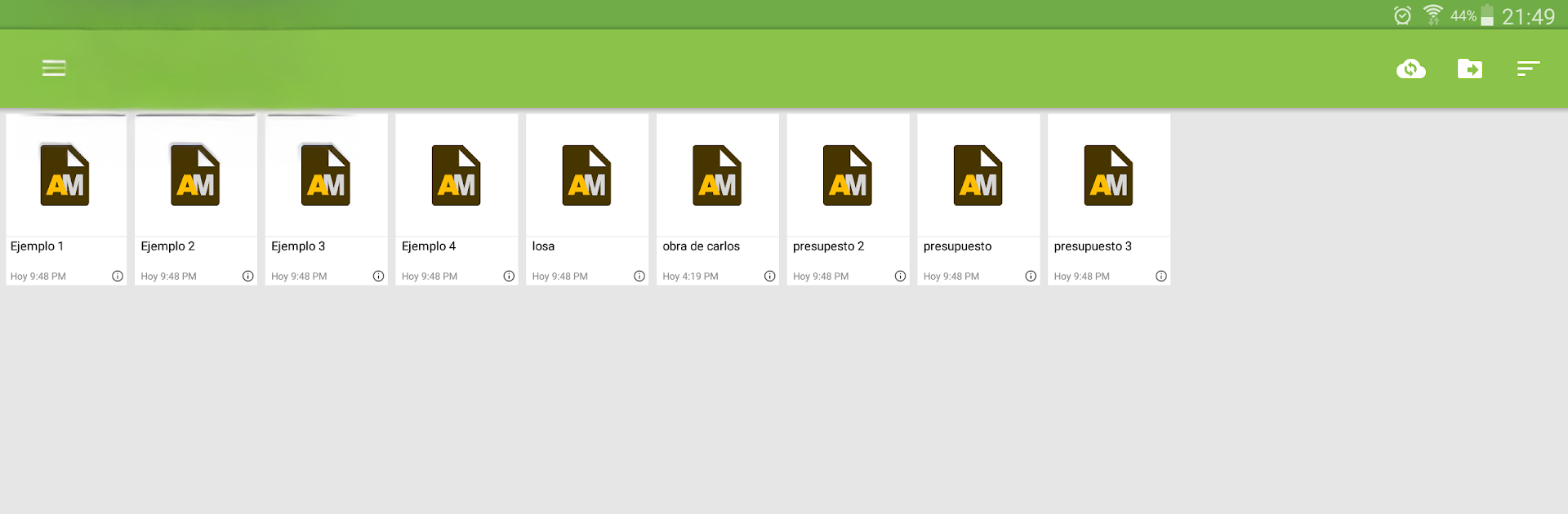
- File manager and backups: Organize projects, rename or delete files, and keep secure backups on the server.
- Designed for Productivity: From field technicians to contractors, it streamlines day-to-day estimating and reporting. Prefer a big screen? It works smoothly on your PC or Mac with BlueStacks.
- Subscription options: Some tools and catalogs require a paid plan. Subscriptions renew automatically through the Google Play Store and can be managed in your account settings.
Developer: Matias E. Ramírez G.
Genre: Productivity
Switch to BlueStacks and make the most of your apps on your PC or Mac.





