




What’s better than using Desh Tamil Keyboard by Desh Keyboard? Well, try it on a big screen, on your PC or Mac, with BlueStacks to see the difference.
About the App
Desh Tamil Keyboard makes switching between Tamil and English feel effortless. Prefer typing with transliteration, speaking out loud, handwriting, or a full Tamil layout? It’s all here and easy to use. Built by Desh Keyboard, this Productivity app blends speed, accuracy, and a bit of personality so you can write the way you like.
App Features
- Type your way: Pick from Tanglish (type in English to get Tamil), voice typing, handwriting, a full Tamil alphabet layout, or plain English whenever you need it.
- One-tap language switch: A handy key next to the space bar toggles Tamil on or off; long‑press to jump between English, Alphabets, or Handwriting modes.
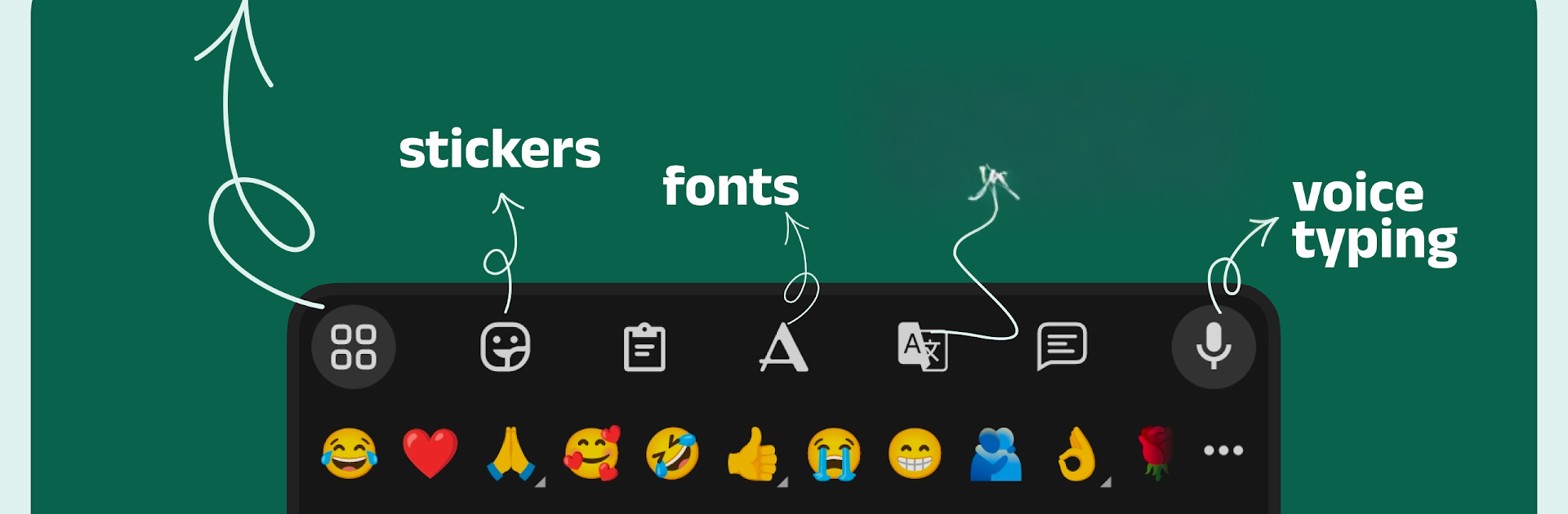
- Stickers, fonts, and emoji: Share sticker packs in WhatsApp and other chats, use stylish fonts, and keep an emoji row within easy reach.
- Make your own stickers: Turn photos into custom stickers or create bold text stickers. You can also browse and share stickers saved from your WhatsApp chats.
- Themes and layout control: Change colors and backgrounds or set a photo theme. Add a number row, keep the emoji row visible, tweak vibration and key sounds, use long‑press for symbols, and build your personal dictionary.
- Clipboard and quick tools: The built‑in clipboard keeps recent copies handy for fast paste actions across apps.
- Power gestures for speed: Slide left/right on the space bar to move the cursor, swipe from backspace for quick deletion, use gesture typing for faster English, and long‑press the space bar to switch keyboards.
- App search in your keyboard: Launch apps and discover new ones with App Search and Suggestions without leaving the keyboard.
- Works everywhere: Type inside any app and get especially smooth Tamil transliteration when you don’t want to hunt for characters. Prefer a bigger screen? It also works nicely when you run your Android apps with BlueStacks.
- Privacy you can see: No private details like credit card info are collected. Android may show a standard warning for keyboard apps, and only anonymous usage stats may be used to improve features.
Big screen. Bigger performance. Use BlueStacks on your PC or Mac to run your favorite apps.





