Ethiopian Calendar
Ethiopian Calendar

Ethiopian Calendar

Productivity

| EthioLab

Play on PC with BlueStacks or from our cloud

  • Overview
  • How to Download

Page Modified On: December 22, 2025

Run Ethiopian Calendar on PC or Mac

Get freedom from your phone’s obvious limitations. Use Ethiopian Calendar, made by EthioLab, a Productivity app on your PC or Mac with BlueStacks, and level up your experience.

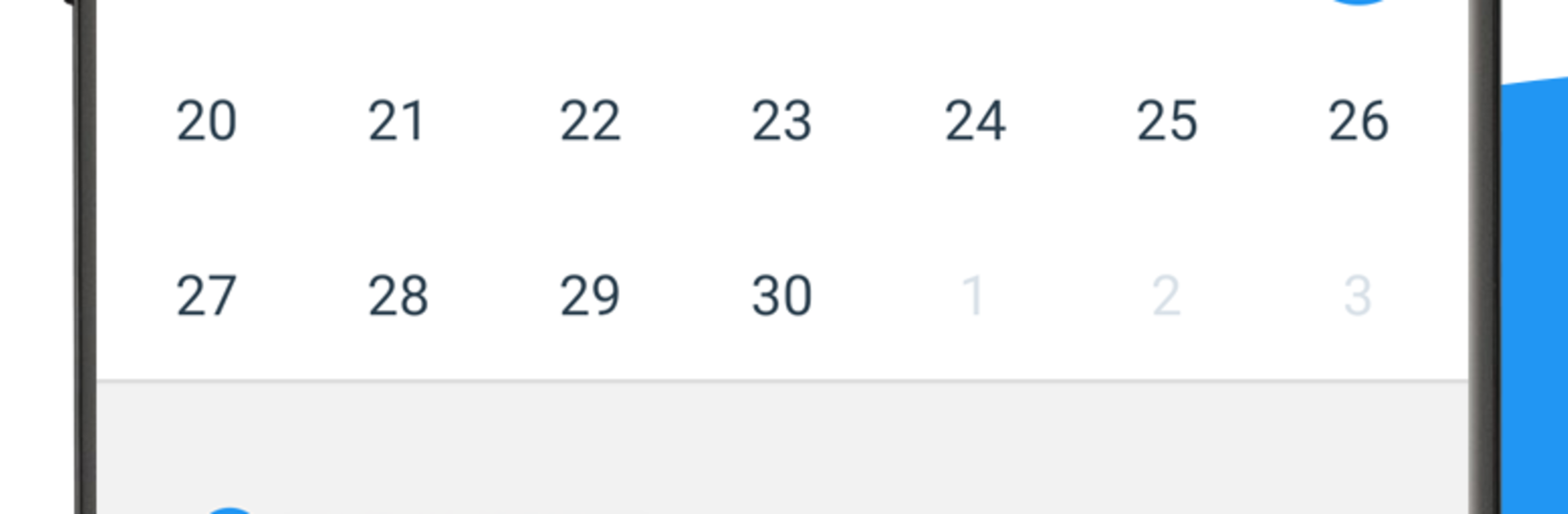
Ethiopian Calendar is a straight forward, no fuss tool that puts the Ethiopian date and time right on the main screen and keeps it clear. Moving through months is quick with simple previous and next controls, and there is a dedicated place for public holidays, plus sections for Orthodox, Muslim, and national days. It covers the big ones like Timket, Meskel, Gena, Eid, and Enkutatash, so planning around them is easy without digging.

The standout is the converter. It switches between Ethiopian and Gregorian both ways, and there are extras for Julian conversions too. There is even an option to see an approximate Hijri day. If someone wants to learn the system, short tutorials walk through how the Ethiopian calendar works, which is helpful when thinking in Meskerem, Tir, and the 13 month setup. Navigation works from three angles, by Ethiopian months, by Gregorian months, or by holiday lists, so it never feels confusing.

Reminders and notifications are built in, holiday info can be shared by text, and a small widget can show Ethiopian time. It supports Amharic and English, and numerals can switch between Arabic and Ge ez, which is a nice touch. Performance feels light weight and quick. Running it on a laptop with BlueStacks just makes the big calendar and the date converter easier to use, since typing dates with a keyboard is faster and glancing at the month while working is comfortable. There are ads because it is free, but they do not get in the way much. For someone who needs Ethiopian and Gregorian side by side without hassle, this covers the daily basics well.

Eager to take your app experience to the next level? Start right away by downloading BlueStacks on your PC or Mac.

How to Download and Run Ethiopian Calendar on PC or Mac

  • Download and install BlueStacks on your PC or Mac

  • Complete Google sign-in to access the Play Store, or do it later

  • Look for Ethiopian Calendar in the search bar at the top right corner

  • Click to install Ethiopian Calendar from the search results

  • Complete Google sign-in (if you skipped step 2) to install Ethiopian Calendar

  • Click the Ethiopian Calendar icon on the home screen to start playing

video
Watch Video

Minimum System Requirements

With BlueStacks 5, you can get started on a PC that fulfills the following requirements.

  • Operating System

    Microsoft Windows 7 or above, macOS 11 (Big Sur) or above

  • Processor

    Intel, AMD or Apple Silicon Processor

  • RAM

    at least 4GB

  • HDD

    10GB Free Disk Space

Note:

* You must be an Administrator on your PC. Up to date graphics drivers from Microsoft or the chipset vendor.

Ethiopian Calendar - FAQs

  • How to Run Ethiopian Calendar on Windows PC & Mac?

    Run Ethiopian Calendar on your PC or Mac by following these simple steps.

    • Click on ‘Download Ethiopian Calendar on PC’ to download BlueStacks
    • Install it and log-in to Google Play Store
    • Launch and run the app.
  • Why is BlueStacks the fastest and safest platform to play games on PC?

    BlueStacks respects your privacy and is always safe and secure to use. It does not carry any malware, spyware, or any sort of additional software that could harm your PC.

    It is engineered to optimize speed and performance for a seamless gaming experience.

  • What are Ethiopian Calendar PC requirements?

    Minimum requirement to run Ethiopian Calendar on your PC

    • OS: Microsoft Windows 7 and above:
    • Processor: Intel or AMD Processor:
    • RAM: Your PC must have at least 2GB of RAM. (Note that having 2GB or more disk space is not a substitute for RAM):
    • HDD: 5GB Free Disk Space.
    • You must be an Administrator on your PC.