




Why limit yourself to your small screen on the phone? Run Fluke Connect, an app by Fluke Corporation, best experienced on your PC or Mac with BlueStacks, the world’s #1 Android emulator.
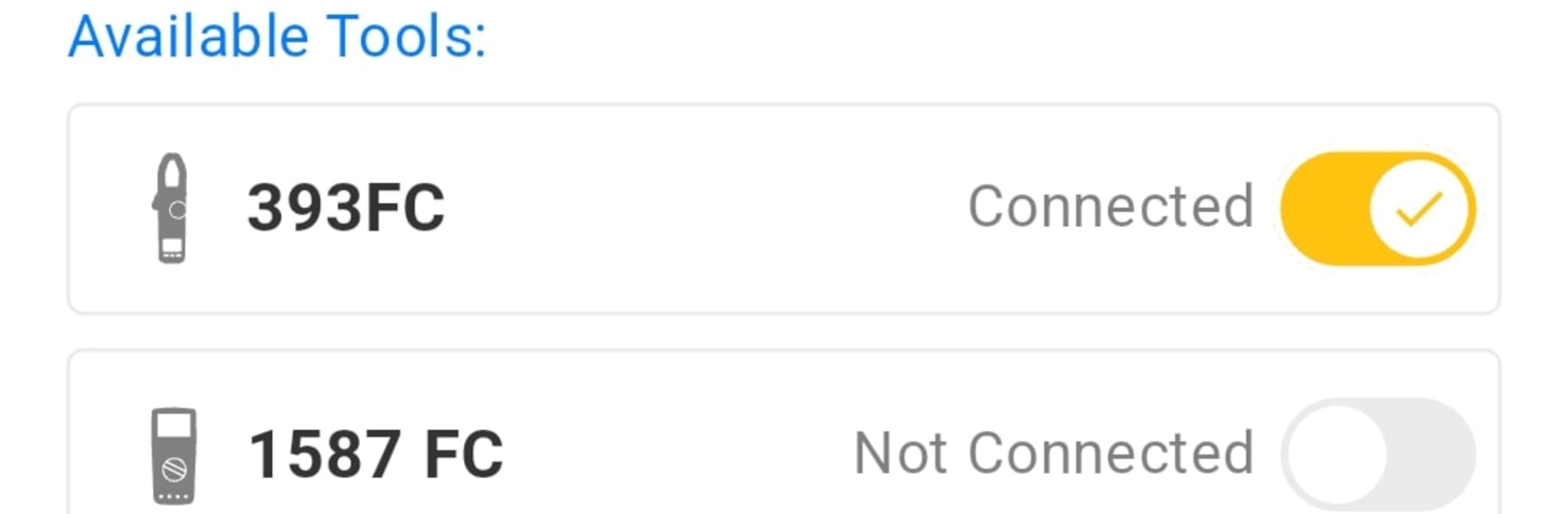
Fluke Connect feels like a little control room for anyone using Fluke gear. It is not flashy or complicated, it just pulls live numbers from compatible tools and lays them out in one place so a person can see what is happening without standing right next to the equipment. It can watch several tools at once, which makes it easier to compare readings side by side and stay safe while doing it. The real win is how the trends roll in. Graphs update in real time, so small drifts, spikes, or slow changes are easier to catch before they turn into real trouble.
Everything gets organized in the cloud, so jobs, assets, and sessions do not go missing between devices. Reports are quick to put together with measurements, notes, and photos, and they are easy to share when someone needs proof or a quick status. Alerts help a lot too. If performance starts to shift, the app can ping right away so a person does not babysit a screen all day.
Running it on a PC with BlueStacks makes the dashboard feel roomier. The larger screen helps with multi-tool graphs, and typing longer notes with a keyboard saves time. It is very much a practical tool, more about clear data and less about bells and whistles, and that is what stands out.
BlueStacks brings your apps to life on a bigger screen—seamless and straightforward.





