
Focusability: Stop Daydreaming

Focusability: Stop Daydreaming

Productivity

| Emarceen Yusef

Play on PC with BlueStacks or from our cloud

  • Overview
  • How to Download

Page Modified On: January 02, 2026

Run Focusability: Stop Daydreaming on PC or Mac

What’s better than using Focusability: Stop Daydreaming by Emarceen Yusef? Well, try it on a big screen, on your PC or Mac, with BlueStacks to see the difference.

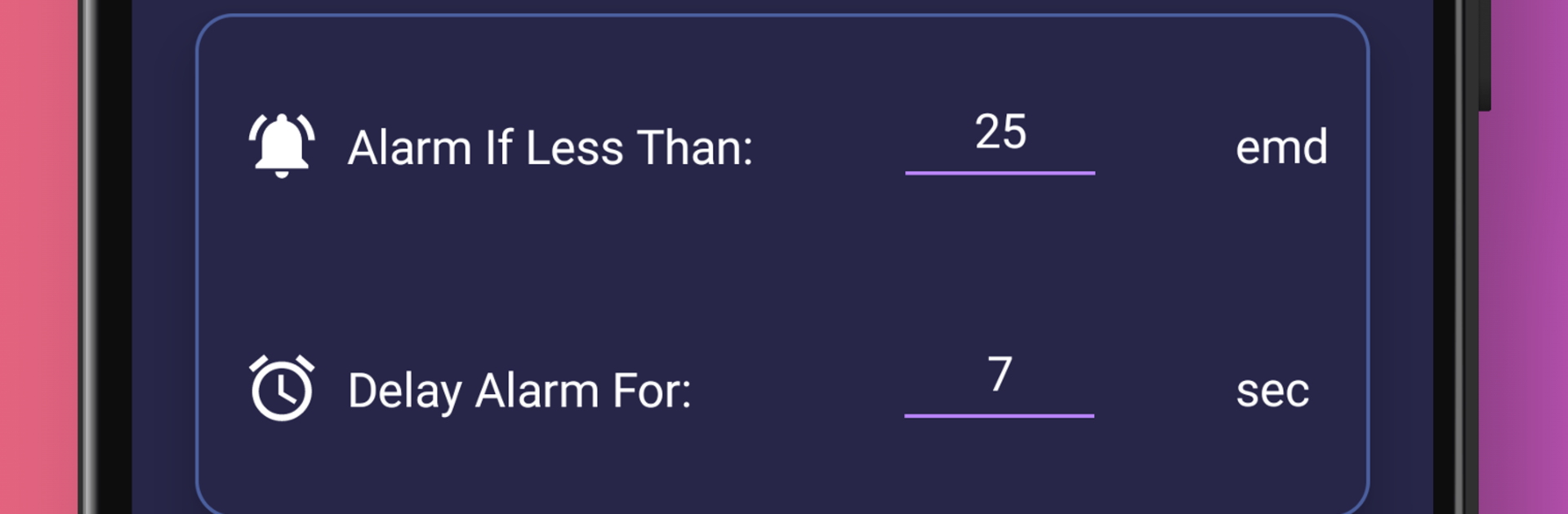
Focusability feels like a very practical trick for anyone who zones out while studying or reading. The idea is simple. The app listens for your voice while you read or work out loud, and when that goes quiet for a bit, it figures focus probably slipped into daydream mode and sets off an alert to bring you back. You switch on the alarm, choose how strong the sound should be, and then just do your task out loud. It works for textbooks, problem sets, even drafting an essay if talking helps. The alert is not harsh, more like a nudge. There are some built in tools to track focus time and productivity so you can see how long you stayed on task, which is nice without being complicated. It clearly comes from someone who actually deals with maladaptive daydreaming, and it shows in the way it targets the exact moment attention drifts.

Running it through BlueStacks on a PC makes it easy to keep the app on one side of the screen while documents sit on the other. The microphone pickup still catches your voice fine, and the alarm pops on your desktop so it is hard to miss. Setup is quick, sensitivity feels adjustable enough, and the whole thing stays out of the way until silence appears. It seems to click especially well for folks with ADHD or ADD who benefit from immediate feedback and a bit of structure. Only real catch is it expects you to speak out loud, so it shines at a desk at home more than a quiet library. If someone needs a straight to the point focus buddy that gently calls them out when the mind wanders, this is alot more helpful than another timer.

Switch to BlueStacks and make the most of your apps on your PC or Mac.

How to Download and Run Focusability: Stop Daydreaming on PC or Mac

  • Download and install BlueStacks on your PC or Mac

  • Complete Google sign-in to access the Play Store, or do it later

  • Look for Focusability: Stop Daydreaming in the search bar at the top right corner

  • Click to install Focusability: Stop Daydreaming from the search results

  • Complete Google sign-in (if you skipped step 2) to install Focusability: Stop Daydreaming

  • Click the Focusability: Stop Daydreaming icon on the home screen to start playing

video
Watch Video

Minimum System Requirements

With BlueStacks 5, you can get started on a PC that fulfills the following requirements.

  • Operating System

    Microsoft Windows 7 or above, macOS 11 (Big Sur) or above

  • Processor

    Intel, AMD or Apple Silicon Processor

  • RAM

    at least 4GB

  • HDD

    10GB Free Disk Space

Note:

* You must be an Administrator on your PC. Up to date graphics drivers from Microsoft or the chipset vendor.

Focusability: Stop Daydreaming - FAQs

  • How to Run Focusability: Stop Daydreaming on Windows PC & Mac?

    Run Focusability: Stop Daydreaming on your PC or Mac by following these simple steps.

    • Click on ‘Download Focusability: Stop Daydreaming on PC’ to download BlueStacks
    • Install it and log-in to Google Play Store
    • Launch and run the app.
  • Why is BlueStacks the fastest and safest platform to play games on PC?

    BlueStacks respects your privacy and is always safe and secure to use. It does not carry any malware, spyware, or any sort of additional software that could harm your PC.

    It is engineered to optimize speed and performance for a seamless gaming experience.

  • What are Focusability: Stop Daydreaming PC requirements?

    Minimum requirement to run Focusability: Stop Daydreaming on your PC

    • OS: Microsoft Windows 7 and above:
    • Processor: Intel or AMD Processor:
    • RAM: Your PC must have at least 2GB of RAM. (Note that having 2GB or more disk space is not a substitute for RAM):
    • HDD: 5GB Free Disk Space.
    • You must be an Administrator on your PC.




