




What’s better than using Gurmukhi Keyboard by Surinder Pal Singh? Well, try it on a big screen, on your PC or Mac, with BlueStacks to see the difference.
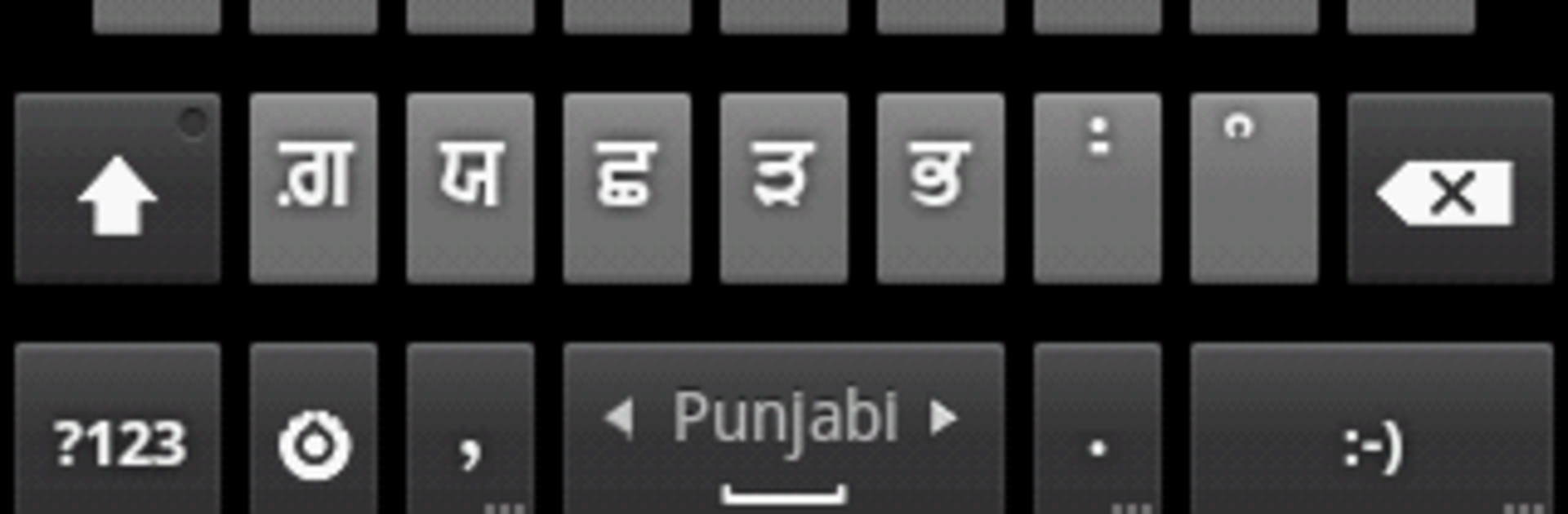
Gurmukhi Keyboard is one of those simple, no fuss tools that just lets someone type Punjabi in Gurmukhi and Hindi without jumping through hoops every single time. There is dictionary support for suggestions, and it plays nice with Gurbani Searcher by switching to Gurmukhi mode automatically when that app is open. Setup is a bit old school, especially on older Android versions. They need to pop into Settings, turn on the keyboard, accept the usual Android warning, then go into the keyboard’s settings and enable Punjabi under Input Languages. After that, switching between Punjabi and English is just a swipe on the spacebar. HTC Sense users on older builds get a little keyboard icon in the status bar to swap input methods, so it is not hidden, just tucked away.
A small heads up that matters. Android does not ship with Punjabi fonts everywhere, so the keyboard cannot force every app to render Gurmukhi. It works best where the app supports the script, like Gurbani Searcher and most modern chat apps. The layout options cover Punjabi, Gurmukhi, Hindi, and even a Gingerbread style for people who like the classic feel. It is not flashy, it is just solid. On a PC with BlueStacks, the bigger screen makes the layout easier to learn and the spacebar swipe is smoother, so switching languages while typing longer messages feels a lot less cramped. For anyone who wants a practical way to write Punjabi and Hindi without a lot of extra fluff, this does the job and keeps out of the way once it is set up.
Ready to experience Gurmukhi Keyboard on a bigger screen, in all its glory? Download BlueStacks now.





