
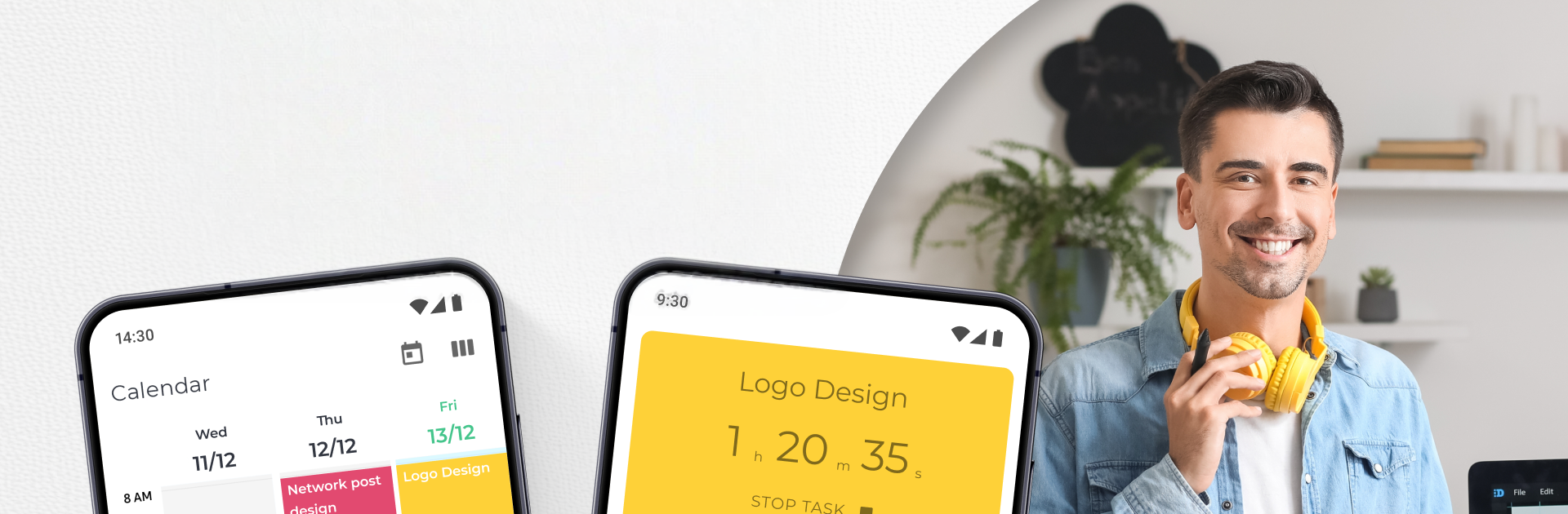
Hour Buddy: Work Time Tracking

Hour Buddy: Work Time Tracking

Productivity

| DictionaryAndTranslator

Play on PC with BlueStacks or from our cloud

  • Overview
  • How to Download

Page Modified On: January 06, 2026

Run Hour Buddy: Work Time Tracking on PC or Mac

Multitask effortlessly on your PC or Mac as you try out Hour Buddy: Work Time Tracking, a Productivity app by DictionaryAndTranslator on BlueStacks.

Hour Buddy: Work Time Tracking feels like a clean timer mixed with a simple project organizer, made for people who just want to hit start, do the work, and have solid logs at the end. Sessions are one tap to begin, one tap to stop, and the app keeps tidy records without making it complicated. Tasks can be grouped into projects with priorities and little progress markers, so someone can see what is moving and what is stuck. There is time blocking for the day too, which helps prevent piling five things into the same hour and hoping it works out.

What stands out is the reporting. It builds clear summaries of where hours went, which is useful for freelancers, contractors, or anyone who needs to show a client or a team what got done. Hourly rates can be tied to projects, so billing lines up with the timer instead of guesswork. The stats are straightforward, not flashy, and they make it easier to spot overbooked days or missed deadlines before they snowball.

Running it on PC with BlueStacks is nice because the timer can sit next to other work, and typing task names or notes with a keyboard is faster. Switching between tasks with a click feels natural, and keeping the app visible on a bigger screen makes it harder to forget the tracker is on. It is practical, focused on work hours rather than fancy extras, and it gets out of the way once everything is set up.

Big screen. Bigger performance. Use BlueStacks on your PC or Mac to run your favorite apps.

How to Download and Run Hour Buddy: Work Time Tracking on PC or Mac

  • Download and install BlueStacks on your PC or Mac

  • Complete Google sign-in to access the Play Store, or do it later

  • Look for Hour Buddy: Work Time Tracking in the search bar at the top right corner

  • Click to install Hour Buddy: Work Time Tracking from the search results

  • Complete Google sign-in (if you skipped step 2) to install Hour Buddy: Work Time Tracking

  • Click the Hour Buddy: Work Time Tracking icon on the home screen to start playing

video
Watch Video

Minimum System Requirements

With BlueStacks 5, you can get started on a PC that fulfills the following requirements.

  • Operating System

    Microsoft Windows 7 or above, macOS 11 (Big Sur) or above

  • Processor

    Intel, AMD or Apple Silicon Processor

  • RAM

    at least 4GB

  • HDD

    10GB Free Disk Space

Note:

* You must be an Administrator on your PC. Up to date graphics drivers from Microsoft or the chipset vendor.

Hour Buddy: Work Time Tracking - FAQs

  • How to Run Hour Buddy: Work Time Tracking on Windows PC & Mac?

    Run Hour Buddy: Work Time Tracking on your PC or Mac by following these simple steps.

    • Click on ‘Download Hour Buddy: Work Time Tracking on PC’ to download BlueStacks
    • Install it and log-in to Google Play Store
    • Launch and run the app.
  • Why is BlueStacks the fastest and safest platform to play games on PC?

    BlueStacks respects your privacy and is always safe and secure to use. It does not carry any malware, spyware, or any sort of additional software that could harm your PC.

    It is engineered to optimize speed and performance for a seamless gaming experience.

  • What are Hour Buddy: Work Time Tracking PC requirements?

    Minimum requirement to run Hour Buddy: Work Time Tracking on your PC

    • OS: Microsoft Windows 7 and above:
    • Processor: Intel or AMD Processor:
    • RAM: Your PC must have at least 2GB of RAM. (Note that having 2GB or more disk space is not a substitute for RAM):
    • HDD: 5GB Free Disk Space.
    • You must be an Administrator on your PC.




