JOBka - chytrá aplikace pro firmy a zaměstnance

JOBka - chytrá aplikace pro firmy a zaměstnance

Productivity

| JOBka services s.r.o.

Play on PC with BlueStacks or from our cloud

  • Overview
  • How to Download

Page Modified On: October 03, 2025

Run JOBka - chytrá aplikace pro firmy a zaměstnance on PC or Mac

What’s better than using JOBka – chytrá aplikace pro firmy a zaměstnance by JOBka services s.r.o.? Well, try it on a big screen, on your PC or Mac, with BlueStacks to see the difference.

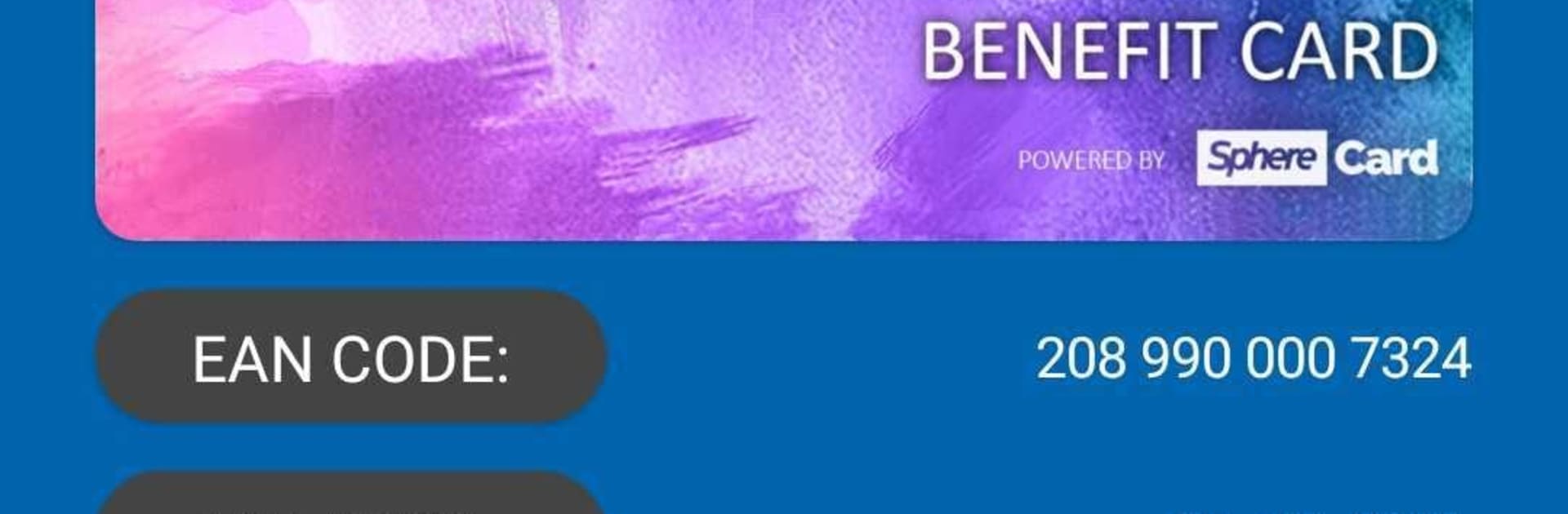
JOBka feels like a central hub for work stuff that usually lives in ten different places. Setup is simple enough: enter a personal number and use the QR code HR hands out, then the app opens into a live company board. Messages come in fast, shift schedules are right there, production results if the company uses that, plus a canteen menu that actually saves time. There is a built in messenger for talking inside the company, and quick forms for reporting changes, ideas, complaints, or when something breaks. A nice touch is the option to ask questions or give feedback anonymously, which takes the pressure off. There is even a digital discount card and a section for manuals, FAQs, onboarding, and open roles, so new people do not have to chase links all week. Not every company turns everything on, so what shows up depends on what the employer activates.

On a PC with BlueStacks it works like a clean dashboard. Bigger screen helps with reading schedules and documents, and typing longer messages or filling forms is way easier on a keyboard. Security notes are clear too. It is ISO 27001 and GDPR compliant, and it does not track location or poke around the phone. For companies it runs in the cloud, no heavy install, and it rolls out fast. There is also JOBka TV for break rooms, kiosks or displays, and an ordering system for the canteen so lunch lines make more sense.

Ready to experience JOBka – chytrá aplikace pro firmy a zaměstnance on a bigger screen, in all its glory? Download BlueStacks now.


How to Download and Run JOBka - chytrá aplikace pro firmy a zaměstnance on PC or Mac

  • Download and install BlueStacks on your PC or Mac

  • Complete Google sign-in to access the Play Store, or do it later

  • Look for JOBka - chytrá aplikace pro firmy a zaměstnance in the search bar at the top right corner

  • Click to install JOBka - chytrá aplikace pro firmy a zaměstnance from the search results

  • Complete Google sign-in (if you skipped step 2) to install JOBka - chytrá aplikace pro firmy a zaměstnance

  • Click the JOBka - chytrá aplikace pro firmy a zaměstnance icon on the home screen to start playing

video
Watch Video

Minimum System Requirements

With BlueStacks 5, you can get started on a PC that fulfills the following requirements.

  • Operating System

    Microsoft Windows 7 or above, macOS 11 (Big Sur) or above

  • Processor

    Intel, AMD or Apple Silicon Processor

  • RAM

    at least 4GB

  • HDD

    10GB Free Disk Space

Note:

* You must be an Administrator on your PC. Up to date graphics drivers from Microsoft or the chipset vendor.

JOBka - chytrá aplikace pro firmy a zaměstnance - FAQs

  • How to Run JOBka - chytrá aplikace pro firmy a zaměstnance on Windows PC & Mac?

    Run JOBka - chytrá aplikace pro firmy a zaměstnance on your PC or Mac by following these simple steps.

    • Click on ‘Download JOBka - chytrá aplikace pro firmy a zaměstnance on PC’ to download BlueStacks
    • Install it and log-in to Google Play Store
    • Launch and run the app.
  • Why is BlueStacks the fastest and safest platform to play games on PC?

    BlueStacks respects your privacy and is always safe and secure to use. It does not carry any malware, spyware, or any sort of additional software that could harm your PC.

    It is engineered to optimize speed and performance for a seamless gaming experience.

  • What are JOBka - chytrá aplikace pro firmy a zaměstnance PC requirements?

    Minimum requirement to run JOBka - chytrá aplikace pro firmy a zaměstnance on your PC

    • OS: Microsoft Windows 7 and above:
    • Processor: Intel or AMD Processor:
    • RAM: Your PC must have at least 2GB of RAM. (Note that having 2GB or more disk space is not a substitute for RAM):
    • HDD: 5GB Free Disk Space.
    • You must be an Administrator on your PC.