




Upgrade your experience. Try Leica DISTO™ transfer BT LE, the fantastic Productivity app from Leica Geosystems AG, from the comfort of your laptop, PC, or Mac, only on BlueStacks.
About the App
Leica DISTO™ transfer BT LE makes working with your laser distance meter feel a lot less fiddly. It connects your Leica DISTO™ D510 or D810 touch to your Android device over Bluetooth, so you can catch measurements the moment you take them and put them right where you need them. It’s a practical, no-frills Productivity tool from Leica Geosystems AG that keeps your numbers accurate and your workflow smooth.
App Features
- Fast Bluetooth link: Pair your DISTO over Bluetooth Low Energy (BT 4.0) or classic Bluetooth with SPP and keep a stable connection while you work around the room.
- One-tap capture: Send fresh measurements straight to your phone or tablet without typing. Less juggling, fewer mistakes.
- Clipboard ready: Every reading lands on your Clipboard, so you can paste it into notes, email, chat, a CAD viewer, or whatever app you’re using on-site.
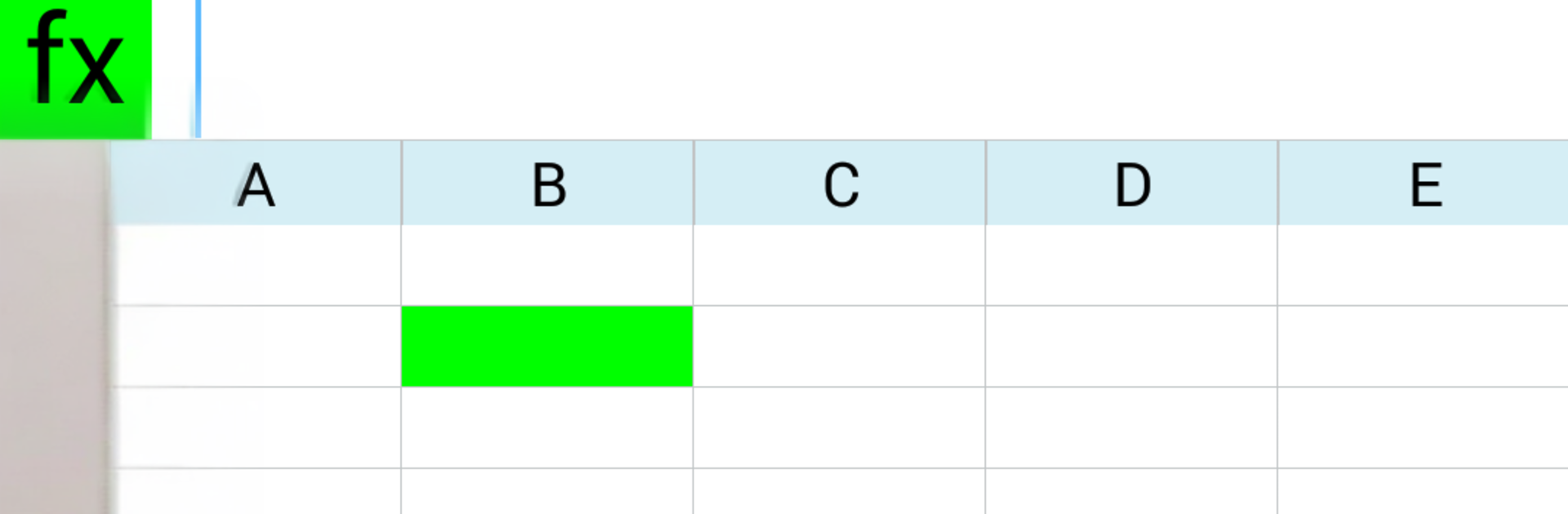
- Excel integration: Drop values into the currently active cell in an Excel file. Create a new sheet on your device or open an existing one you’ve been using elsewhere. Common Excel formulas are supported, so totals and area calcs update as you go.
- Remote trigger (D810 touch): Use your Android device to start a measurement on the D810 touch—super handy when the meter’s mounted or out of reach.
- Supported devices: Built for Leica DISTO™ D510 and Leica DISTO™ D810 touch.
- System requirements: Works on Android 4.3 or higher with Bluetooth LE or Bluetooth 2.1 (SPP). Due to the huge variety of Android hardware, performance can vary; it’s been successfully used on devices like the Galaxy S4, Nexus 4, and Nexus 7.
- Desktop comfort: Prefer a keyboard and big screen? Run the app on BlueStacks and paste readings into spreadsheets or documents with ease.
Big screen. Bigger performance. Use BlueStacks on your PC or Mac to run your favorite apps.





