




Get freedom from your phone’s obvious limitations. Use NextGIS Mobile, made by NextGIS, a Productivity app on your PC or Mac with BlueStacks, and level up your experience.
About the App
NextGIS Mobile puts practical mapping tools right in your pocket. Load multiple layers, make quick edits, and keep working whether you’re connected or completely off the grid. Built by NextGIS, this Productivity app is made for people who need accurate maps and straightforward controls without a lot of fuss.
App Features
- Layered maps: Stack several map layers at once so you can compare boundaries, imagery, or any other data in context.
- Online or offline sources: Pull layers from the web or use what you’ve stored on your device—handy when you’re out of coverage.
- Clear layer control: Show or hide layers and reorder them anytime to keep the most important info on top.
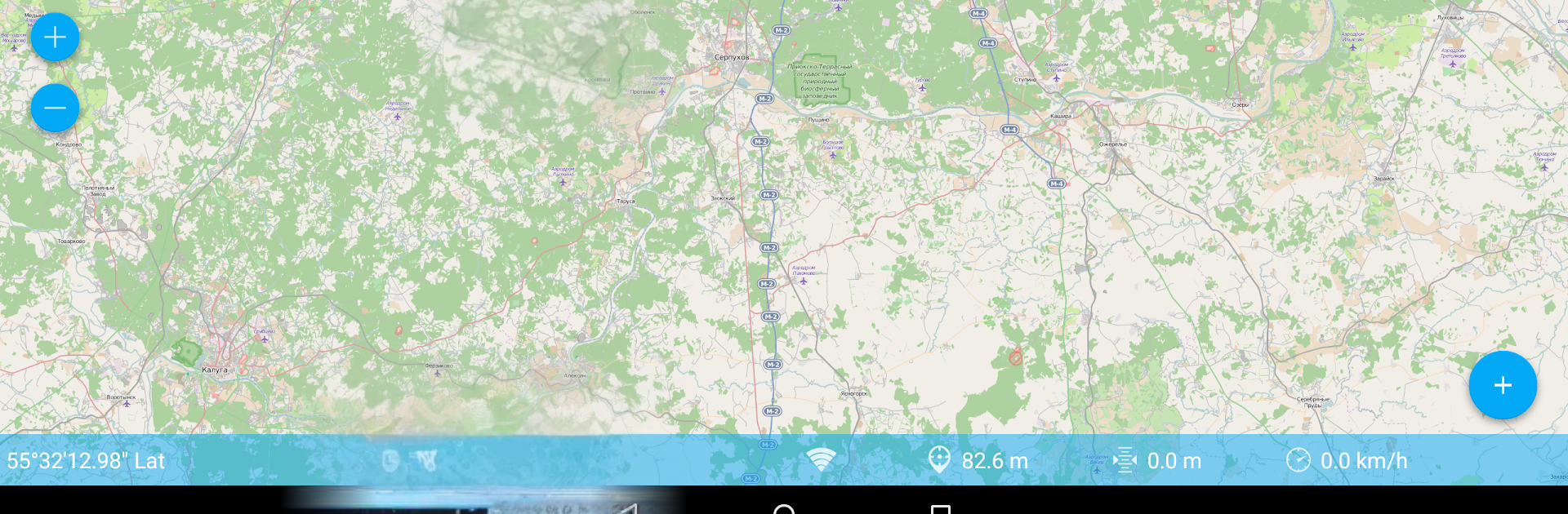
- Smooth navigation: Pan around, zoom in for detail, and zoom out to get the full picture with simple gestures.
- Vector editing: Create and modify features and their attributes right in the field, with or without a data connection.
- Track logging: Record your path as you move to keep a clean trace of where you’ve been.
- Live readouts: See your current coordinates, speed, elevation, and more at a glance while you work.
- Bigger screen option: Prefer a desktop view for planning or review? You can run NextGIS Mobile with BlueStacks for extra screen space.
Switch to BlueStacks and make the most of your apps on your PC or Mac.





