
Payroll Calculator
Payroll Calculator

Payroll Calculator

Productivity

| LOGOUT

Play on PC with BlueStacks or from our cloud

  • Overview
  • How to Download

Page Modified On: October 03, 2025

Run Payroll Calculator on PC or Mac

Let BlueStacks turn your PC, Mac, or laptop into the perfect home for Payroll Calculator, a fun Productivity app from LOGOUT.

About the App

Work nights, weekends, or a mix of everything? Payroll Calculator by LOGOUT is a straightforward Productivity tool that keeps your pay organized without the spreadsheet headache. It tracks your shifts, handles overtime and night rates, and even factors in taxes so you know what you’re actually taking home. Prefer typing on a computer? It plays nicely with BlueStacks for quick check-ins on a bigger screen.

App Features

  • Smart calendar tracking — Log shifts on a clean, color‑coded calendar. Add hourly or daily rates, mark holidays, and note absences so nothing gets lost.
  • Custom shift patterns — Rotate through irregular hours? Create your own patterns and apply them in a tap, perfect for part-timers, freelancers, and anyone with a changing schedule.
  • Automatic pay math — Overtime, night differentials, holiday pay, and taxes are calculated for you. Set your rules once and let the app do the number crunching.
  • Multiple workplaces — Juggle more than one job or location? Track an unlimited number of workplaces, each with its own pay settings and rules.
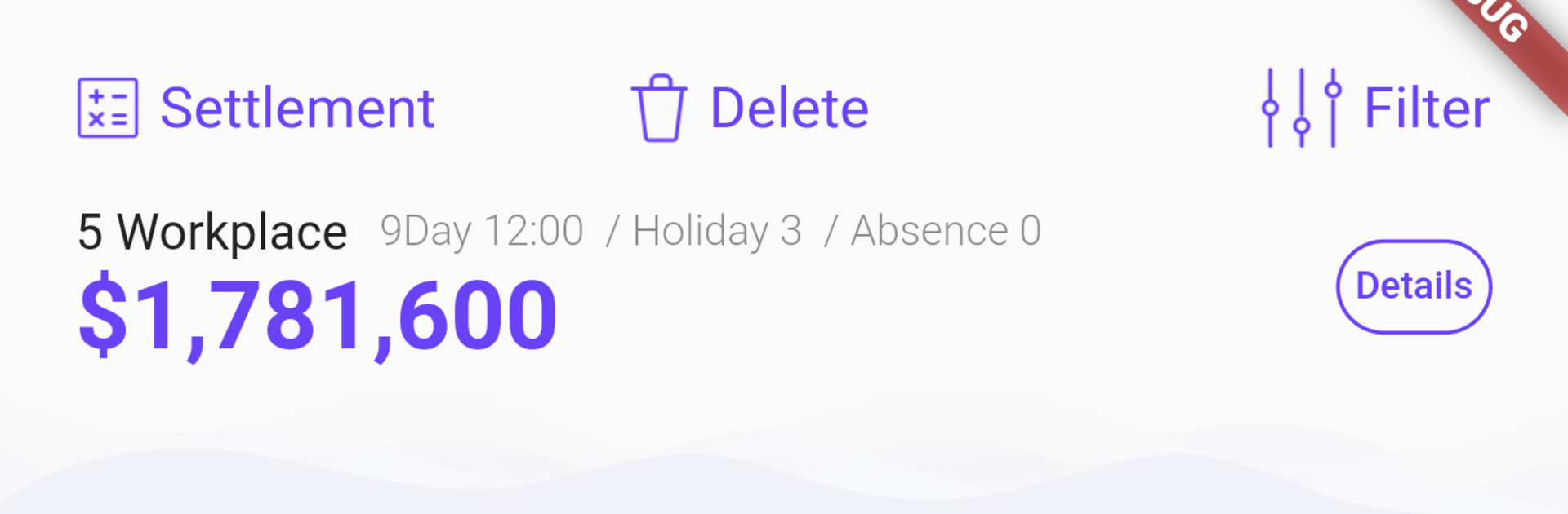
  • Clear period reports — See your total earnings and total hours for any date range. Handy when you want a quick snapshot before payday.
  • Backup and sync — Free cloud backup keeps your data safe and available across devices, including Android and iOS, so switching phones isn’t a hassle.
  • Ongoing improvements — Regular updates bring tweaks and new tools to make tracking your pay even smoother.
  • Free to use — No gimmicks. Just a practical way to stay on top of your paycheck.

Ready to experience Payroll Calculator on a bigger screen, in all its glory? Download BlueStacks now.


How to Download and Run Payroll Calculator on PC or Mac

  • Download and install BlueStacks on your PC or Mac

  • Complete Google sign-in to access the Play Store, or do it later

  • Look for Payroll Calculator in the search bar at the top right corner

  • Click to install Payroll Calculator from the search results

  • Complete Google sign-in (if you skipped step 2) to install Payroll Calculator

  • Click the Payroll Calculator icon on the home screen to start playing

video
Watch Video

Minimum System Requirements

With BlueStacks 5, you can get started on a PC that fulfills the following requirements.

  • Operating System

    Microsoft Windows 7 or above, macOS 11 (Big Sur) or above

  • Processor

    Intel, AMD or Apple Silicon Processor

  • RAM

    at least 4GB

  • HDD

    10GB Free Disk Space

Note:

* You must be an Administrator on your PC. Up to date graphics drivers from Microsoft or the chipset vendor.

Payroll Calculator - FAQs

  • How to Run Payroll Calculator on Windows PC & Mac?

    Run Payroll Calculator on your PC or Mac by following these simple steps.

    • Click on ‘Download Payroll Calculator on PC’ to download BlueStacks
    • Install it and log-in to Google Play Store
    • Launch and run the app.
  • Why is BlueStacks the fastest and safest platform to play games on PC?

    BlueStacks respects your privacy and is always safe and secure to use. It does not carry any malware, spyware, or any sort of additional software that could harm your PC.

    It is engineered to optimize speed and performance for a seamless gaming experience.

  • What are Payroll Calculator PC requirements?

    Minimum requirement to run Payroll Calculator on your PC

    • OS: Microsoft Windows 7 and above:
    • Processor: Intel or AMD Processor:
    • RAM: Your PC must have at least 2GB of RAM. (Note that having 2GB or more disk space is not a substitute for RAM):
    • HDD: 5GB Free Disk Space.
    • You must be an Administrator on your PC.



