




Upgrade your experience. Try Penta Notes: Notebook, Notepad, the fantastic Productivity app from Penta Tech Co., Ltd., from the comfort of your laptop, PC, or Mac, only on BlueStacks.
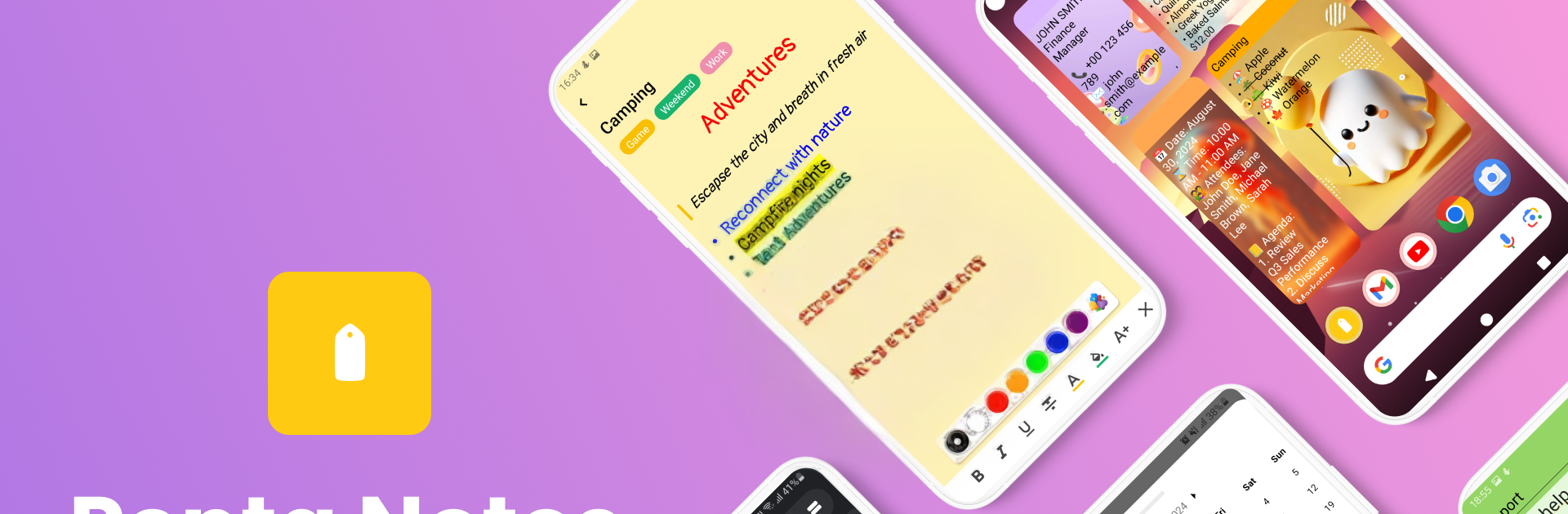
Penta Notes feels like a clean, fast notebook that still sneaks in a lot of smart tools without getting fussy. It opens quick, lets someone jot ideas right away, then turns those into checklists or longer notes when things need more structure. Notes can be pinned, cloned, shared, and found fast with a solid search, so nothing gets buried. Organization is simple to tweak too, with grid or list views, color tags, and labels that actually help. Dark mode looks good and saves the eyes at night.
Security is not an afterthought here. There is AES encryption, plus locks with PIN or biometrics where the device supports it. Everything auto saves, and backups can go to local storage or Google Cloud, which takes away that little anxiety about losing stuff. It even has a sticky notes widget for quick peeks, a QR scanner for dropping in info from a code, and speech to text for hands free note dumps.
The extras stand out. Export to PDF, image, or text, or just print. Link notes to a calendar so tasks and events are not floating around. Note Assist tidies formatting, suggests summaries, catches spelling, and can translate, which is surprisingly handy. Importing is flexible too, from scanned text and audio recordings to images and PDFs. On a PC with BlueStacks, the big screen and a real keyboard make sorting and typing feel calmer, and it is easier to keep multiple notes open side by side while planning a day.
Big screen. Bigger performance. Use BlueStacks on your PC or Mac to run your favorite apps.





