
Phone Dialer: Contacts Backup

Phone Dialer: Contacts Backup

Productivity

| Cyber Tarzan Apps

Play on PC with BlueStacks or from our cloud

  • Overview
  • How to Download

Page Modified On: January 09, 2026

Run Phone Dialer: Contacts Backup on PC or Mac

Let BlueStacks turn your PC, Mac, or laptop into the perfect home for Phone Dialer: Contacts Backup, a fun Productivity app from Cyber Tarzan Apps.

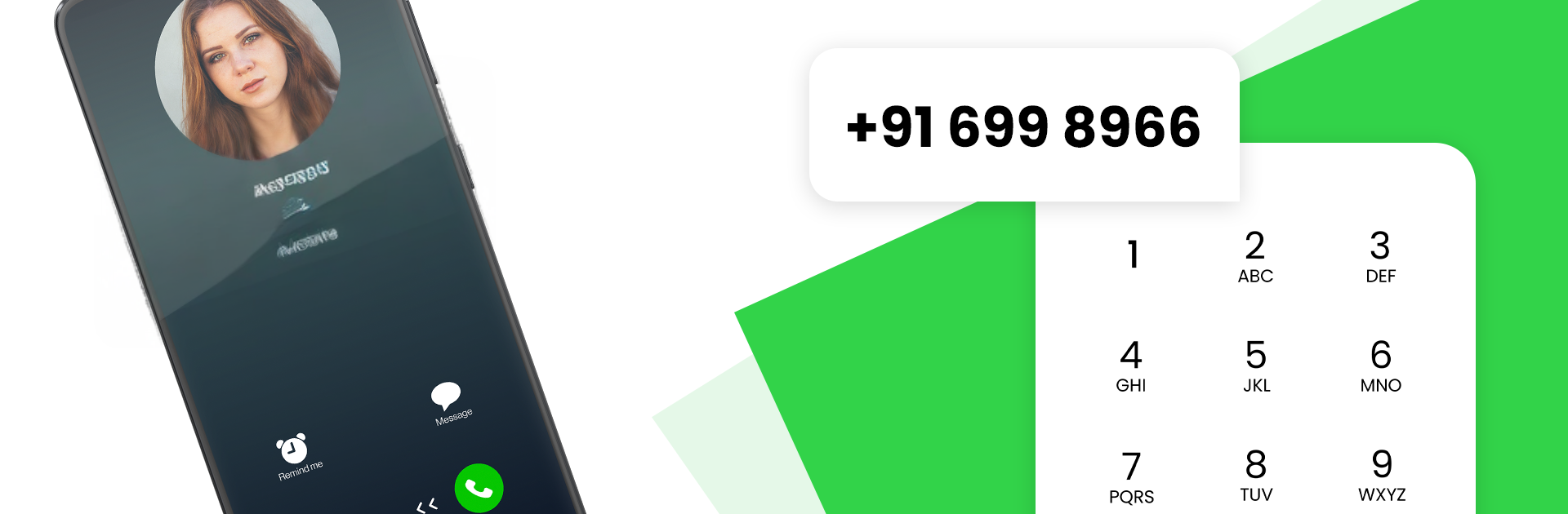
Phone Dialer: Contacts Backup feels like an Android dialer that really wants that clean iOS look. The main screen is a tidy numeric pad with smart search, so typing a few letters or numbers pulls up the right person fast. Favorites sit up front so family and work contacts are one tap away, and the recent calls list is easy to skim without digging through menus. Dark and light themes are built in, which sounds small but makes the whole thing feel calmer to use at night. The call screen keeps the same simple style, so nothing feels cluttered.

There is more under the hood than a pretty keypad. It lets users block unwanted numbers, manage call logs without hassle, and back up the entire contact list. Adding details like emails, addresses, and notes is straightforward, and sharing a contact takes a few seconds. The app runs offline for the basics, which helps when data is spotty. Customization is nice too, with caller ID and dial pad backgrounds that can be tweaked to taste. On a PC with BlueStacks, the larger view makes organizing, editing, and backing up contacts way easier, and typing names with a keyboard is quick. Actual calling from a computer may depend on the setup, but for contact management and that iOS-style polish, it feels smooth and surprisingly light. Users who want to replace a clunky default dialer or just like a minimal look will get what this is going for.

Eager to take your app experience to the next level? Start right away by downloading BlueStacks on your PC or Mac.


How to Download and Run Phone Dialer: Contacts Backup on PC or Mac

  • Download and install BlueStacks on your PC or Mac

  • Complete Google sign-in to access the Play Store, or do it later

  • Look for Phone Dialer: Contacts Backup in the search bar at the top right corner

  • Click to install Phone Dialer: Contacts Backup from the search results

  • Complete Google sign-in (if you skipped step 2) to install Phone Dialer: Contacts Backup

  • Click the Phone Dialer: Contacts Backup icon on the home screen to start playing

video
Watch Video

Minimum System Requirements

With BlueStacks 5, you can get started on a PC that fulfills the following requirements.

  • Operating System

    Microsoft Windows 7 or above, macOS 11 (Big Sur) or above

  • Processor

    Intel, AMD or Apple Silicon Processor

  • RAM

    at least 4GB

  • HDD

    10GB Free Disk Space

Note:

* You must be an Administrator on your PC. Up to date graphics drivers from Microsoft or the chipset vendor.

Phone Dialer: Contacts Backup - FAQs

  • How to Run Phone Dialer: Contacts Backup on Windows PC & Mac?

    Run Phone Dialer: Contacts Backup on your PC or Mac by following these simple steps.

    • Click on ‘Download Phone Dialer: Contacts Backup on PC’ to download BlueStacks
    • Install it and log-in to Google Play Store
    • Launch and run the app.
  • Why is BlueStacks the fastest and safest platform to play games on PC?

    BlueStacks respects your privacy and is always safe and secure to use. It does not carry any malware, spyware, or any sort of additional software that could harm your PC.

    It is engineered to optimize speed and performance for a seamless gaming experience.

  • What are Phone Dialer: Contacts Backup PC requirements?

    Minimum requirement to run Phone Dialer: Contacts Backup on your PC

    • OS: Microsoft Windows 7 and above:
    • Processor: Intel or AMD Processor:
    • RAM: Your PC must have at least 2GB of RAM. (Note that having 2GB or more disk space is not a substitute for RAM):
    • HDD: 5GB Free Disk Space.
    • You must be an Administrator on your PC.



