
Photovoltaic Calculations

Photovoltaic Calculations

Productivity

| Ettore Gallina

Play on PC with BlueStacks or from our cloud

  • Overview
  • How to Download

Page Modified On: December 05, 2025

Run Photovoltaic Calculations on PC or Mac

Why limit yourself to your small screen on the phone? Run Photovoltaic Calculations, an app by Ettore Gallina, best experienced on your PC or Mac with BlueStacks, the world’s #1 Android emulator.

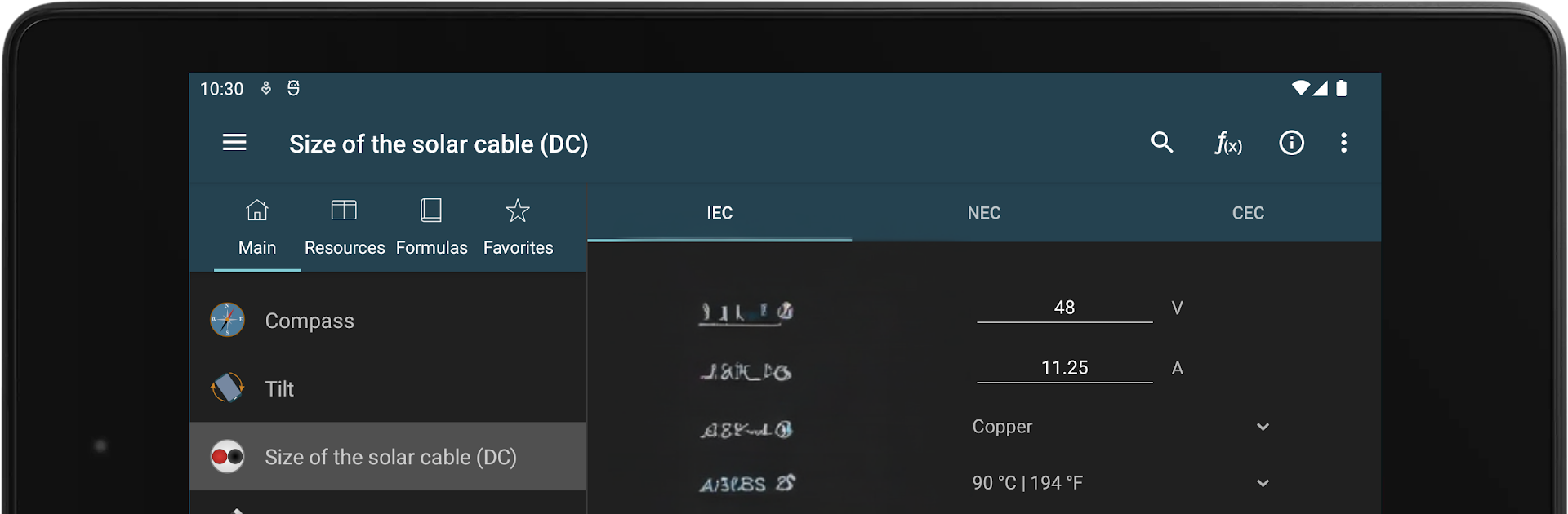
Photovoltaic Calculations feels less like a game and more like a very packed toolbox for anyone curious about solar setups. It is all numbers and clear labels, no fluff, which is kind of the point. The app walks through the stuff people always Google when planning panels, like panel efficiency, air mass, fill factor, and where the sun actually sits in the sky. The sun position and optimal tilt parts stand out, since they show how angles shift and what that means for radiation on a tilted surface. There is even a simple compass and tilt readout so a roof check does not become guesswork. The temperature bits are useful too, with cell temperature and how heat drags performance, and there is a small note on long term panel decay that helps set expectations.

Where it gets more hands on is the design side. It helps pick DC cable size, protection devices, and how to size strings without tripping over short circuit currents. There is a quick helper for choosing an inverter, plus daylight hours and occupied surface so someone can eyeball how much area a project might need. The Resources pages explain basics like series and parallel connections, module to string to array, and the solar angles, so it does not leave a beginner lost. It is still very calculator first, not a course, but the explanations are there when needed. Running it on a PC with BlueStacks makes the tiny charts and long forms nicer to work with, and typing values with a keyboard is faster. The included form is handy for collecting all the project inputs in one place, then jumping back to tweak calcualtions without starting over. The interface is plain and a bit utilitarian, but it loads fast and gets out of the way so the math can do its job.

Eager to take your app experience to the next level? Start right away by downloading BlueStacks on your PC or Mac.


How to Download and Run Photovoltaic Calculations on PC or Mac

  • Download and install BlueStacks on your PC or Mac

  • Complete Google sign-in to access the Play Store, or do it later

  • Look for Photovoltaic Calculations in the search bar at the top right corner

  • Click to install Photovoltaic Calculations from the search results

  • Complete Google sign-in (if you skipped step 2) to install Photovoltaic Calculations

  • Click the Photovoltaic Calculations icon on the home screen to start playing

video
Watch Video

Minimum System Requirements

With BlueStacks 5, you can get started on a PC that fulfills the following requirements.

  • Operating System

    Microsoft Windows 7 or above, macOS 11 (Big Sur) or above

  • Processor

    Intel, AMD or Apple Silicon Processor

  • RAM

    at least 4GB

  • HDD

    10GB Free Disk Space

Note:

* You must be an Administrator on your PC. Up to date graphics drivers from Microsoft or the chipset vendor.

Photovoltaic Calculations - FAQs

  • How to Run Photovoltaic Calculations on Windows PC & Mac?

    Run Photovoltaic Calculations on your PC or Mac by following these simple steps.

    • Click on ‘Download Photovoltaic Calculations on PC’ to download BlueStacks
    • Install it and log-in to Google Play Store
    • Launch and run the app.
  • Why is BlueStacks the fastest and safest platform to play games on PC?

    BlueStacks respects your privacy and is always safe and secure to use. It does not carry any malware, spyware, or any sort of additional software that could harm your PC.

    It is engineered to optimize speed and performance for a seamless gaming experience.

  • What are Photovoltaic Calculations PC requirements?

    Minimum requirement to run Photovoltaic Calculations on your PC

    • OS: Microsoft Windows 7 and above:
    • Processor: Intel or AMD Processor:
    • RAM: Your PC must have at least 2GB of RAM. (Note that having 2GB or more disk space is not a substitute for RAM):
    • HDD: 5GB Free Disk Space.
    • You must be an Administrator on your PC.



