




Let BlueStacks turn your PC, Mac, or laptop into the perfect home for PICmicro Database, a fun Productivity app from IODEMA Srl.
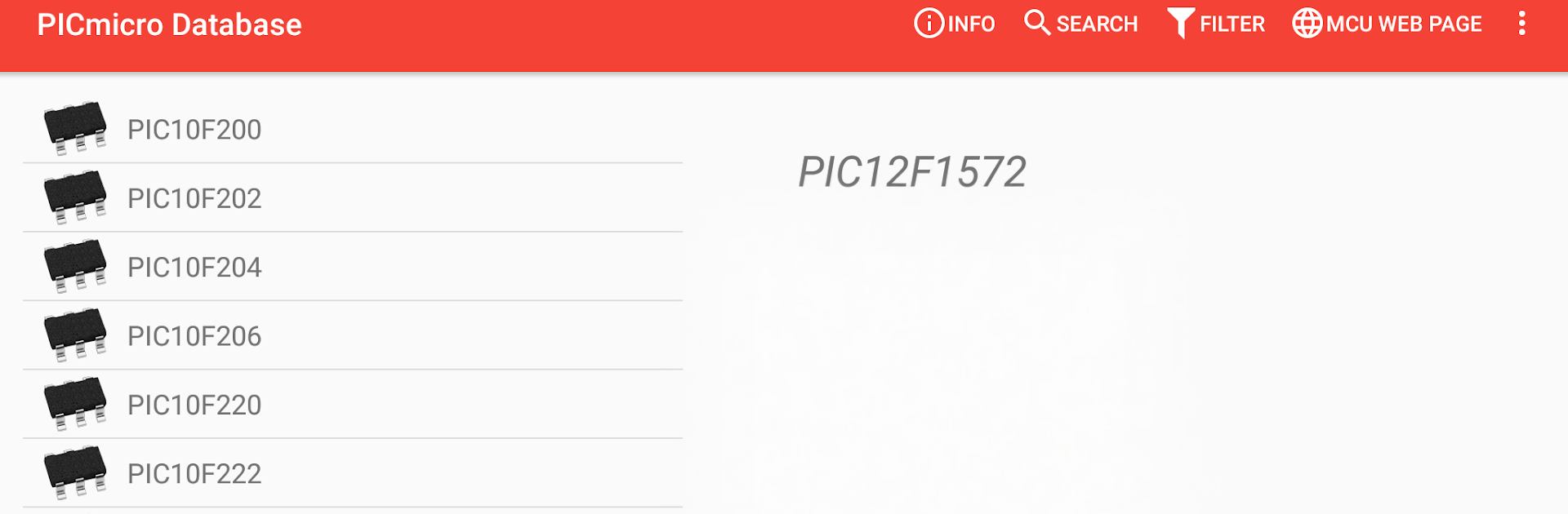
PICmicro Database feels like a tidy spec book for Microchip chips that someone can flip through without fuss. Type a part number or a family name and it pulls up the essentials right away, then there are filters to narrow things down by the features that matter, so finding a PIC or dsPIC with the right memory size or peripherals is not a hunt. The layout is plain but clear, which suits this kind of tool. On BlueStacks it runs fine on a bigger screen, so comparing a few parts side by side and scrolling through specs with a mouse feels easier than on a phone.
What stands out is how focused it is. It is not a tutorial app and not bloated with fluff, it is just a quick reference for features. The integration with Electrodoc is a nice touch if that app is already in the toolkit, since it connects to familiar reference bits without leaving the flow. It is ad supported, and there is a simple in‑app way to remove the ads if they get in the way. Worth noting, it clearly says it is unofficial and not affiliated with Microchip, which is fine because the goal here is quick lookups, not brand polish. Anyone who deals with PIC or dsPIC parts here and there will probably appreciate having this on the desktop through BlueStacks when working on a project.
BlueStacks brings your apps to life on a bigger screen—seamless and straightforward.





