


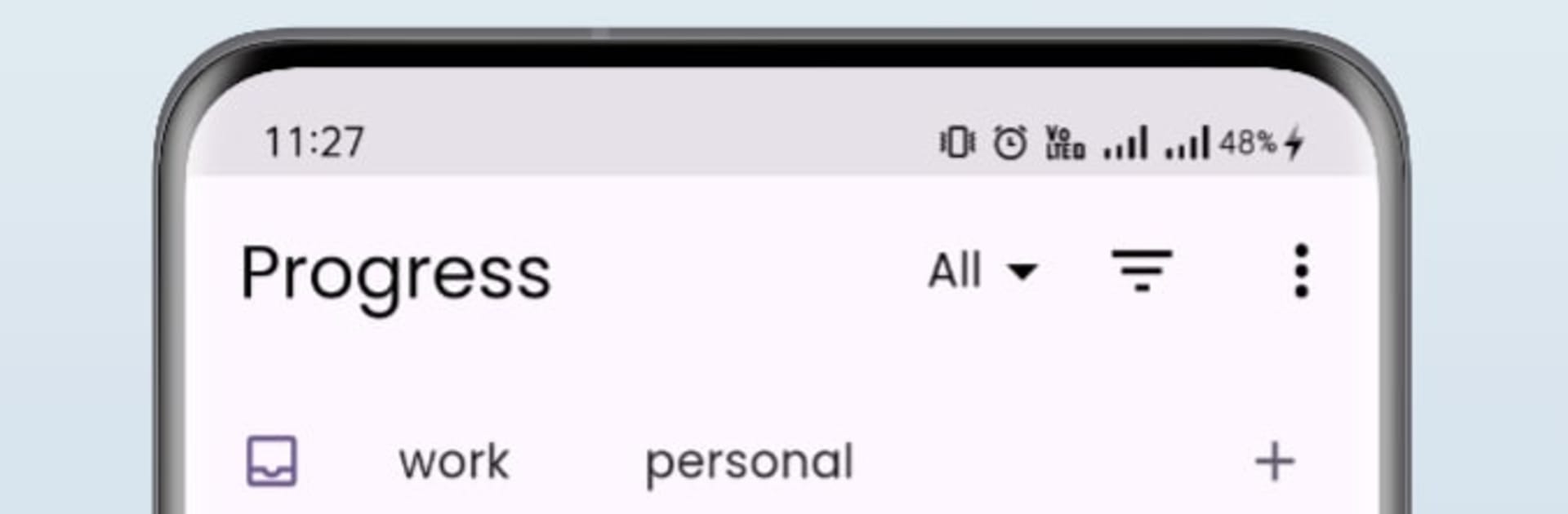


Why limit yourself to your small screen on the phone? Run Progress Tracker, an app by Progress Tracker, best experienced on your PC or Mac with BlueStacks, the world’s #1 Android emulator.
Progress Tracker keeps projects calm and tidy without making things complicated. It lays tasks on a clean timeline so deadlines feel obvious rather than sneaky. Projects, tasks, and subtasks are basically unlimited, so plans can grow without bumping into a cap. Adding new items is quick, renaming happens in place, and recurring tasks can repeat daily, weekly, or on a custom pattern. Priorities and color tags help separate the must-do items from the nice-to-do ones, and icons add a bit of personality so lists do not all blur together. There is a simple outline style for bigger plans, so someone can map the main steps and then drop in smaller subtasks when needed.
The whole list can live on a single page with filters, which makes review easy when things get busy. Search is fast, bulk duplication is a time saver for weekly routines, and there is one clear reminder option so it nudges without buzzing nonstop. Exporting to Excel or plain text is there when a team or a teacher wants a copy, and local or cloud backup keeps data from getting lost. Dark or light mode both look good, plus custom colors if the default theme gets old. It all feels direct and low-friction, more like a neat notebook than a heavy office tool.
On PC with BlueStacks it feels even more relaxed to use. The timeline breathes on a bigger screen, scanning long weeks is easier on the eyes, and typing out lots of tasks with a keyboard is just faster. Nothing flashy, just smooth, tidy control over what needs doing, whether it is one class project or a whole stack of work sprints.
BlueStacks brings your apps to life on a bigger screen—seamless and straightforward.





